DHCP-client configuration tasks 292
SmartWare Software Configuration Guide 27 • DHCP configuration
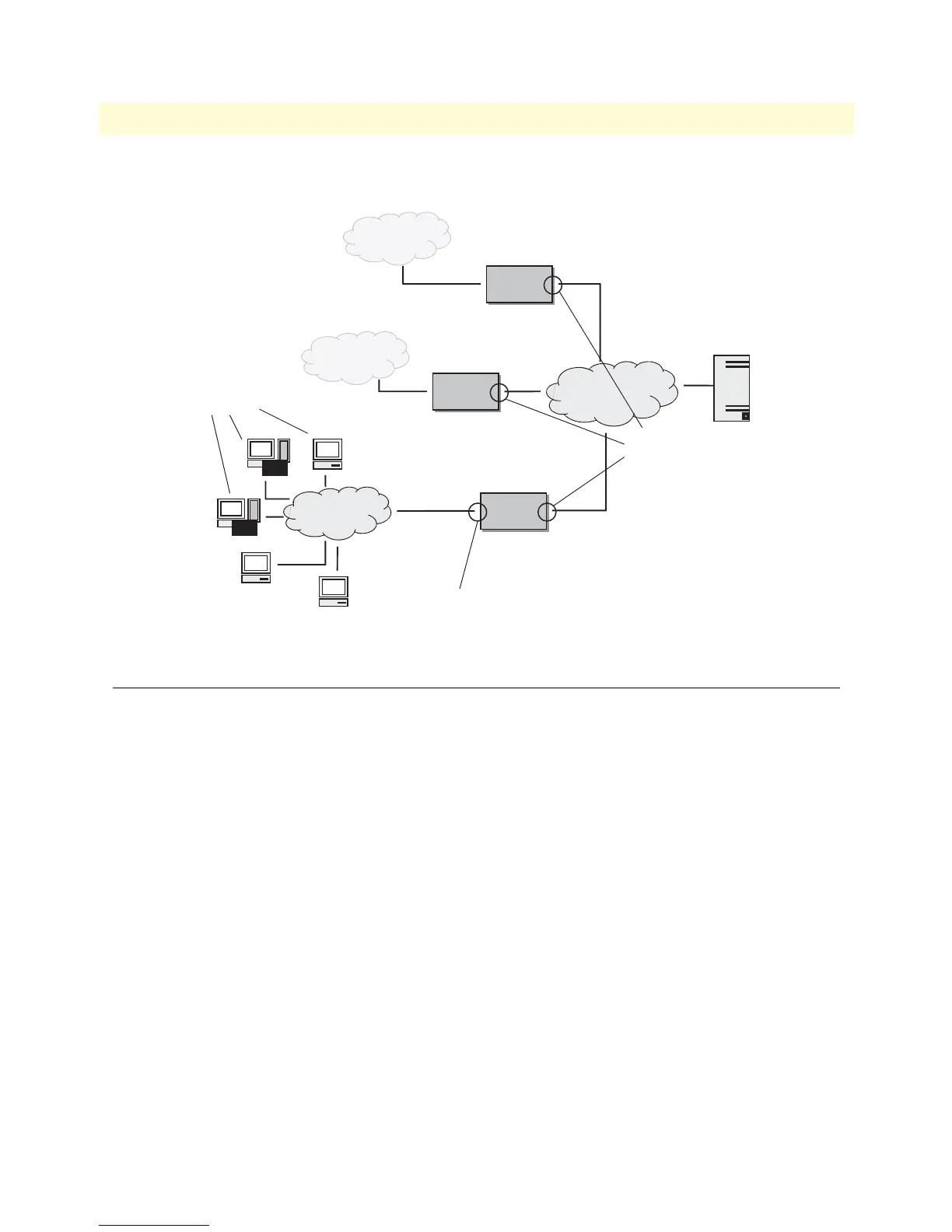
DHCP-server and DHCP-client are illustrated in figure 44.
Figure 44. DHCP-client and DHCP-server
DHCP-client configuration tasks
To configure the SmartNode as DHCP-client perform the steps mentioned below.
• Enable DHCP-client on an IP interface
• Release or renew a DHCP lease manually (advanced) (see page 294)
• Get debug output from DHCP-client (see page 294)
• Configure DHCP agent
Enable DHCP-client on an IP interface
On every created IP interface a DHCP-client could be enabled. If enabled, the SmartNode gets the IP address
for this interface from a DHCP-server. Additionally other configuration information is received for this IP
Node
Node
WAN
LAN
DHCP Server
DHCP Clients
DHCP Clients
Node
Node
Node
Node
LAN
LAN
DHCP Server



 To Next Page