Introduction 642
SmartWare Software Configuration Guide B • Mode summary
Introduction
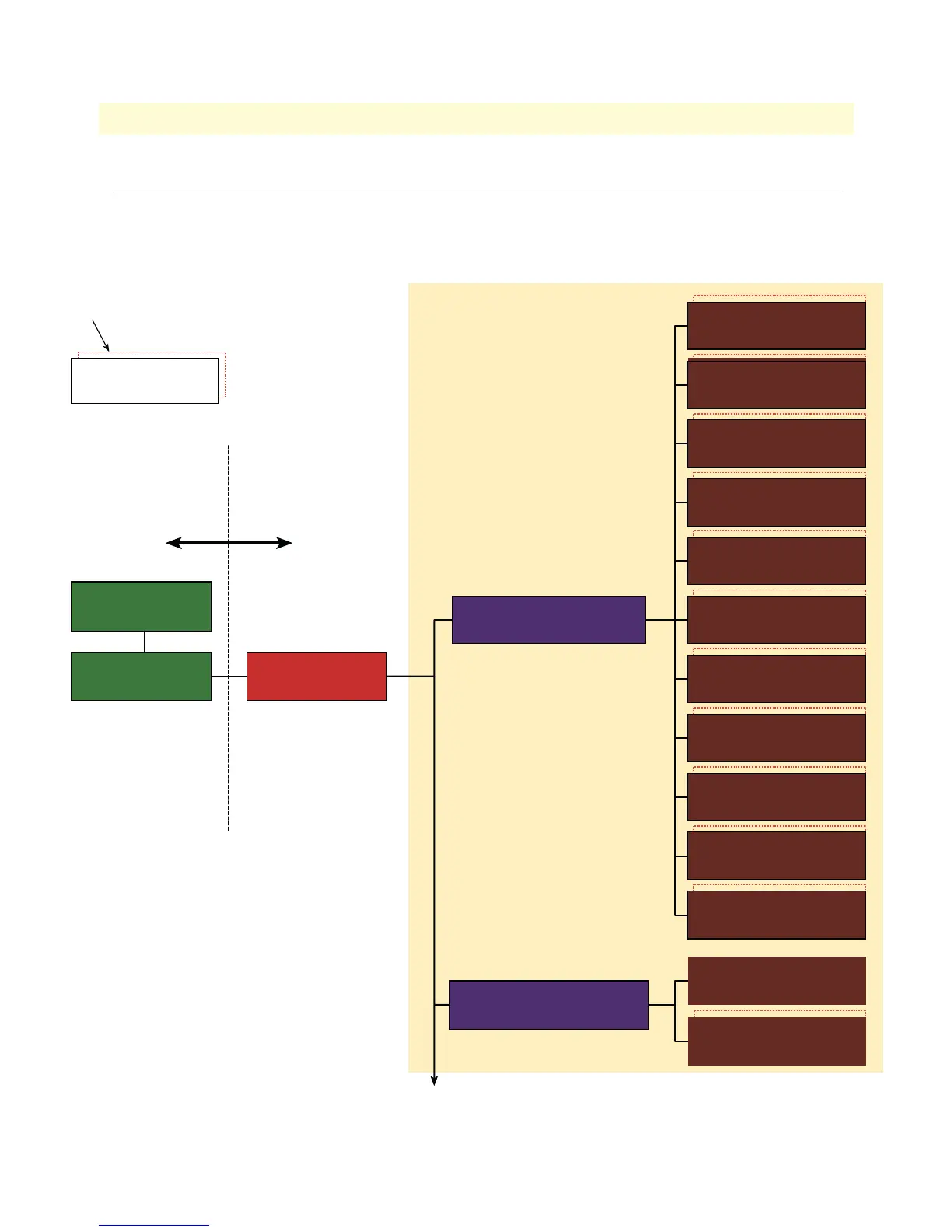
Figure 11 on page 642, figure 12 on page 643, and figure 13 on page 644 show the configuration mode hierar-
chy. Each box contains the mode name, the command to enter in this mode and the mode prompt printed in a
Telnet or console session. The commands are defined in appendix C, “Command summary” on page 645.
Figure 11. Mode overview, 1 of 3
Operator Exec
-
<hostname>
Administrator Exec
<hostname>#
Configure
<hostname>(cfg)#
Execution Modes Configuration Modes
Context CS
[switch]
<host>(ctx-cs)[<name>]#
Contexts and interfaces
<mode name>
<enter command>
<prompt>
Indicates that there could be more
than one instance of this component
Context IP
context ip [router]
<host>(ctx-ip)[<name>]#
IP Interface
interface <name>
<host>(if-ip)[<name>]#
DYNDNS
<host>(dyndns)#
Service CFNR
service cfnr <name>
<host>(svc-cfnr)[<name>]#
Service Distribute
service distribution-group <name>
<host>(svc-dist)[<name>]#
Service Hunt-Group
service hunt-group <name>
<host>(svc-hunt)[<name>]#
Interface FXS
interface fxs <name>
<host>(if-fxs)[<name>]#
Interface ISDN
interface isdn <name>
<host>(if-isdn)[<name>]#
Interface H323
interface h323 <name>
<host>(if-h323)[<name>]#
Interface SIP
interface sip <name>
<host>(if-sip)[<name>]#
Complex Function
complex-function <name>
<host>(func)[<name>]#
Precall Service Table
precall-service-table <name>
<host>(pcs-tab)[<name>]#
Mapping Table
mapping-table <name>
<host>(map-tab)[<name>]#
Routing Table
routing-table <name>
<host>(rt-tab)[<name>]#



 To Next Page