Access control list configuration task list 263
SmartWare Software Configuration Guide 24 • Access control list configuration
Mode: Interface
Where the syntax is:
Example: Debugging access control list profiles
The following example shows how to enable debugging for incoming traffic of access control lists on interface
wan. On level 7 all debug output is shown.
node(cfg)#context ip router
node(cfg-ip)[router]#interface wan
node(cfg-if)[wan]#debug acl in 7
The following example enables the debug monitor for access control lists globally.
node#debug acl
The following example disables the debug monitor for access control lists globally.
node#no debug acl
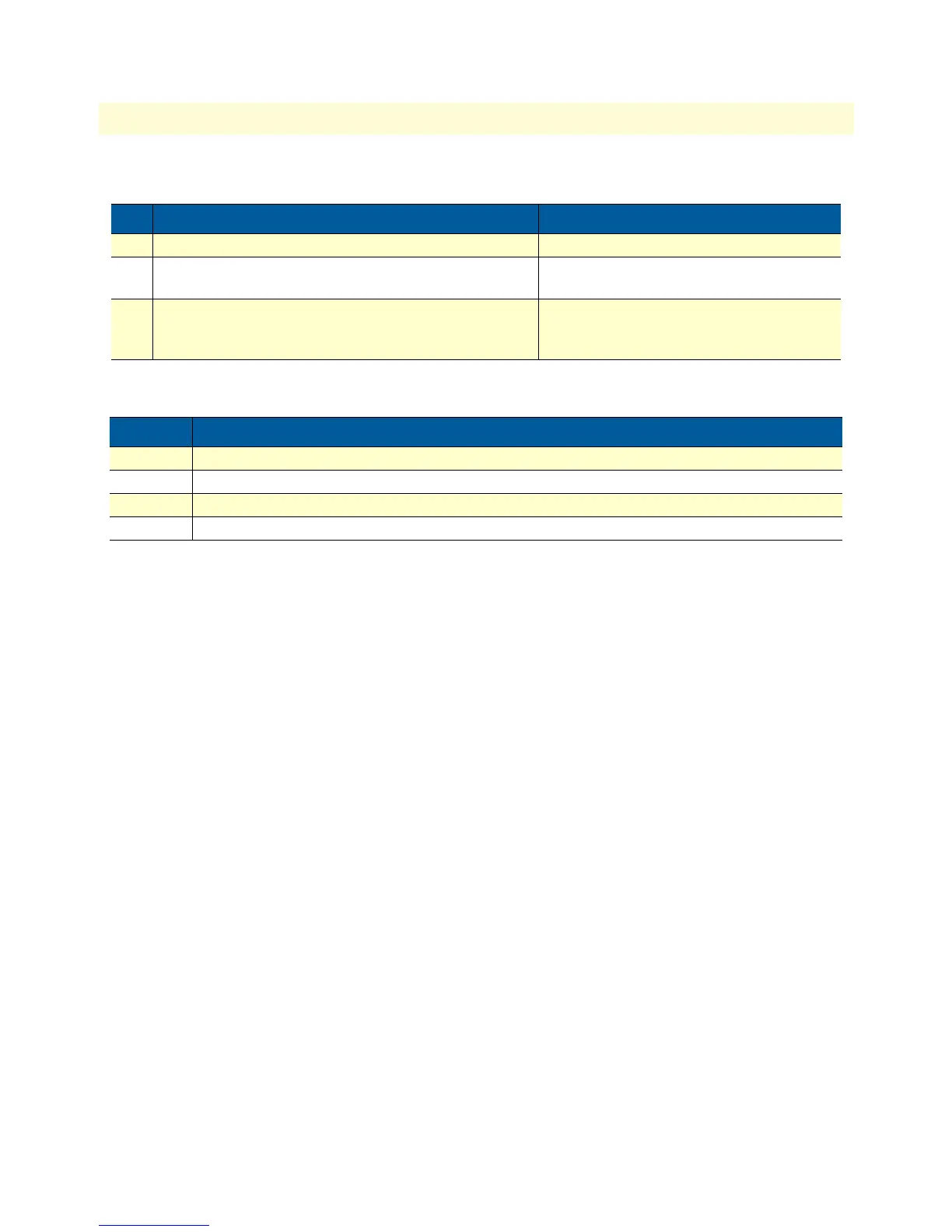
Step Command Purpose
1 node(cfg)#context ip router Selects the IP router context
2 node(ctx-ip)[router]#interface if-name Selects IP interface if-name for which access
control list profile shall be debugged
3 node(if-ip)[if-name]#debug acl {in | out} [level] Enables access control list debug monitor
with a certain debug level for the selected
interface if-name
Keyword Meaning
if-name The name of the IP interface to which an access control list profile gets bound
level The detail level. Level 0 disables all debug output, level 7 shows all debug output.
in Specifies that the settings for incoming packets are to be changed.
out Specifies that the settings for outgoing packets are to be changed.



 To Next Page