FXO interface configuration task list 415
SmartWare Software Configuration Guide 36 • FXO interface configuration
Mode: Interface FXO
Example: Setting the timeout to be 4 seconds after going off-hook when initiating a call. The timeout is set for
the FXO interface named Line0.
node>enable
node#configure
node(cfg)#context cs
node(ctx-cs)[switch]#interface fxo Line0
node(if-fxo)[Line0]#dial-after timeout 4
You can verify the change in configuration by using the show running-config command.
This is one of the few commands that does not have a
no inverse operation of the command. If you want to
change the timeout period, re-enter the command with the new timeout period. The other option is to wait
for dial-tone. To return to the default (waiting for dial-tone before dialing), enter the command again
using
dial-tone.
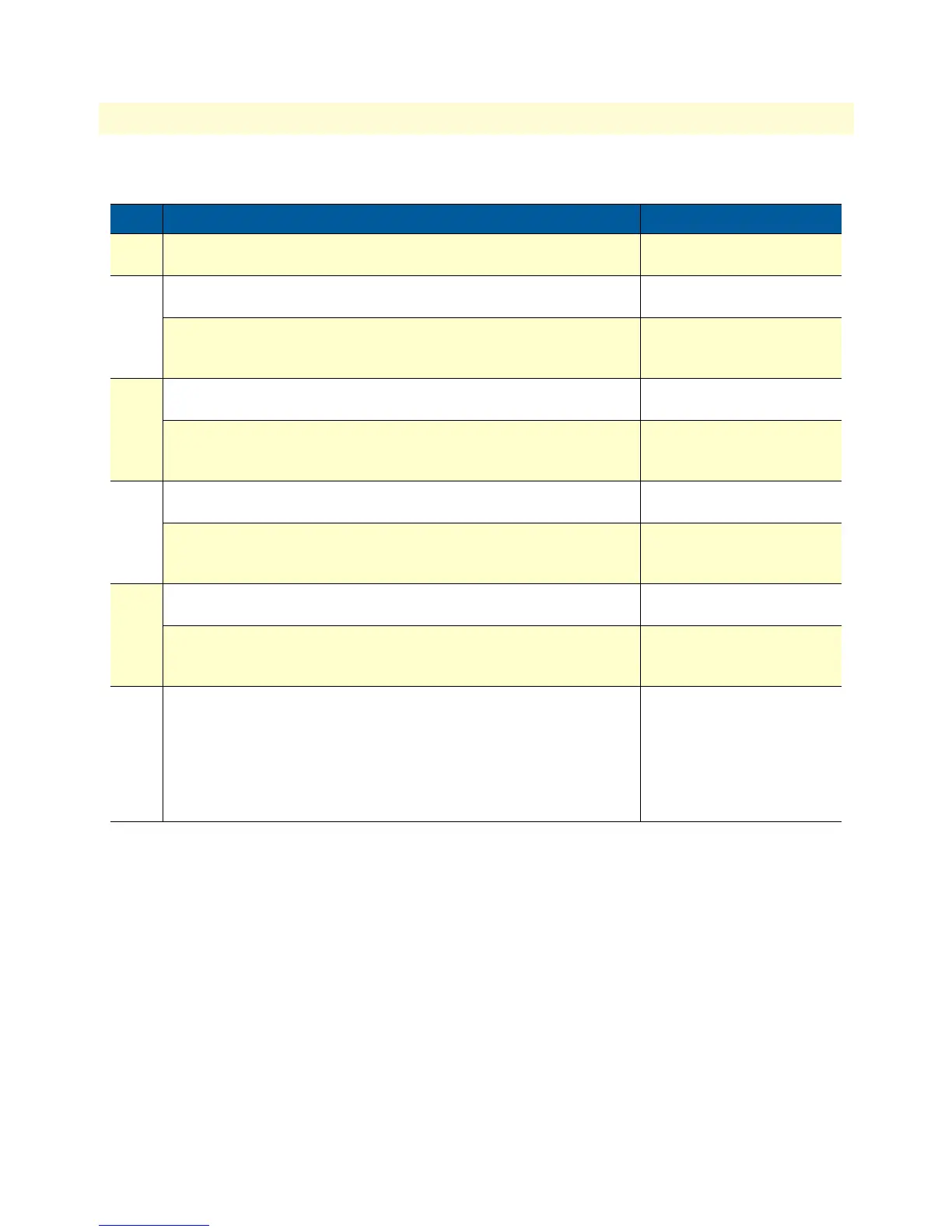
Step Prompt, command & response Purpose
1 node> Basic prompt in Operator
Exec mode
2 node>enable Enters Administration execu-
tion mode
node# Response: The prompt in
administration execution
mode is the #
3 node#configure Enters the Configure configu-
ration mode
node(cfg)# Response: The prompt in the
Configure configuration
mode is (cfg)#
4 node(cfg)#context cs Enters the Context CS config-
ure mode
node(ctx-cs)[switch]# Response: The prompt in the
Context CS configuration
mode is (ctx-cs)[switch]#
5 node(ctx-cs)[switch]#interface fxo if-name Enter the Interface FXO con-
figuration mode
node(if-fxo)[if-name]# Response: The prompt in the
Interface FXO configuration
mode is (if-fxo)[if-name]#
6 node(if-fxo)[if-name]#dial-after {dial-tone | timeout seconds} Specifies whether to dial
after detection of dial-tone
(default) or to wait for a
specified timeout (in sec-
onds). Zero (0) seconds will
initiate dialing immediately
after going off-hook.



 To Next Page