76700 -44/94-
14-4. Procedure for adjustment
(1) Connect the camera to the computer via USB cable.
(2) Start up the computer and connect the AC adapter (Power ON).
(3) Confirm that the camera is recognized by computer. (hot plug icon).
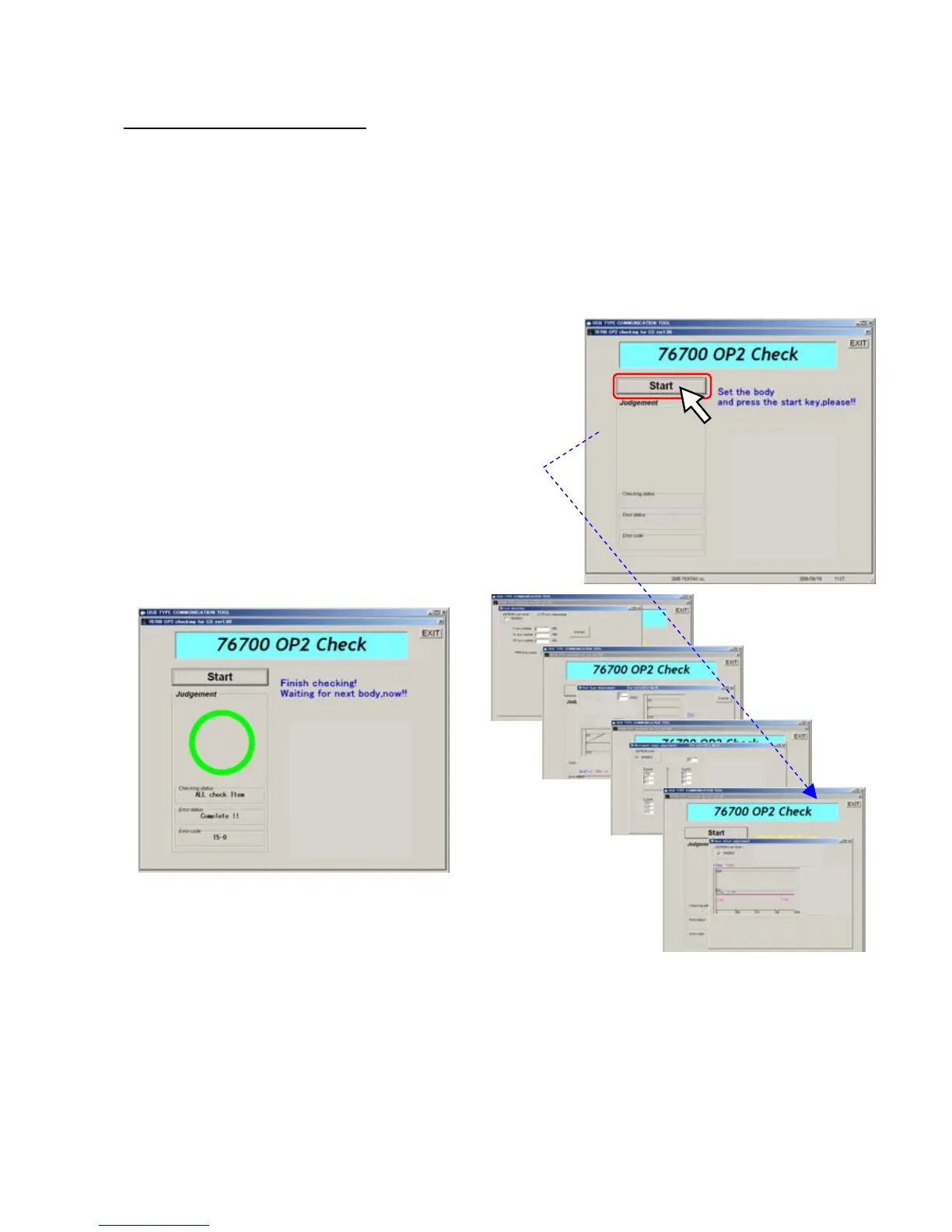
(4) Click [76700 SR Operation Adjustment] in the adjustment software folder
(5) Adjustment screen will be displayed.
(6) Click [Start] to execute the program
Do not give vibration to the camera while adjusting, also do not even walk around the camera also.
(7) It is completed when the following screen display



 To Next Page