76700 -46/94-
14-5.Procedure for Ending the program soft
Finish the program soft with following procedure
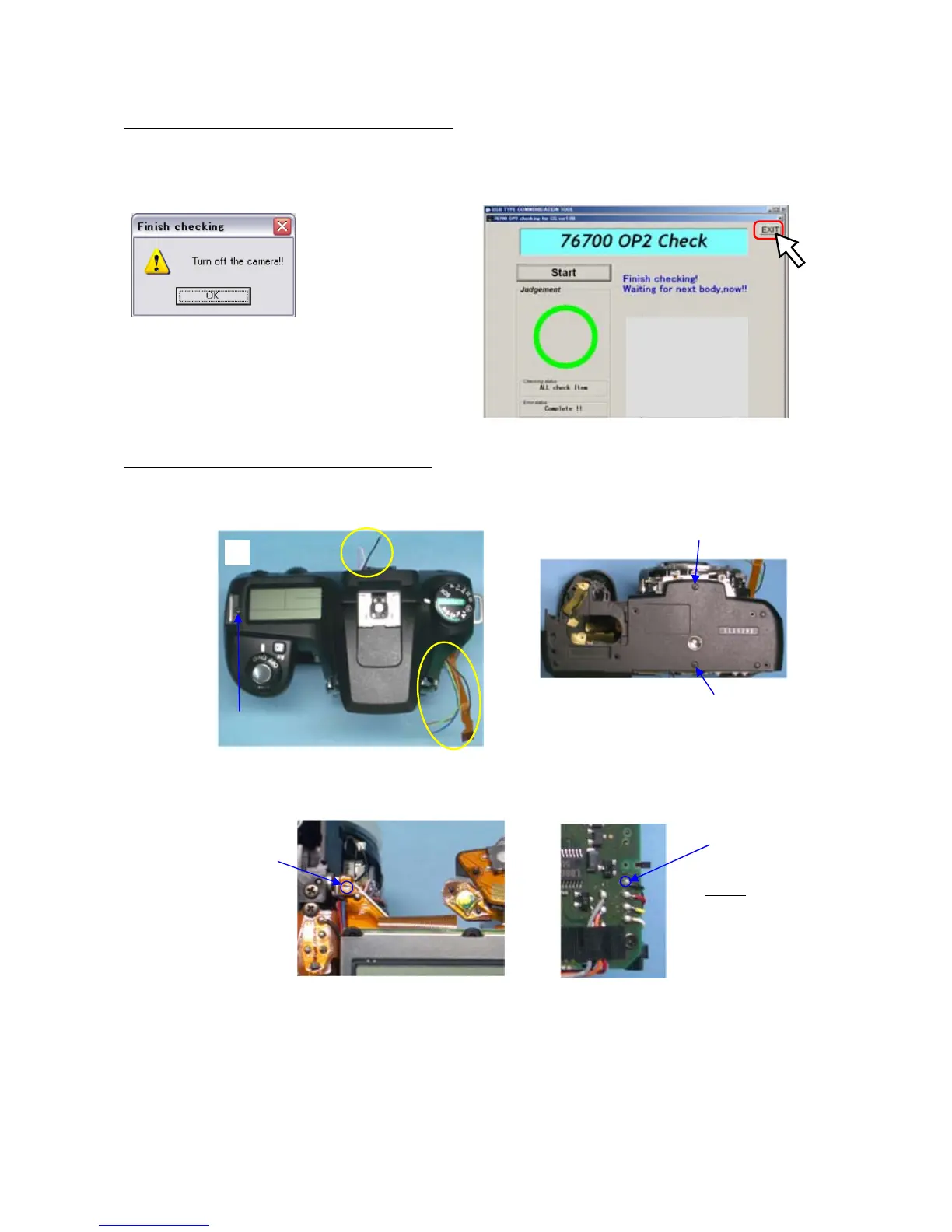
(1) When the following screen displayed, turn the power of the camera OFF and click OK button on the
screen
(2) Click Exit button and finish the program soft.
(3) Disconnect AC adaptor, USB cable.
14-6. Removing Tempoarty installed part
(1) Remove Tempoarty installed top cover and bottom cover.
(2) Unsolder main SW land (T200)
(3) Solder black lead wire (T10)
Main SW
Land
(6)
(7)
Black (T10)
Solder
A73
(TY 4.5mm)
(5)
(5)
A67 (5mm)
A75 (1.8m)



 To Next Page