102
3
Basic Operations
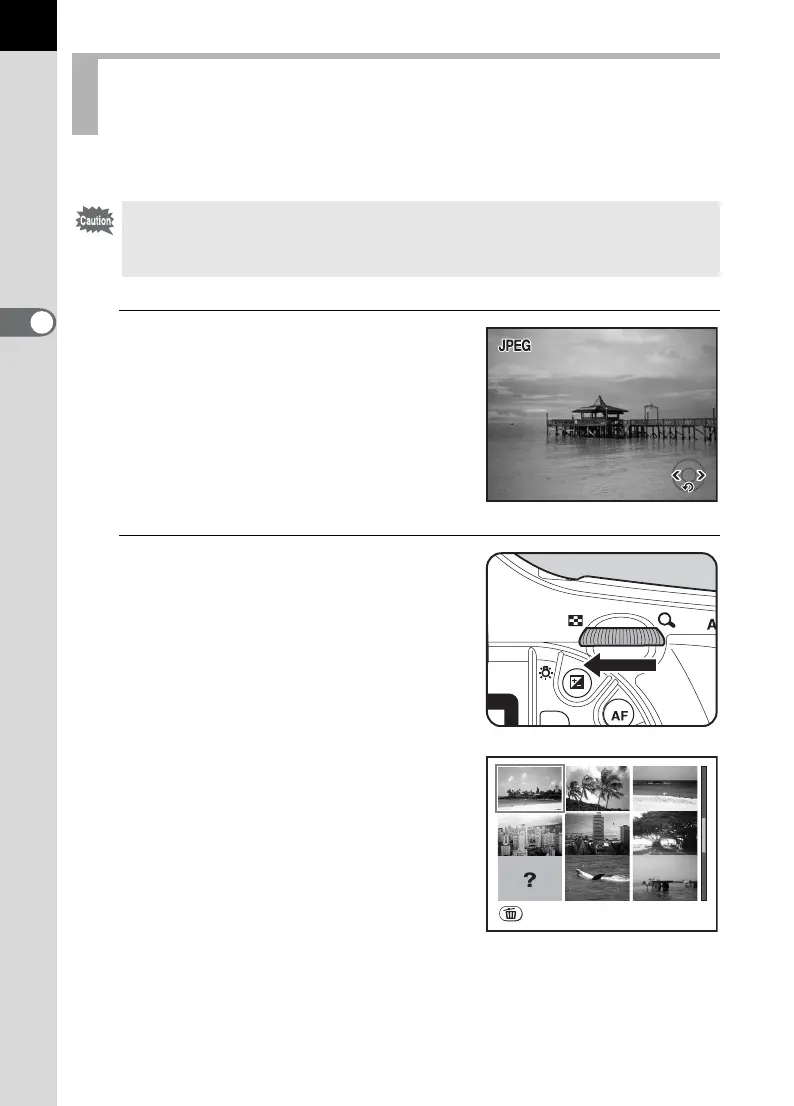
You can delete multiple images from the multi-image display at once.
1
Press the Q button.
The most recently captured image
(image with the largest file number) is
displayed first on the LCD monitor.
2
Turn the rear e-dial to the left
(toward f).
The multi-image display screen
appears.
Deleting Selected Images
(from Multi-image Display)
• Deleted images cannot be restored.
• Protected images cannot be deleted.
• Only files in the same folder can be selected at once.
100-0046
100-0046
1/2000
F5.6
1/2000
F5.6
100-0046
Select&Delete



 To Next Page