127
4
Function Reference
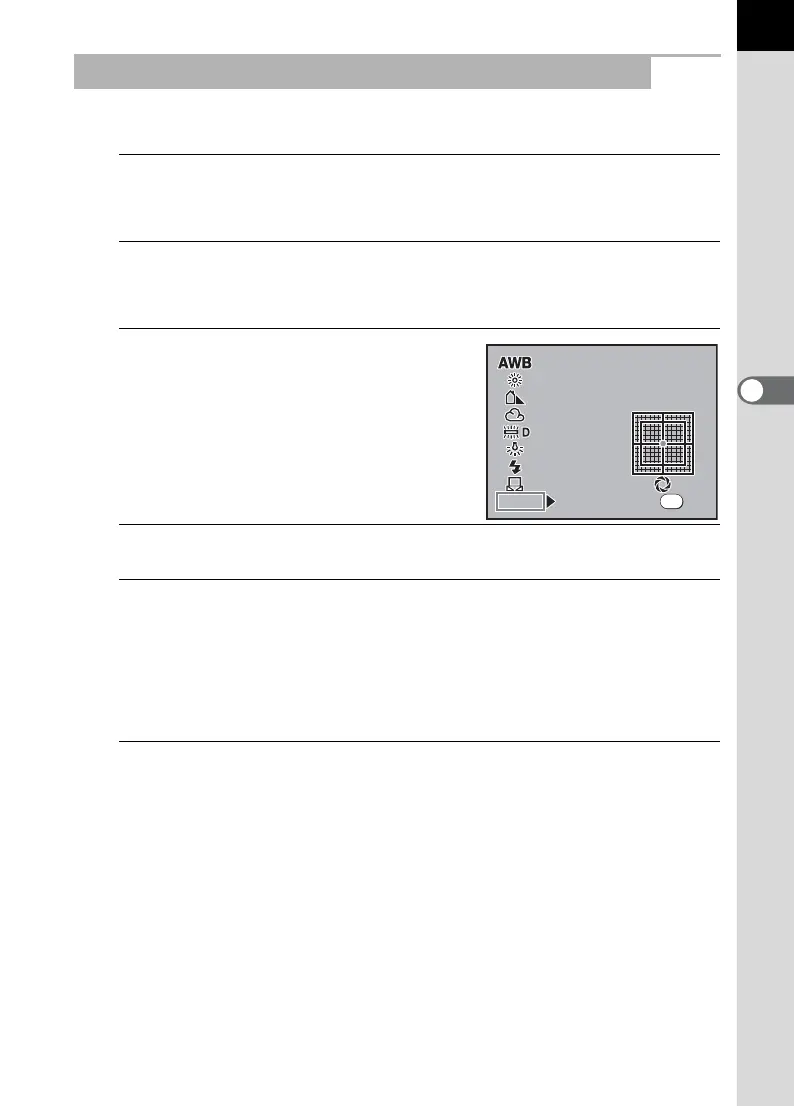
Use figures to set the color temperature.
1
Press the Fn button.
The Fn menu appears.
2
Press the four-way controller (4).
The White Balance screen appears.
3
Use the four-way controller (3) to
select Color temperature (the
default setting is 5000K).
4
Press the four-way controller (5).
5
Use the four-way controller (23) to select the Color
Temperature to change.
You can save three settings. Settings are saved to the location selected
here. Additionally, perform the same operations to change Color
Temperature that has already been set.
6
Press the four-way controller (5).
The screen to enter the color temperature appears.
Adjusting the White Balance with Color Temperature
White Balance
White Balance
Color Temperature
White Balance
Color Temperature
5000K
5000K 5000K
5000K
5000K
5000K
5000K
5000K
Check
Check
OK
OK
OK



 To Next Page