201
4
Function Reference
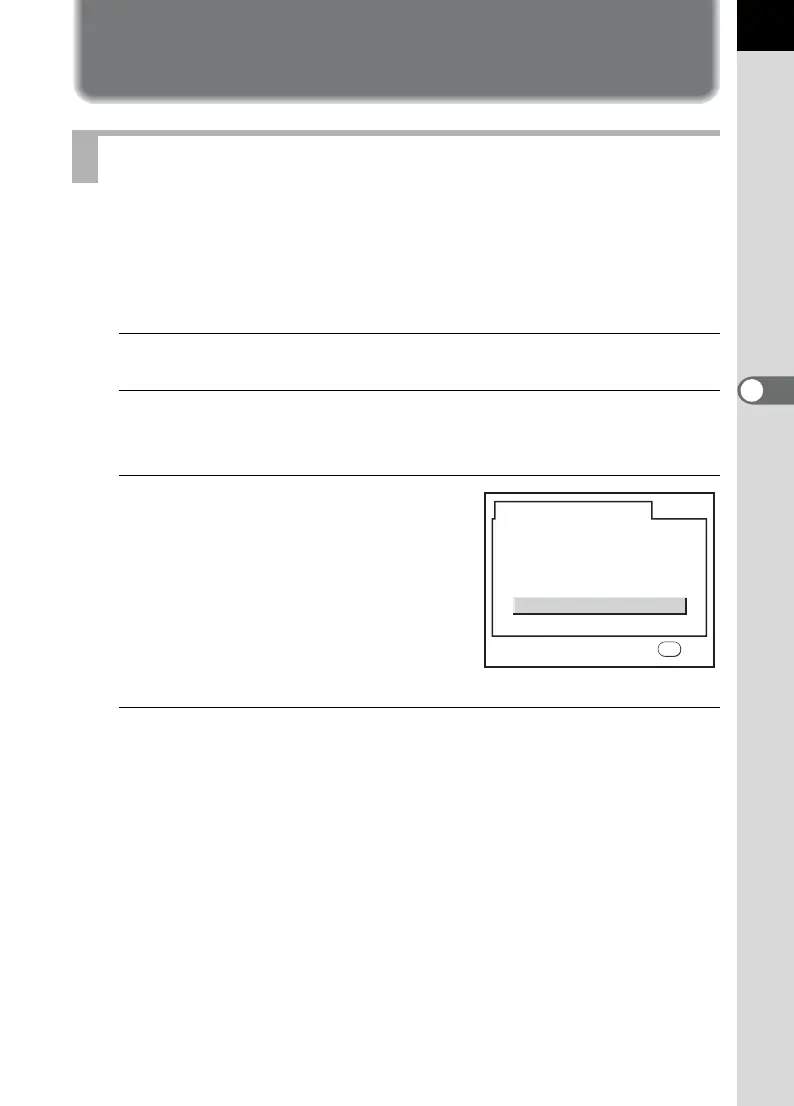
Resetting to Default Settings
Settings in [A Rec. Mode] menu, [Q Playback] menu and [R Set-up]
menu can be reset to default settings.
However, Date Adjust, Language, Video Out and World Time are not
reset.
1
Select [Reset] in the [R Set-up] menu.
2
Use the four-way controller (5) to display the [Reset]
screen.
3
Use the four-way controller (2)
to select [Reset].
4
Press the 4 button.
The camera is ready to take or play back images.
Resetting Rec. Mode/Playback/Set-up Menu
Reset
Cancel
Reset
Back to initial settings
OK
OK



 To Next Page