190
4
Function Reference
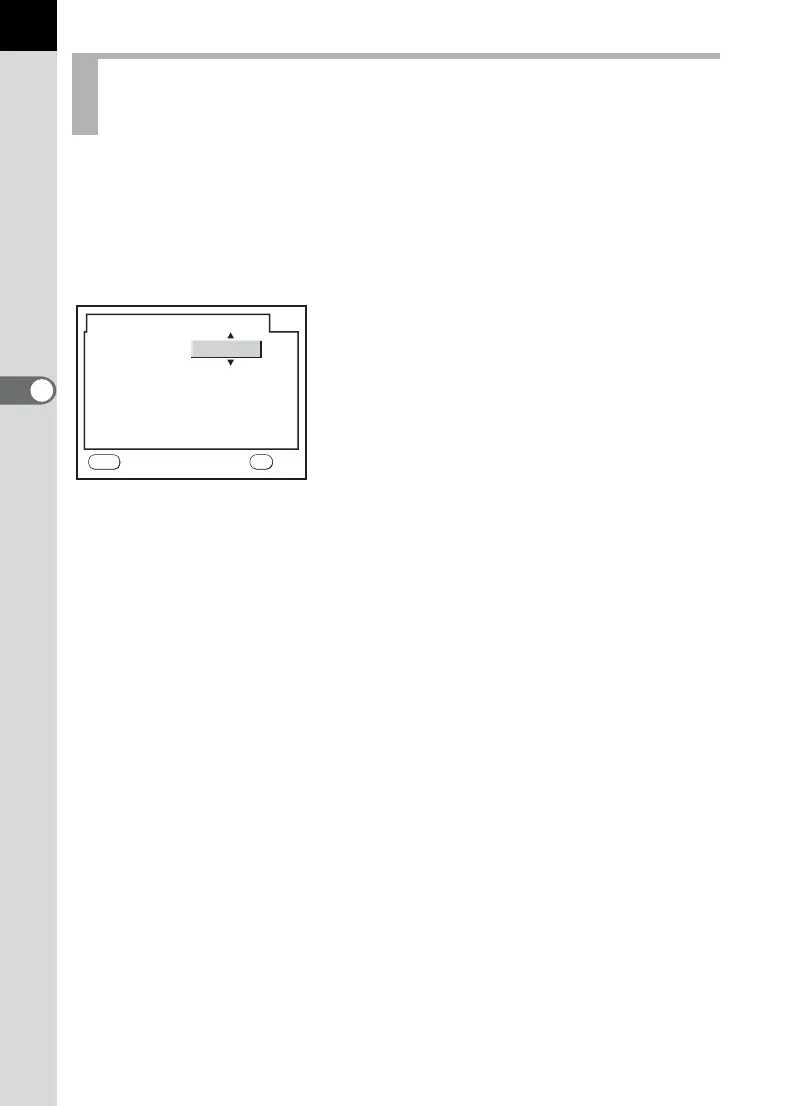
You can change the initial date and time settings. You can also set the
display style. Choose [mm/dd/yy], [dd/mm/yy] or [yy/mm/dd]. Choose
[12h] (12 hour) or [24h] (24 hour) for time display method.
Set in [Date Adjust] in the [R Set-up] menu. (p.32)
1 Setting the Date and Time (p.56)
Changing the Date and Time and the Display
Style
mm/dd/yy
24h
2006/0101 /
00 : 00
Date Style
Date Adjust
Date
Time
OKCancel
MENU
OK



 To Next Page