204
5
Appendix
Default Settings
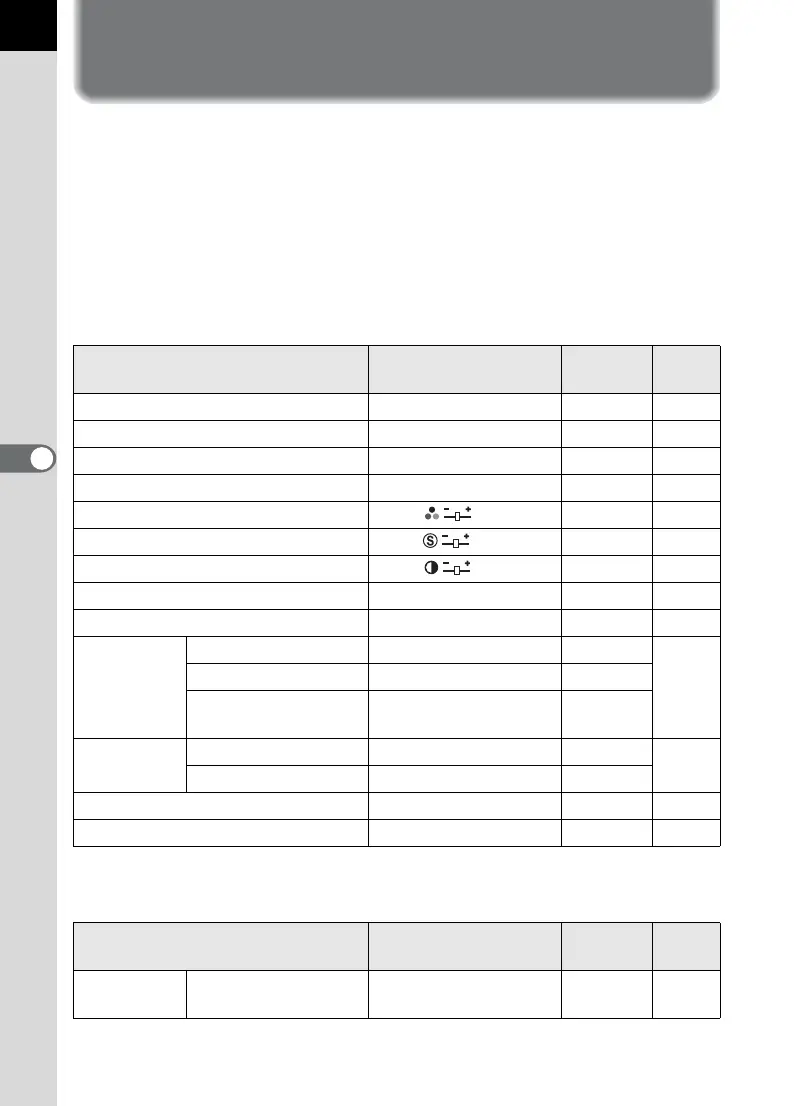
The table below lists the factory default settings.
Table notations are as follows.
The current setting (last memory) is saved when the camera is turned off.
Reset Setting
Yes : The setting returns to the default setting with the reset function
(p.201).
No : The setting is saved even after reset.
[A Rec. Mode] Menu
* Appears only when Mode dial is set to A (USER).
[Q Playback] Menu
Item Default Setting
Reset
Setting
Page
Exposure Mode
*
e (Hyper-program) Yes p.168
JPEG Rec. Pixels
J
(3872×2592)
Yes p.118
JPEG Quality C (Best) Yes p.119
Image Tone G (Natural) Yes p.120
Saturation (0) Yes p.121
Sharpness (0) Yes p.121
Contrast (0) Yes p.121
File Format JPEG Yes p.122
RAW file format PEF Yes p.122
Extended
Bracket
Type Off Yes
p.165
White Balance
BA ±1 Yes
Saturation/Sharpness/
Contrast
±1 Yes
Multi-
exposure
Number of shots Off Yes
p.166
Auto EV Adjust
P (Off) Yes
Memory
All
O (On)
Yes p.199
Shake Reduction
35 (Focal Length)
Yes p.69
Item Default Setting
Reset
Setting
Page
Playback
display
Bright/Dark area
P (Off) Yes p.186



 To Next Page