168
4
Function Reference
You can also perform settings when the mode dial is set to A.
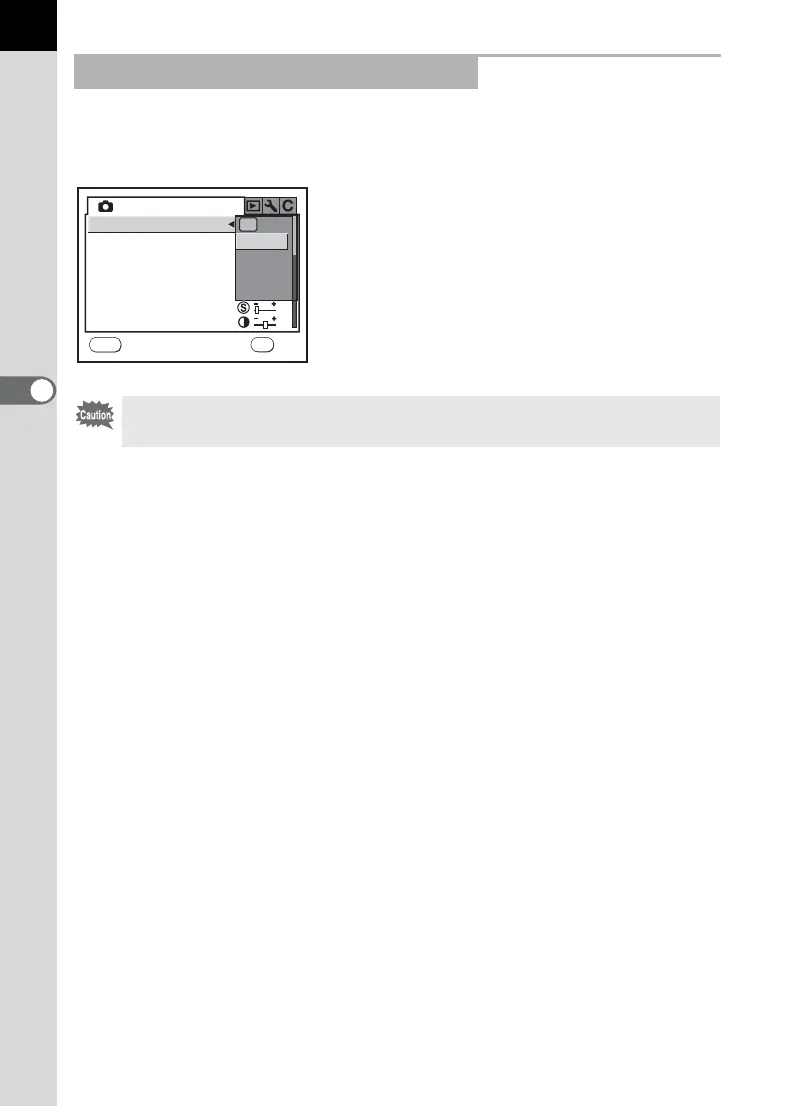
To change the Exposure Mode, press the 3 button in Capture mode
and perform settings in [Exposure Mode] in the [A USER] menu.
Changing the Settings in A Mode
Settings performed in A mode are not saved unless they are registered in
[USER] in the [R Set-up] menu.
USER
MENU
Exposure Mode
Recorded Pixels
Quality Level
Image Tone
Saturation
Sharpness
Contrast
P
Sv
Tv
Av
OKCancel
OK



 To Next Page