191
4
Function Reference
The date and time selected in “Initial Settings” (p.53) serve as the date and
time of your present location.
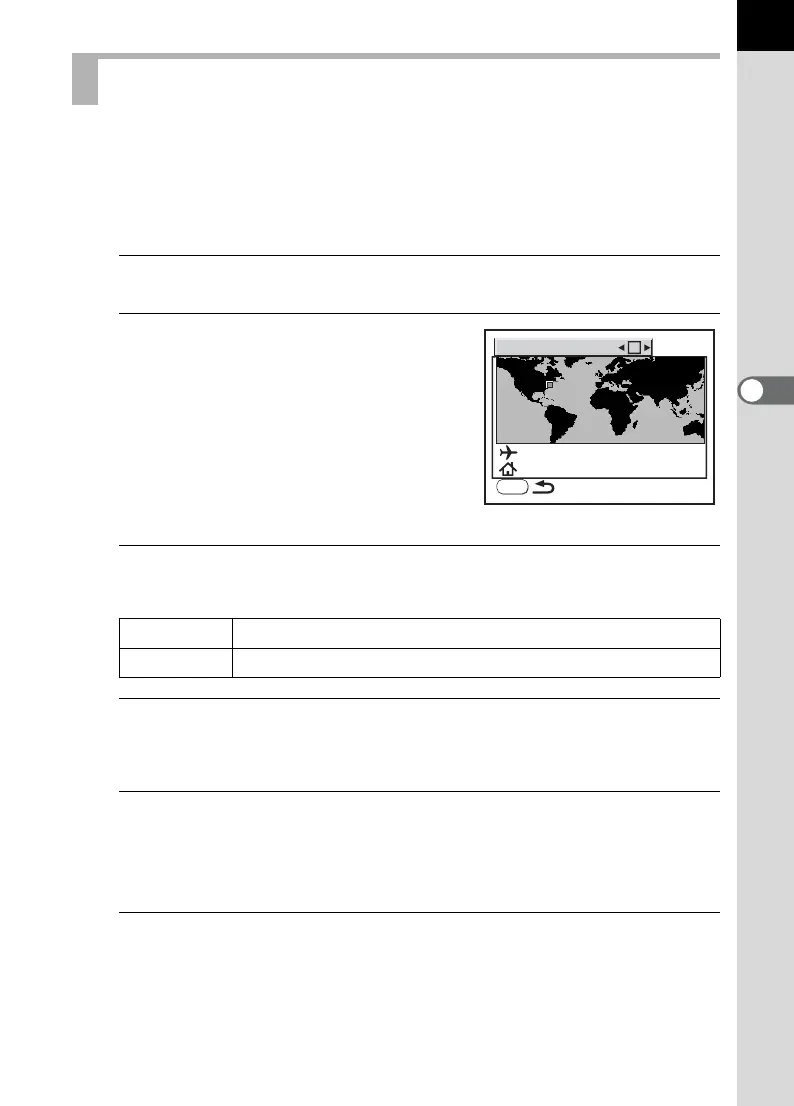
Setting [World Time] enables you to display the local date and time on the
LCD monitor when traveling overseas.
1
Select [World Time] in the [R Set-up] menu. (p.32)
2
Press the four-way controller
(5).
The World Time screen appears.
3
Use the four-way controller (45) to select O (On) or P
(Off).
4
Press the four-way controller (3).
The selection frame moves to X.
5
Press the four-way controller (5).
The screen for magnifying the Destination region appears.
Use the four-way controller (45) to change the region to magnify.
6
Press the four-way controller (3).
The frame moves to city.
Setting the World Time
O Applies time of city set in X (Destination)
P Applies time of city set in W (Hometown)
World Time
New York
New York
00:25
MENU



 To Next Page