192
7
Settings
Pixel Mapping is a function for mapping out and correcting for defective pixels in
the CCD sensor. Run the Pixel Mapping function if image dots always seem to be
defective in the same place.
1
Use the four-way controller (23) to select [Pixel Mapping] on
the [W Setting] menu.
2
Press the four-way controller (5).
The [Pixel Mapping] screen appears.
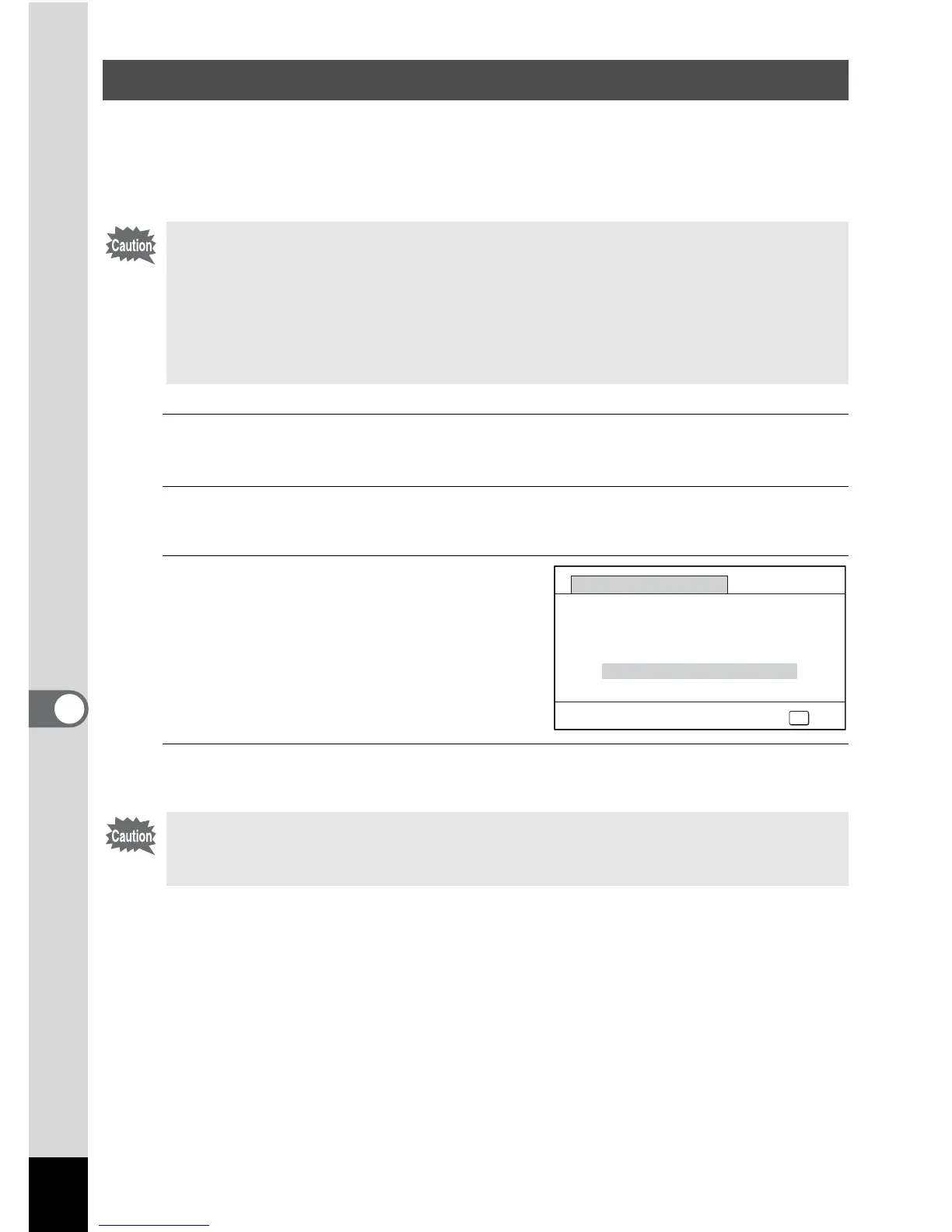
3
Use the four-way controller (2) to
select [Pixel Mapping].
4
Press the 4 button.
Defective pixels are mapped and corrected.
Perform Pixel Mapping
• Pixel Mapping is only accessible from A mode. Pixel Mapping cannot be
selected even if the [W Setting] menu is displayed by pressing the 3
button in Q mode.
• When executing Pixel Mapping from Q mode, press the Q button once
to enter A mode. Then press the 3 button and the four-way controller
(5) to display the [W Setting] menu and select Pixel Mapping.
• Pixel Mapping cannot be selected in O (Voice Recording) mode.
When the battery level is low, [Not enough battery power remaining to
activate Pixel Mapping] is displayed on the monitor. Use the AC adapter kit
K-AC117 (optional) or use a battery with ample capacity remaining.
OK
OK
Pixel Mapping
Checks the image sensor
and corrects defective
pixels
Pixel Mapping
Cancel



 To Next Page
 Loading...






