74
3
Taking Pictures
1
Press the Green button in A
mode.
The camera switches to 9 mode.
Press the Green button again to return
to the status before 9 mode was
selected.
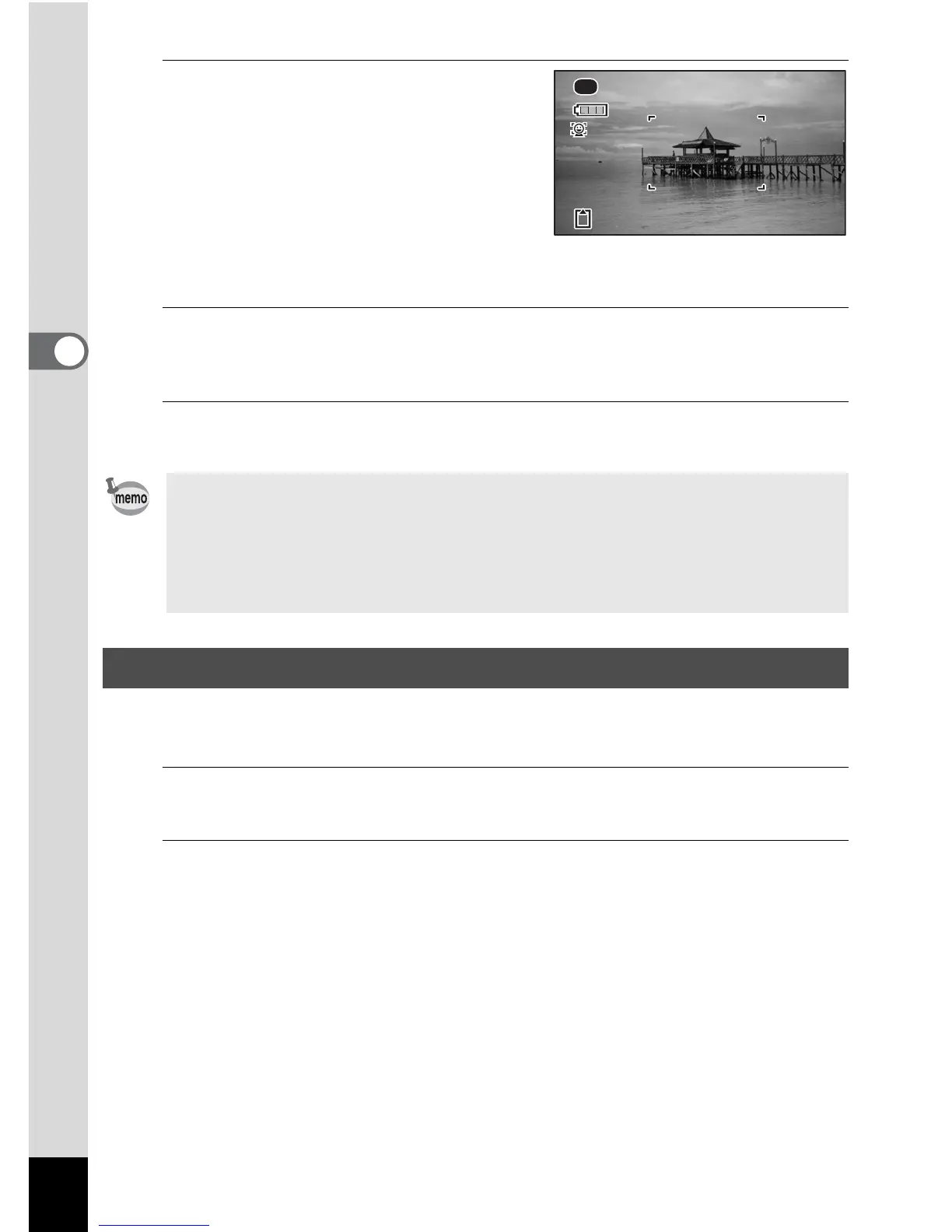
When the camera detects a person’s face,
the Face Detection function is activated and
the face detection frame appears (p.69).
2
\Press the shutter release button halfway.
The focus frame on the display turns green when the camera focuses on the
subject at the correct distance.
3
Press the shutter release button fully.
The picture is taken.
In e (Pet) mode, the camera automatically releases the shutter when the pet is
detected. Also the camera can register pets.
1
Use the four-way controller (2345) to select e (Pet) from
the Capture Mode Palette.
2
Press the 4 button.
e (Pet) mode is selected and the camera returns to capture status.
When the camera detects the pet’s full face, the shutter is automatically
released.
• Assign 9 mode to the [Green Button] on the [A Rec. Mode] menu for
using 9 mode (p.105). (The default setting is 9 mode).
•Press the 3 button in 9 mode to display the [W Setting] menu. The
[A Rec. Mode] menu cannot be displayed.
• When the camera is turned off in 9 mode, it turns on in 9 mode next time
the power switch is pressed.
Taking Pictures of Your Pet (Pet Mode)
38











 To Next Page