78
3
Taking Pictures
3
Press the W/T button.
If you press T, the camera enlarges the subject.
You can enlarge the subject up to 6.5 times(*).
(*)Intelligent Zoom is included. Up to 1.8 times for optical zoom.
W Wide (left)
Widens the area that is captured by the camera.
T Tele (right)
Enlarges the subject.
In N (Frame Composite) mode, you can take pictures using the frames stored
in the camera.
1
Use the four-way controller (2345) to select N (Frame
Composite) from the Capture Mode Palette.
2
Press the 4 button.
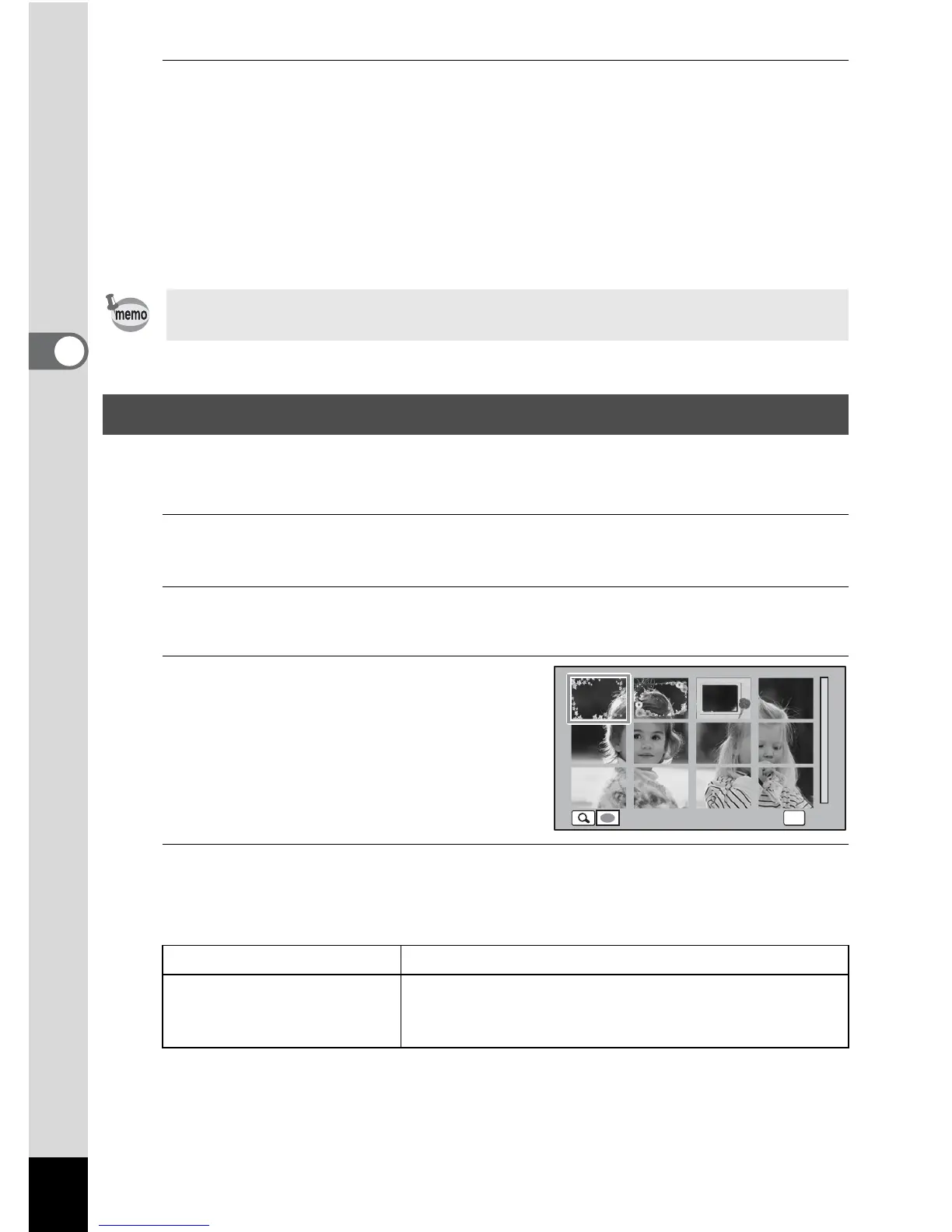
The 12-frame display of the frame selection screen appears.
3
Use the four-way controller
(2345) to choose the frame
you want to use.
4
Press the y button.
The selected frame appears in single-image display.
You can choose another frame using either of the following operations.
Attaching the supplied macro stand (O-MS1) reduces camera shake during
macro photography (p.24).
Framing Your Pictures (Frame Composite Mode)
Four-way controller (45) Press to choose a different frame.
Zoom button left (f) Press to return to the 12-frame display of the frame
selection screen, and then perform step 4 to
choose a different frame.
OK
OK



 To Next Page
 Loading...






