Advanced Maintenance . 71
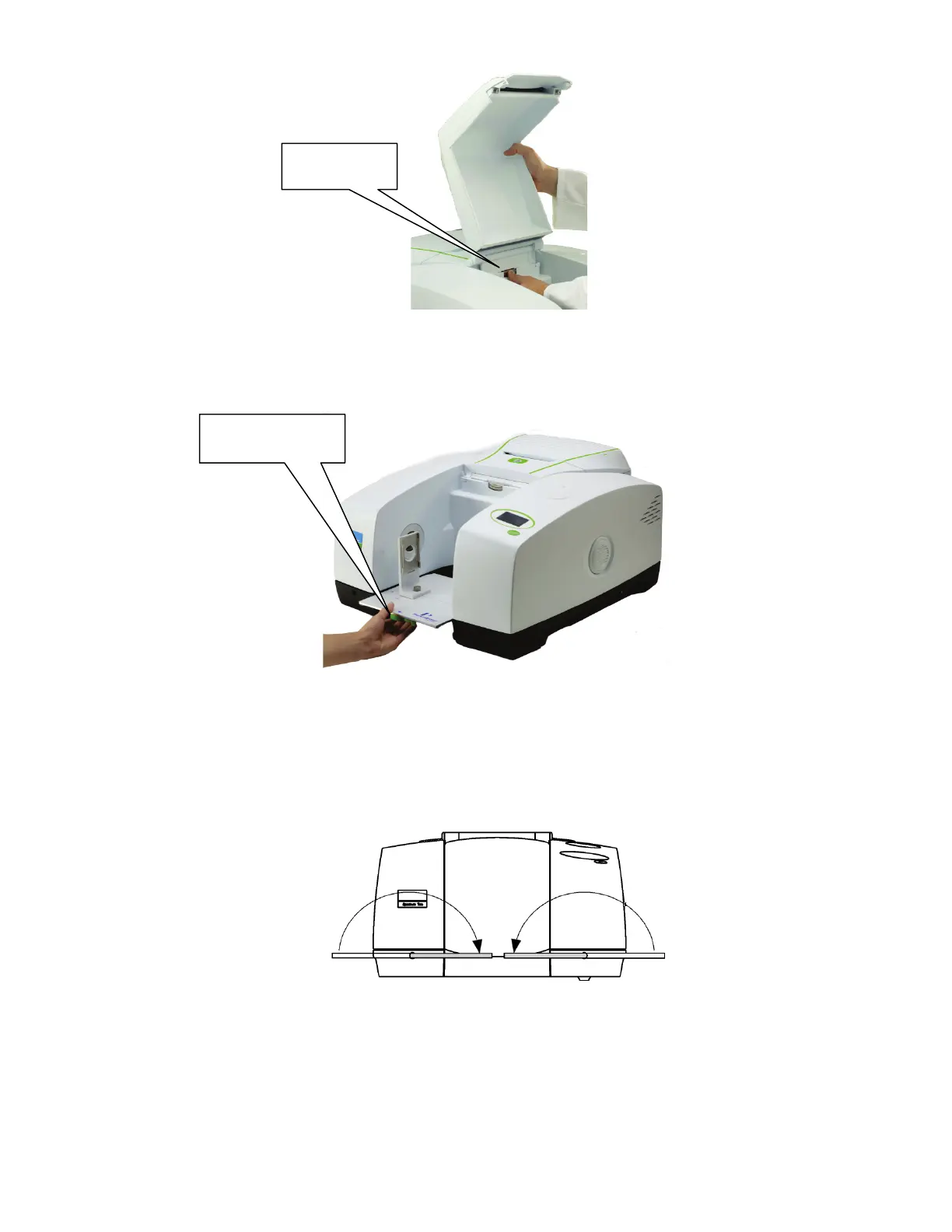
Figure 36 Removing the sample compartment cover
5. Remove the fitted sampling accessory, by pulling the release handle towards you and
sliding the accessory towards you (Figure 37).
Figure 37 Removing the sampling accessory
6. Undo the two locking bolts on the front of the instrument using the hexagonal wrench
supplied; insert the wrench, so that the free end is pointing horizontally away from the
instrument and then rotate the wrench 180° in the direction indicated by the arrows in
Figure 38.
Figure 38 Undoing the locking bolts
7. Lift the main cover from the front.
8. Ensure the cover is fully open and retained by the stay.
Sample cover
release clip
release handle














 To Next Page