Advanced Maintenance . 79
3. Fit the window to the main cover from the outside in.
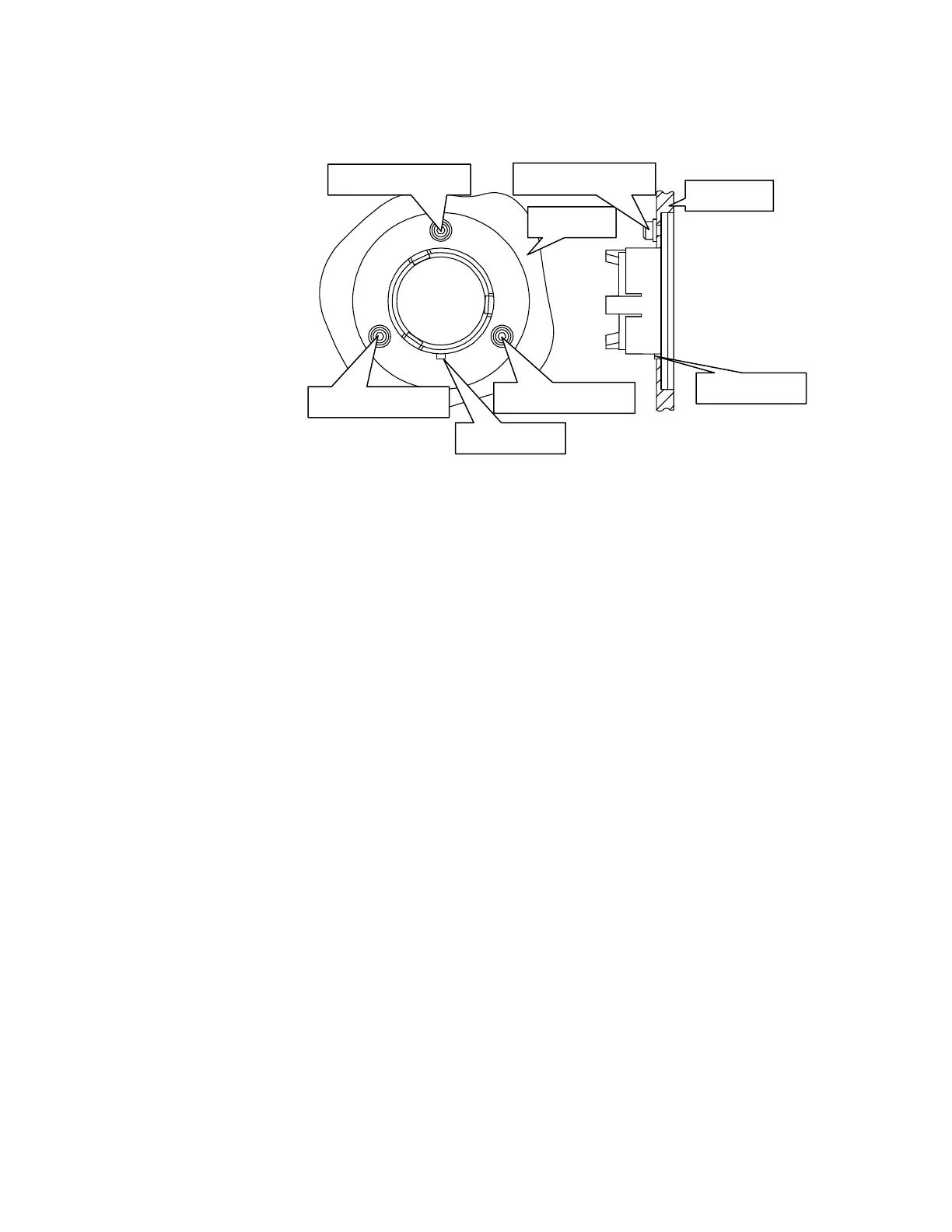
Ensure the seal is fully seated and the key on the window lines up with the notch in the
main cover (Figure 46).
Figure 46 Window installed in main cover
4. Secure the window to the main cover by fitting the screws and washers and tightening
the screws using the hexagonal wrench (Figure 46).
5. Close and secure the main cover.
Refer to page 72, Steps 10 to 15.
If you have an MCT detector fitted, you will be supplied with an Attenuator kit (L1160560)
containing 1%T, 4%T, 6%T, 14%T and 32%T attenuators. The attenuators attach to the
window magnetically. You will require the ferritic window surround (part number C1201453)
to attach the attenuators to the new windows.
Before selecting the MCT detector in Spectrum software, fit one of the attenuators supplied
to the window to the right of the sample compartment to prevent the detector from
overloading. If you have an open beam, we recommend a 14%T attenuator.














 To Next Page