14
Seat Function Memory Step-by-Step
Recalling a Seating Position from Memory
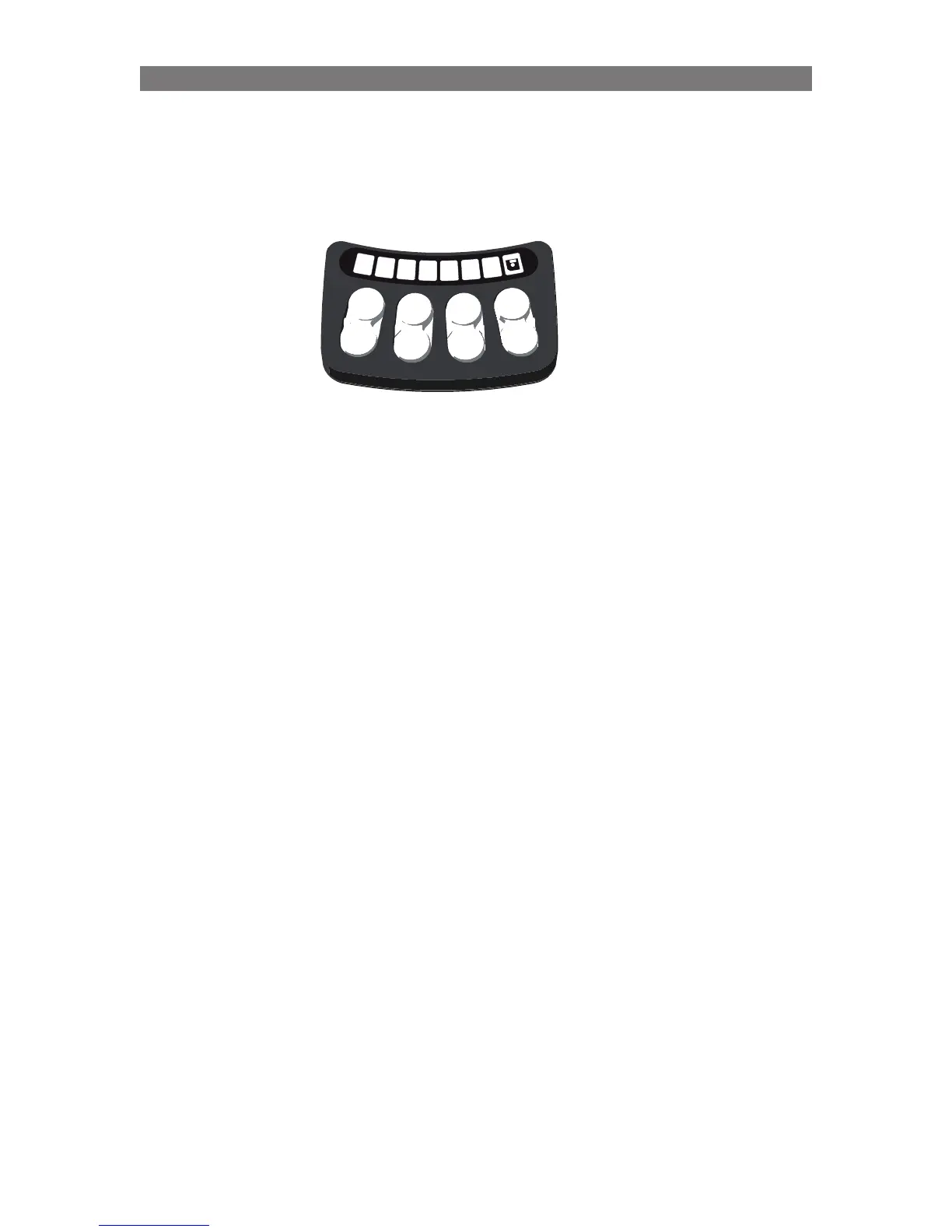
1. Enter the memory mode by pressing and holding Button #8 for two seconds.
- the floppy symbol flashes green (this signifies that you are in the memory mode)
2. Recall the stored position by pressing and holding the recall button for the desired position
(#1, #2 or #3).
- Hold the recall button until the symbol above the button lights green. This confirms the
memory position has been reached and all actuator movement is stopped.
NOTE: The button can be released at any time to stop actuator movement.
3.
Exit the memory mode by pressing and releasing Button #8 once.
NOTE: Only Seating Functions with Precise Position Feedback (Softpot, Smart Actuator, etc.)
can have their position stored and recalled using the memory function.



 To Next Page