20
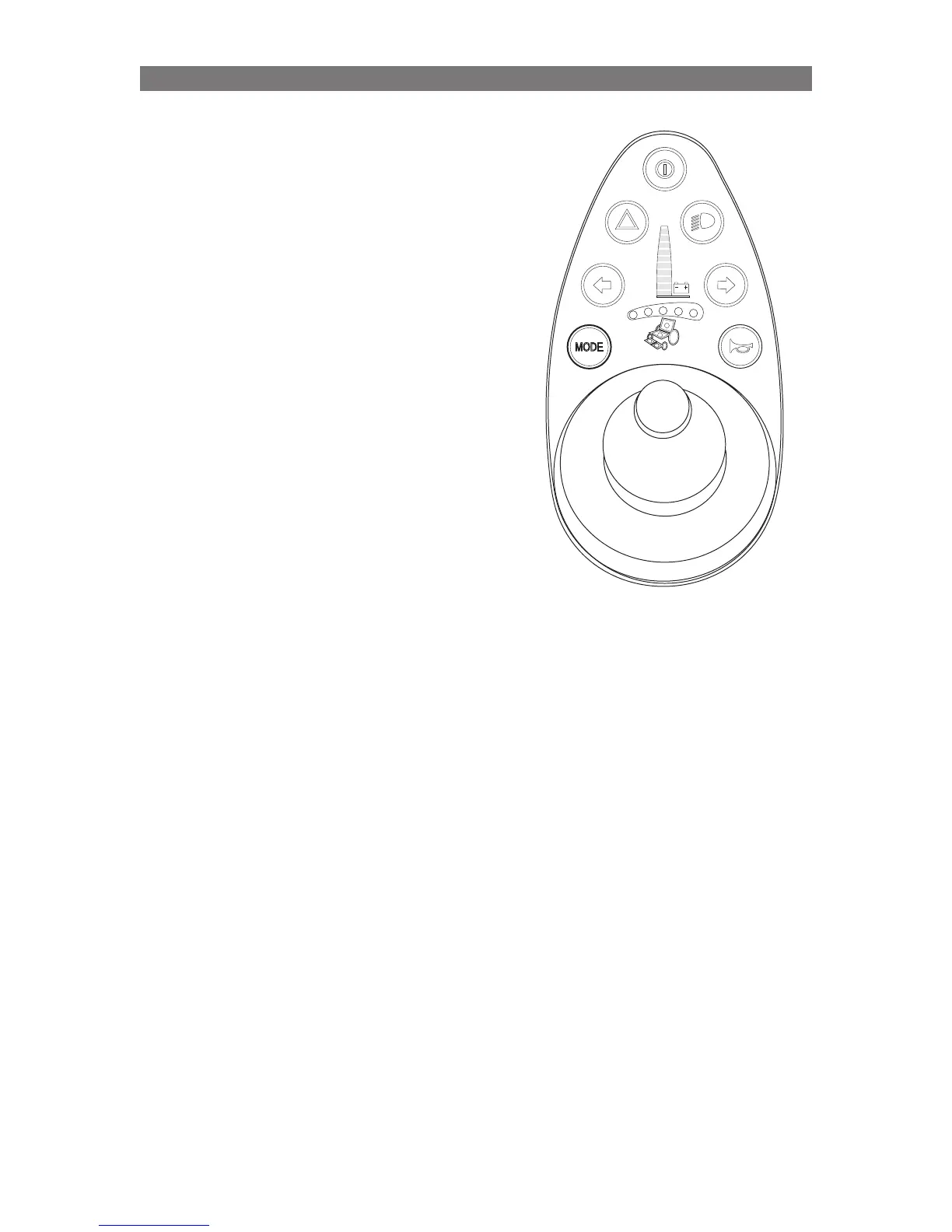
Pilot+ Joystick.
Standing Operation through Pilot+
Joystick (VS seat only)
Seat Movement of the VS Seating System can be
performed through the Joystick in the Control Panel
used to operate the wheelchair’s drive motors.
Seating Control is accessed via the MODE button
on the Control Panel. Press and release the MODE
button until one or more LEDs illuminate in the
wheelchair graphic printed on the Control Panel.
Once the Red LEDs illuminate in the wheelchair
graphic on the Control Panel:
• Use ‘Left’ or ‘Right’ Joystick Commands to
illuminate the appropriate LED combination for
the Seat Function you wish to operate.
Once the desired seat function is illuminated:
• push the Joystick ‘Forward’ to move that
function Forward/Up.
• push the Joystick ‘Backward’ to move that
function Backward/Down.
Operation Standing Function (Only applies to VS Seat)



 To Next Page