EasyManua.ls Logo

Permobil ICS - Page 19

Permobil ICS
86 pages
Print Icon
To Next Page IconTo Next Page
To Previous Page IconTo Previous Page
Loading...
19
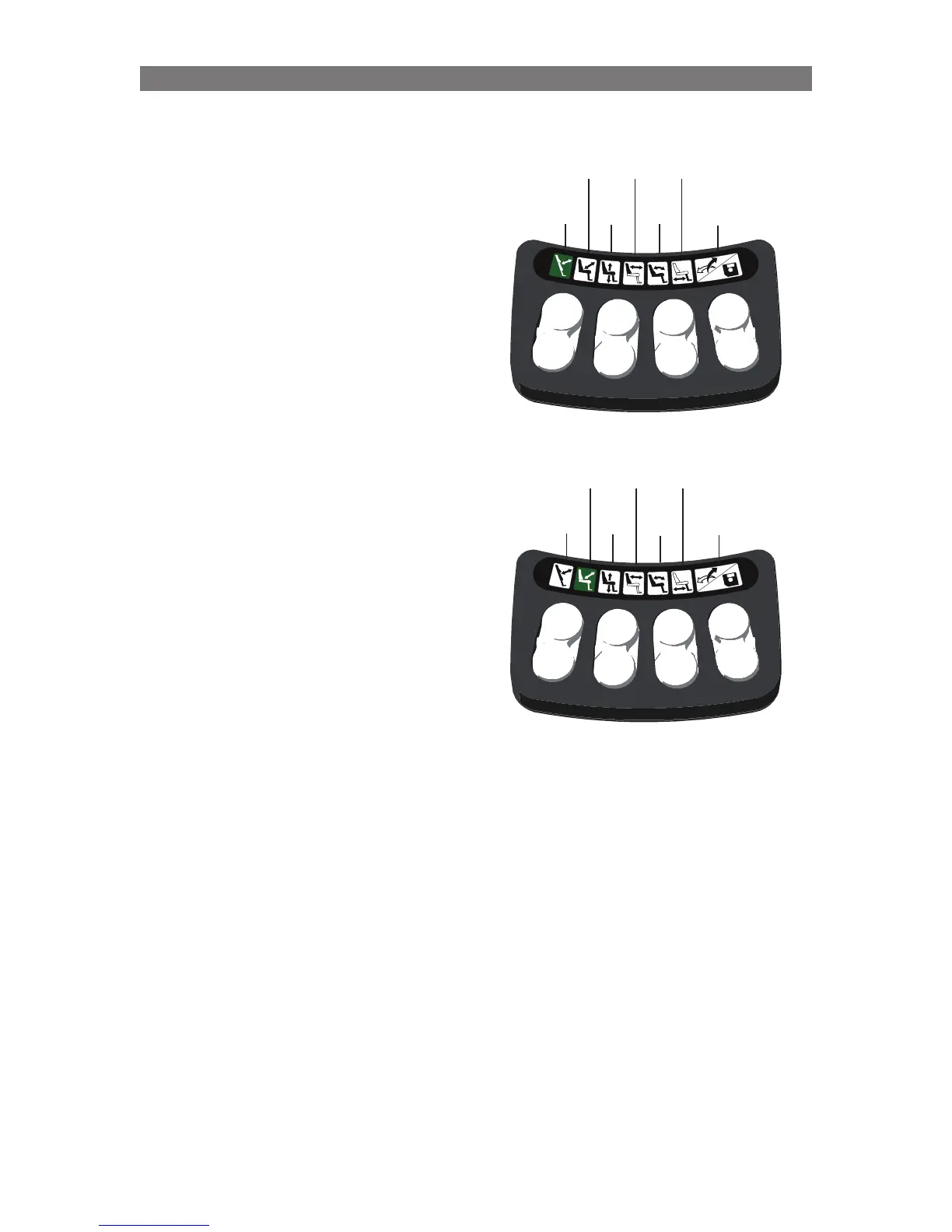
Using the ICS Switchbox to operate the Standing
Sequence with Layout 4:
Switch 1 will stand the chair according to
Standing Sequence ‘A’
Switch 5 will unstand the chair according to
Standing Sequence ‘A’
For clarity, LEDs for other switches are not shown
in this example.
1
2
3
4
5
6
7
8
1
2
3
4
5
6
7
8
Switch 1 will stand the chair according to
Standing Sequence ‘B’
Switch 5 will unstand the chair according to
Standing Sequence ‘B’
For clarity, LEDs for other switches are not shown
in this example.
LED
Off
LED
Off
LED
Off
LED
Off
LED
Off
LED
Off
Solid
Green
LED
Off
LED
Off
LED
Off
LED
Off
LED
Off
Solid
Green
LED
Off
Operation Standing Function (Only applies to VS Seat)

Table of Contents