13
Seat Function Memory Step-by-Step
Storing a Seating Position into Memory
Before beginning:
Position the seating system in the desired position using the techniques described in the Controlling
Seat Functions section.
This will be the position that will be stored using the following steps.
After the seating system is in the desired position:
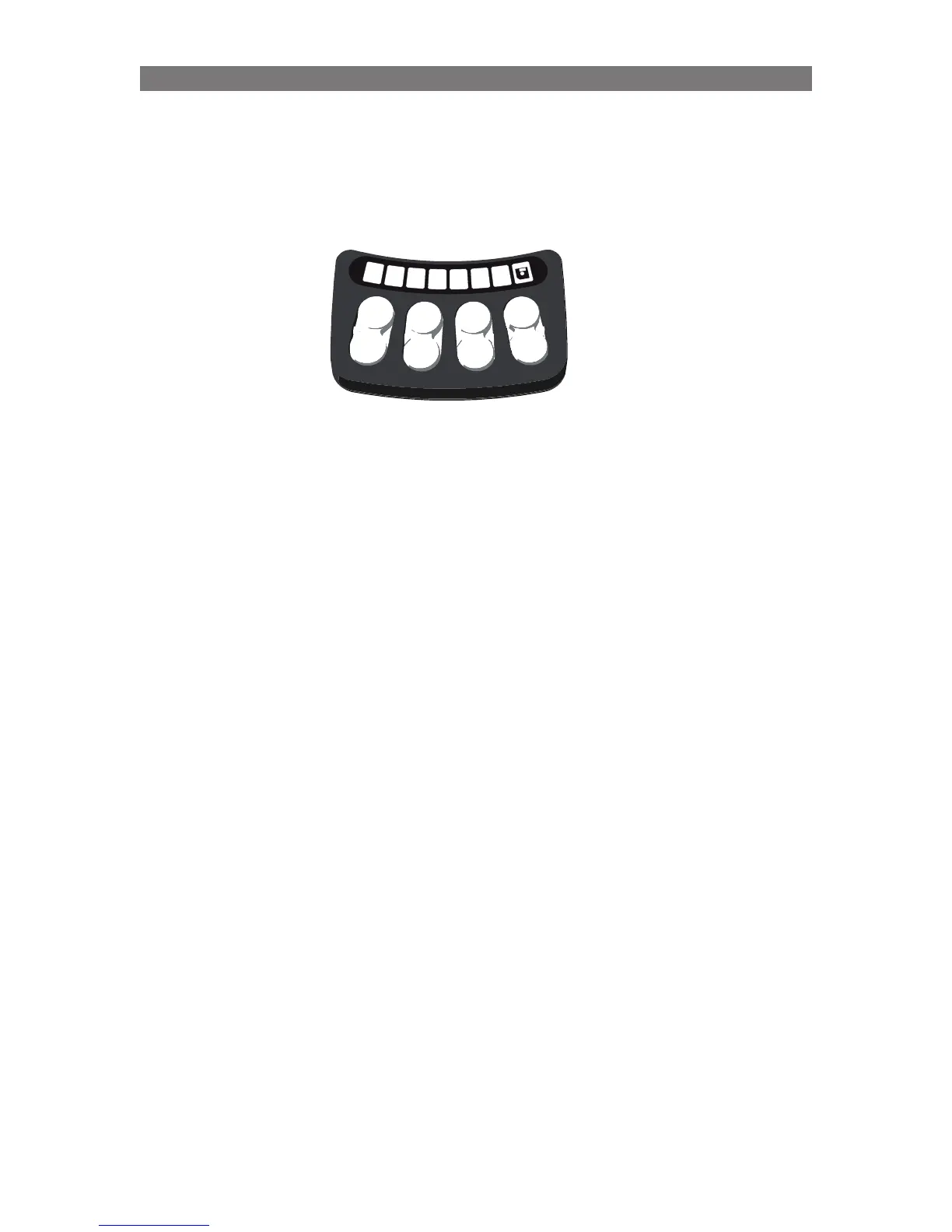
1. Enter the memory mode by pressing and holding Button #8 for two seconds.
- the floppy symbol flashes green (this signifies that you are in the memory mode)
2. Enable memory position storage by pressing and holding Button #4 for two seconds.
- LED 7 will turn green, this signifies memory storage is activated
3. Store the position by pressing and holding one of the three store buttons (#5, #6, #7) for two seconds.
- a short beep will sound and the LED above the memory button briefly lights red, then changes
to solid green.
4
. Exit the memory mode by pressing and releasing Button #8 once.
NOTE: Only Seating Functions with Precise Position Feedback (Softpot, Smart Actuator, etc.)
can have their position stored and recalled using the memory function.



 To Next Page