12
Advanced Seat Operation through Switchbox
Seat Function Memory Overview
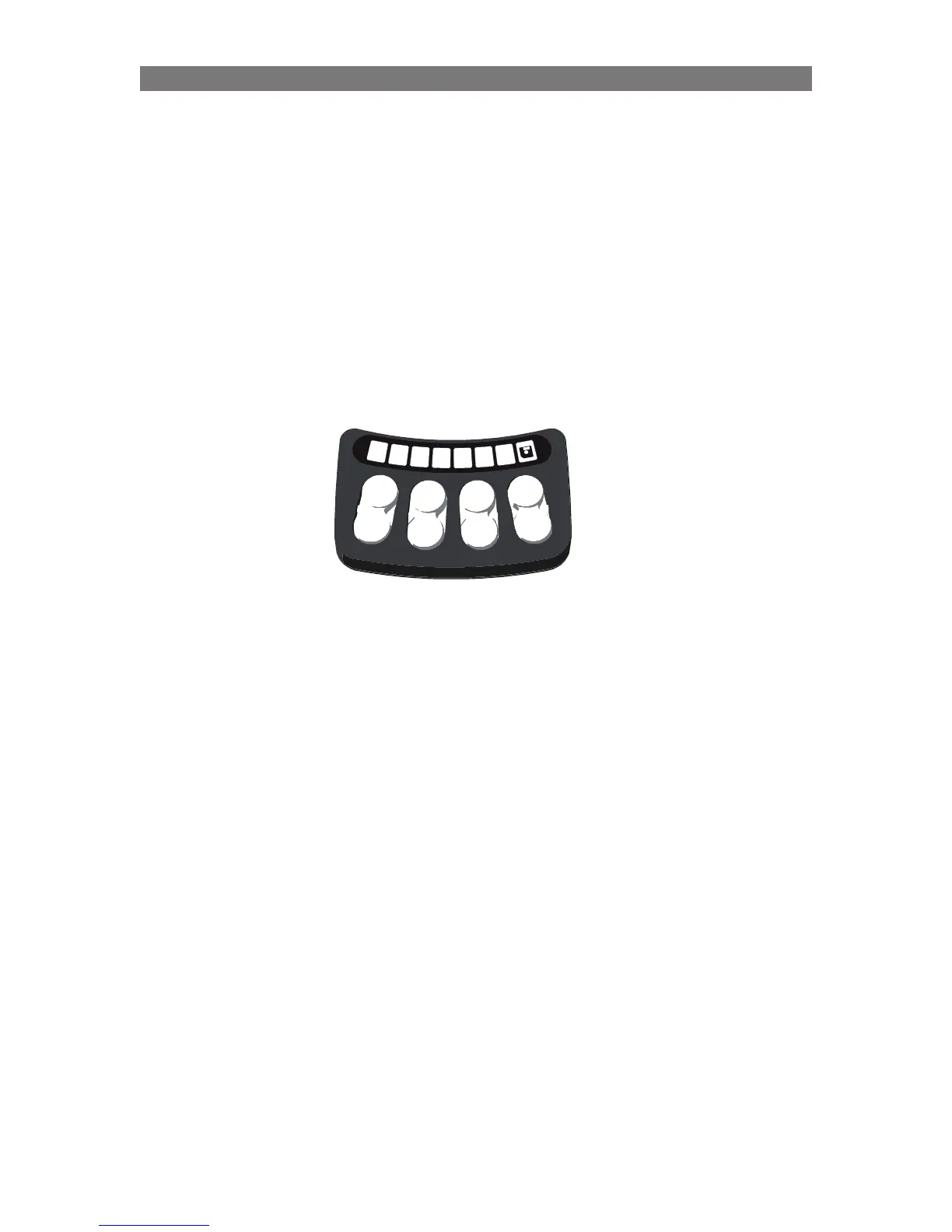
The Seating System Power Functions can be controlled via the ICS Switchbox. The ICS Switchbox has
eight switches (pushbuttons or toggles) and eight LEDs as seen below.
Depending on the Switchbox Layout that has been selected and the mode that the Switchbox is currently
in, the functionality of each switch can be different.
When using the ICS Switchbox, it is important to note the Position, Color and “Light Type” (Solid/
Flashing) of the LEDs that illuminate the Icons on the Switchbox.
These different characteristics communicate the current switchbox mode and which seat function a
particular switch will control.
Button 1-3 “RECALL”
Button 5-7 “RECALL”
Button 4 “Enable Store”
Button 8 “Enter/Exit
Memory mode”
NOTE: Only Seating Functions with Precise Position Feedback (Softpot, Smart Actuator, etc.) can
have their position stored and recalled using the memory function.
Operation Advanced Seat Operation through Switchbox



 To Next Page