17
2
Normal
PROFILE
MODE
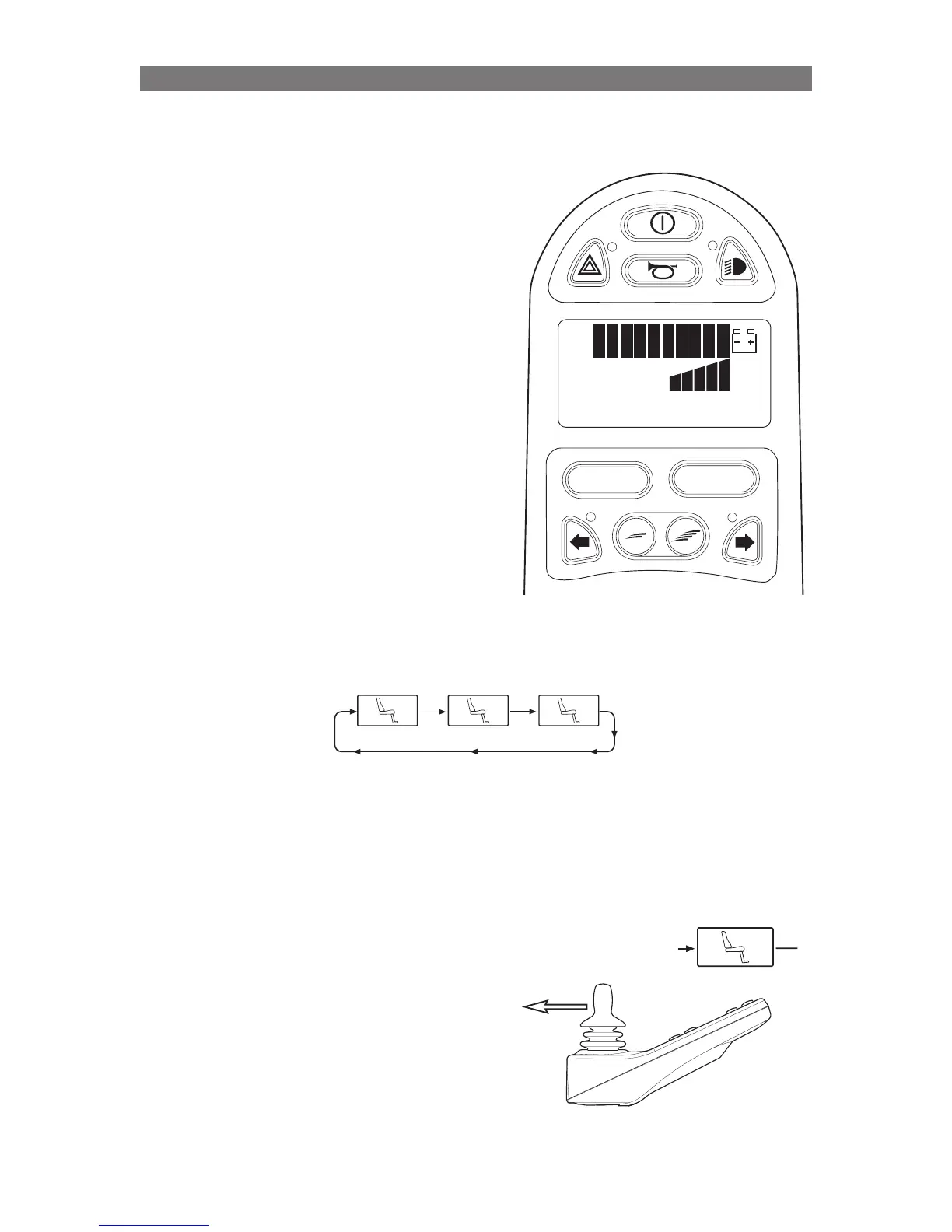
Press Mode Button to access Seat Menu
Storing a Seat Position into Memory
Seat Position Memories can be stored using
the Joystick in the Control Panel that operates
the wheelchair drive motors. The Seat Position
Memories are part of the Seating Control Mode.
Seating Control Mode is accessed via the MODE
button on the Control Panel. Press and release the
MODE button until the seating system icon appears
in the LCD display.
NOTE! Before storing a seating position, it is
important that the seat is in the position you wish
to be memorized. Position the seat (via the ICS
Switchbox or R-net Joystick) before continuing
below.
Once in the Seating Mode, push the joystick left
or right to select the memory location you wish to
recall.
The memory recall icons are “after” the regular
seat function icons.
M1 M2 M3
Memory Position 1
Memory Position 2 Memory Position 3
NOTE: Memory Recall through the R-net JSM must be enabled via Wheelchair Builder before memory
can be accessed using the R-net Joystick Module.
Once the desired memory location is displayed
on the LCD (Memory 2 in this example), pull the
joystick backward to “enable” storing into this
memory location. An arrow is displayed next to the
M once “enabled”.
Complete the store process by pushing the joystick
forward. Keep holding forward until the “store”
arrow disappears. When the arrow is no longer
visible, the seat position was successfully stored.
If the store process was entered by mistake,
simply do not give a forward command to complete
the process. After 10 seconds, the memory mode
will be exited and the R-net Joystick’s display
will return to the first seat function (typically Seat
Elevator.)



 To Next Page