64
Adding or removing seat functions
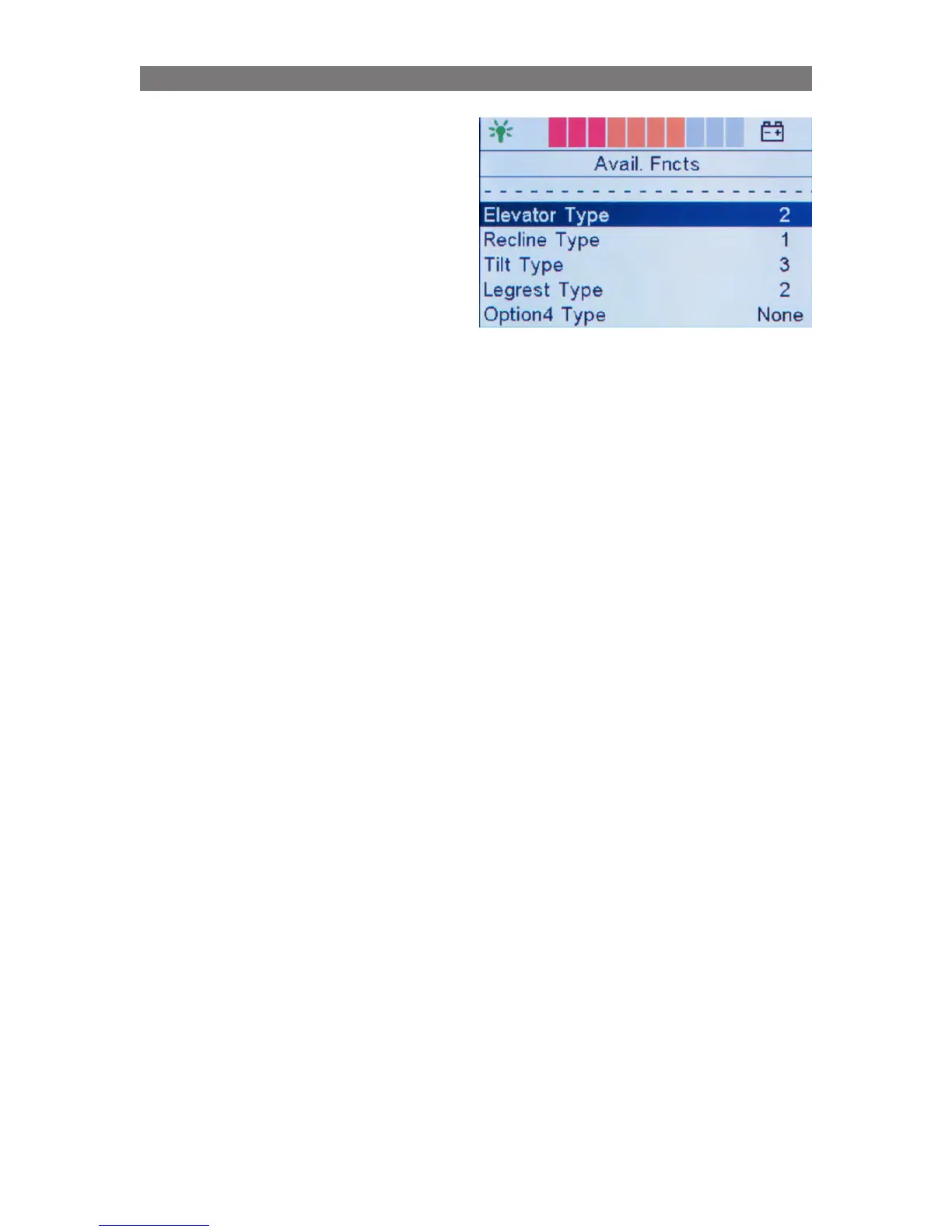
When you subsequently add a seat function, e.g.
tilt, or make an adjustment to a chair or if you
remove a function, you may need to configure the
ICS system in order to ensure full operation. By
making corrections in the Avail. Functions menu
and specifying the type of seat function installed,
the system is usually able to function without any
additional re-programming.
Some connected functions will be configured auto-
matically (Plug and play) and do not require any
changes to be made to the Avail. Functions menu.
This is the case, for example, when a function
using a Smart actuator (IQ actuator) is connected.
The various types for each function correspond
to a certain version of the seat elevator, tilt, etc.
Examples are shown in a table below. For some
functions it is possible to install a manual alternative
without an actuator but with position feedback.
Select “Manual” in the menu for this function.
The various seat function types are shown in tables
on pages 66-69.
Programming Configuring ICS through R-net control panel



 To Next Page