38
Programming Corpus 3G/HD/APE/VS - Specific Attributes
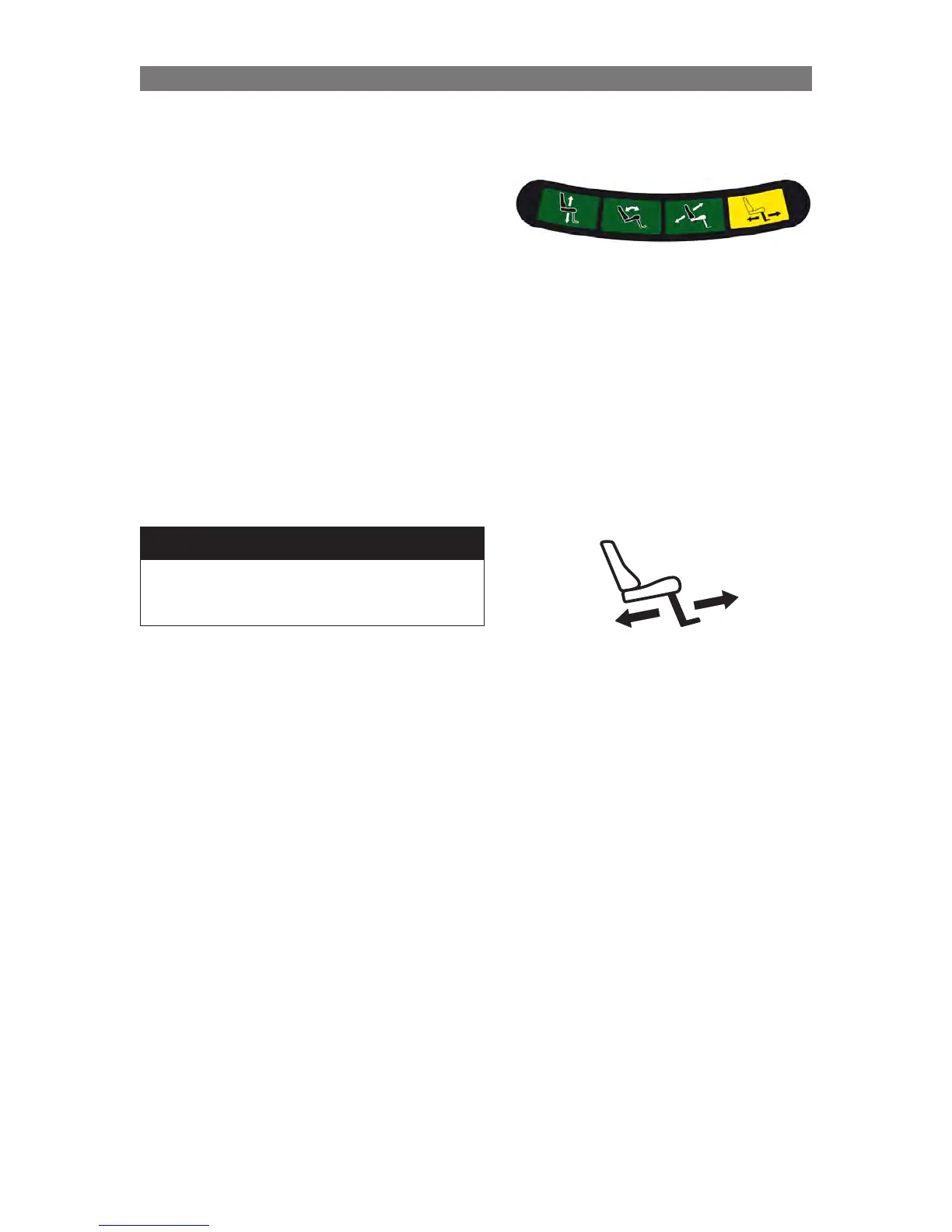
When the legrest angle is limiting the drive speed, the switchbox
icon for the legrest function will be illuminated with a solid yellow
LED – unless LED Indication.
m NOTE!
The R-net Joystick (or Omni) also displays a solid
turtle in its LCD when the wheelchair speed is limited.
To determine if the legrest angle is creating this
limitation, change to Seating mode and scroll to the
legrest function.
If the legrest is flashing, the legrest angle is limiting
the driving speed.
When the legrest angle is limiting the
drive speed, the switchbox icon for the
legrest function will be illuminated with a
solid yellow LED – unless LED
Indication.
Corpus 3G on M300/M400 and C350
Corpus HD on M300/M400
Adjusting Legrest Angle for Full-Speed Driving
When the Corpus 3G Seating System is mounted to
a Power Base that has front casters, it is possible
for the footplates to interfere with the swiveling of
those casters. In order to prevent injury to the user
or damage to the casters and/or footplates, the
wheelchair’s driving speed is automatically reduced
when the footplates could interfere with the casters.
However, since each user’s needs are different, it is
possible to fine tune the angle at which this automatic
speed reduction occurs. The instructions on the next
two pages explain the adjustments that can be made
to affect the legrest speed reduction angle.
It is recommended that the “offset” value be adjusted
first to try to reach the legrest angle that accommodates
the user’s needs for full speed driving. However, if
full-speed driving is required with a 90° legrest angle,
the “offset” value and the “seat depth” value will likely
need adjustment.



 To Next Page