65
Configuring functions for Alternative Switchbox
It is possible to connect up to 8 buttons to the
Alternative Switchbox for control of the chair’s seat
functions. This works in parallel with control of the
seat functions through normal switchboxes and via
the joystick in Seating Mode.
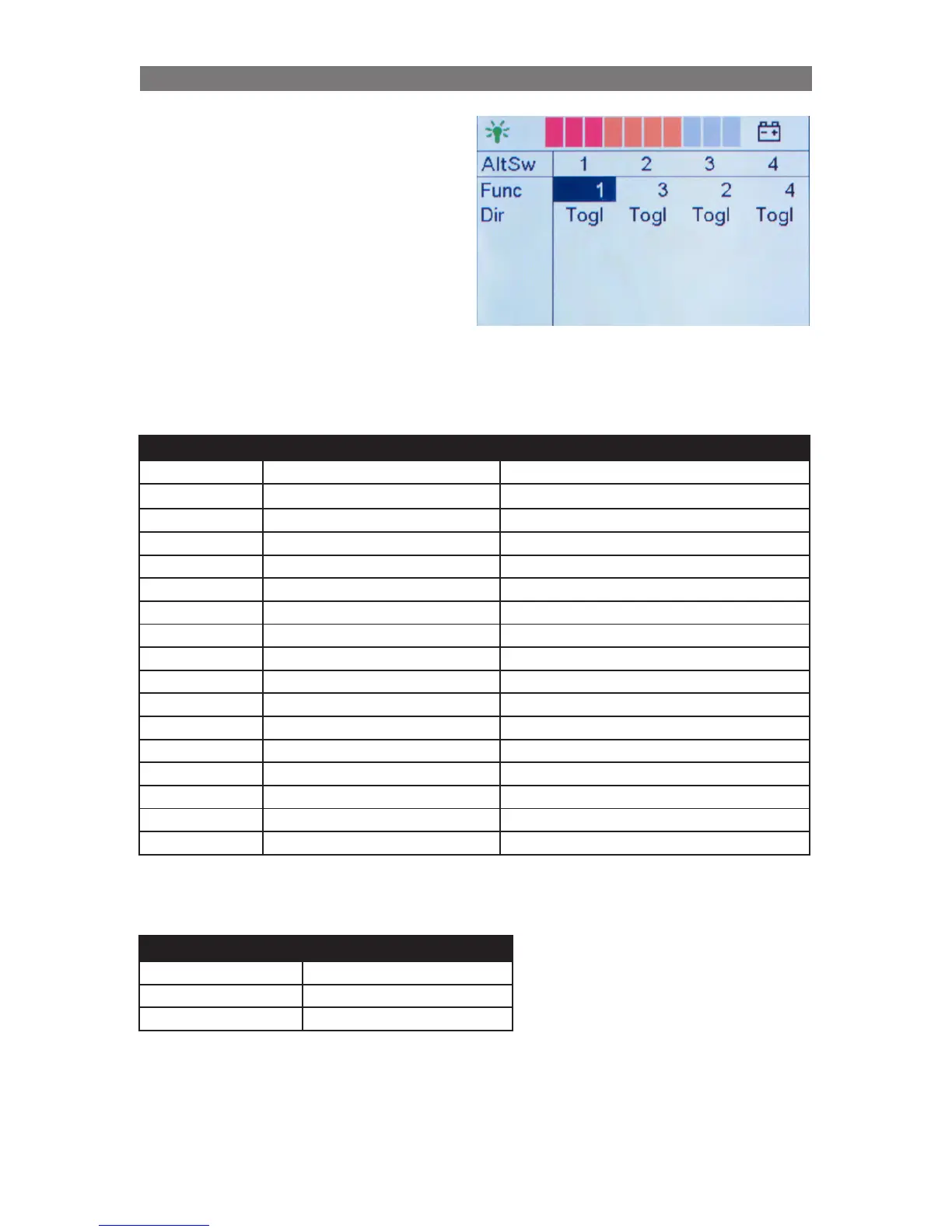
Use the Alternative SwBox menu to define the
function for each button.
OBP Text Function Description
0 OFF No function
1 Elevator Seat elevation
2 Tilt Seat angle
3 Recline Backrest
4 Legs Legrest
5 Recall Mem Pos 1 Return to memory position 1
6 Recall Mem Pos 2 Return to memory position 2
7 Recall Mem Pos 3 Return to memory position 3
8 Set Mem Pos 1 Save memory position 1
9 Set Mem Pos 2 Save memory position 2
10 Set Mem Pos 3 Save memory position 3
11 Axis 11 Standing function A or Extra function
12 Axis 12 Standing function A or Extra function
13 Axis 13 Extra function
14 Axis 14 Extra function
15 Axis 15 Extra function
16 Axis 16 Extra function
OBP Text Description
Togl Toggle
Up Upwards
Down Down
The following seat functions can be selected for each button:
The following button functions can be selected for each button:
Programming Configuring ICS through R-net control panel



 To Next Page