Automatic Channel Setup 17
1
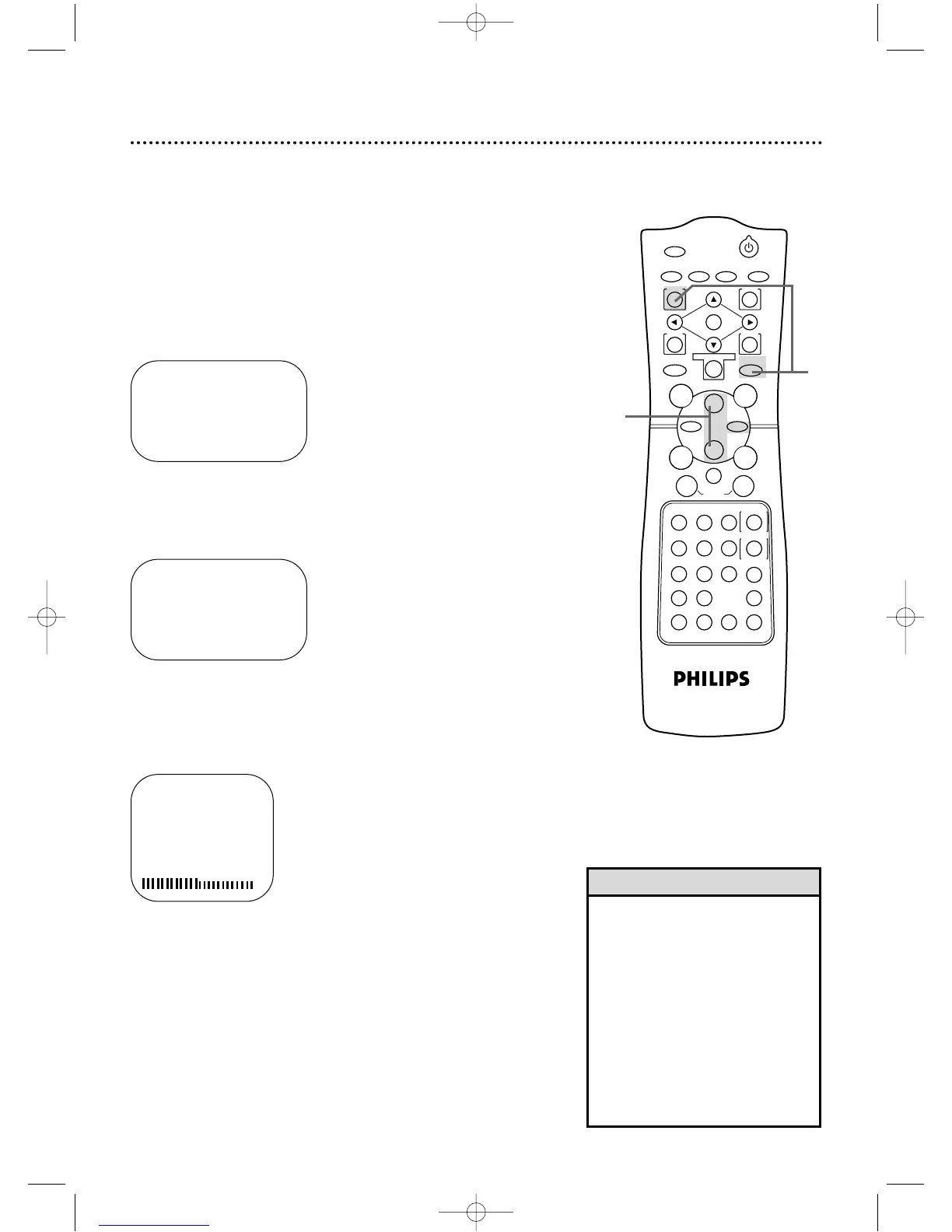
Press the VCR button, then press the MENU button.
SELECT op CHOOSE B
→ PROGRAM
VCR SET UP
TUNER SET UP
SET CLOCK
TO END PUSH EXIT
• You can not enter the TUNER SET
UP menu when you are in Line
Input mode (channel 001 or 002).
When you select channel 001 or
002,AV REAR or AV FRONT will
appear on the screen briefly.
• You can not program channels if you
are using a Cable Box or DBS.
• If you have an antenna,channels 2-
69 will be available.If you have a
cable connection,channels 1-125
will be available.
Helpful Hints
Although your DVD/VCR may automatically memorize the chan-
nels you receive when you turn it on for the first time, you can set
up the channels again.
● Before you begin,place the DVD/VCR in VCR mode.Press the
OUTPUT SELECT button so that the green VCR OUTPUT light
appears on the front of the DVD/VCR.Press the VCR/TV button
so that the VCR/TV light appears on the front of the DVD/VCR.
2
Press the Play B button or the Stop C button to select
TUNER SET UP,then press the Fast Forward g button.
SELECT op CHOOSE B
→ AUTO PROGRAMMING
ADD/DELETE CH
CH MEMORY REVIEW
TV STEREO ON
2ND AUDIO
TO END PUSH EXIT
3
Press the Play B button or the Stop C button to select
AUTO PROGRAMMING,then press the Fast Forward g
button.The DVD/VCR will memorize all the channels you receive.
4
Wait for a few minutes while the DVD/VCR sets up the
channels.When this is complete, CHANNELS ARE SET will
appear on the screen.Then the programming of the lowest channel
number placed in the DVD/VCR’s memory will appear on the
screen.Now when you press the CHANNEL o/p buttons, you
will scan only through channels you receive.You still can select any
channel number using the Number buttons.
2-3
AUTO CH PROGRAMMING
IN PROCESS
PLEASE WAIT
START FINISH
1
DV910(H9100).QX33 01.8.9 10:26 AM Page 17



 To Next Page