64 Audio Language
• If a desired language is not avail-
able after pressing the AUDIO but-
ton several times, the DVD does
not have that language.
• The display will disappear after
about five seconds.
• Some DVDs only allow you to
change the language in the Disc
menu.
Helpful Hints
The DVD/VCR allows you to select a language for DVDs during
playback.You can change the language only if multiple languages are
available on the DVD.
● Press the OUTPUT SELECT button so that the red DVD OUT-
PUT light appears on the front of the DVD/VCR.
1
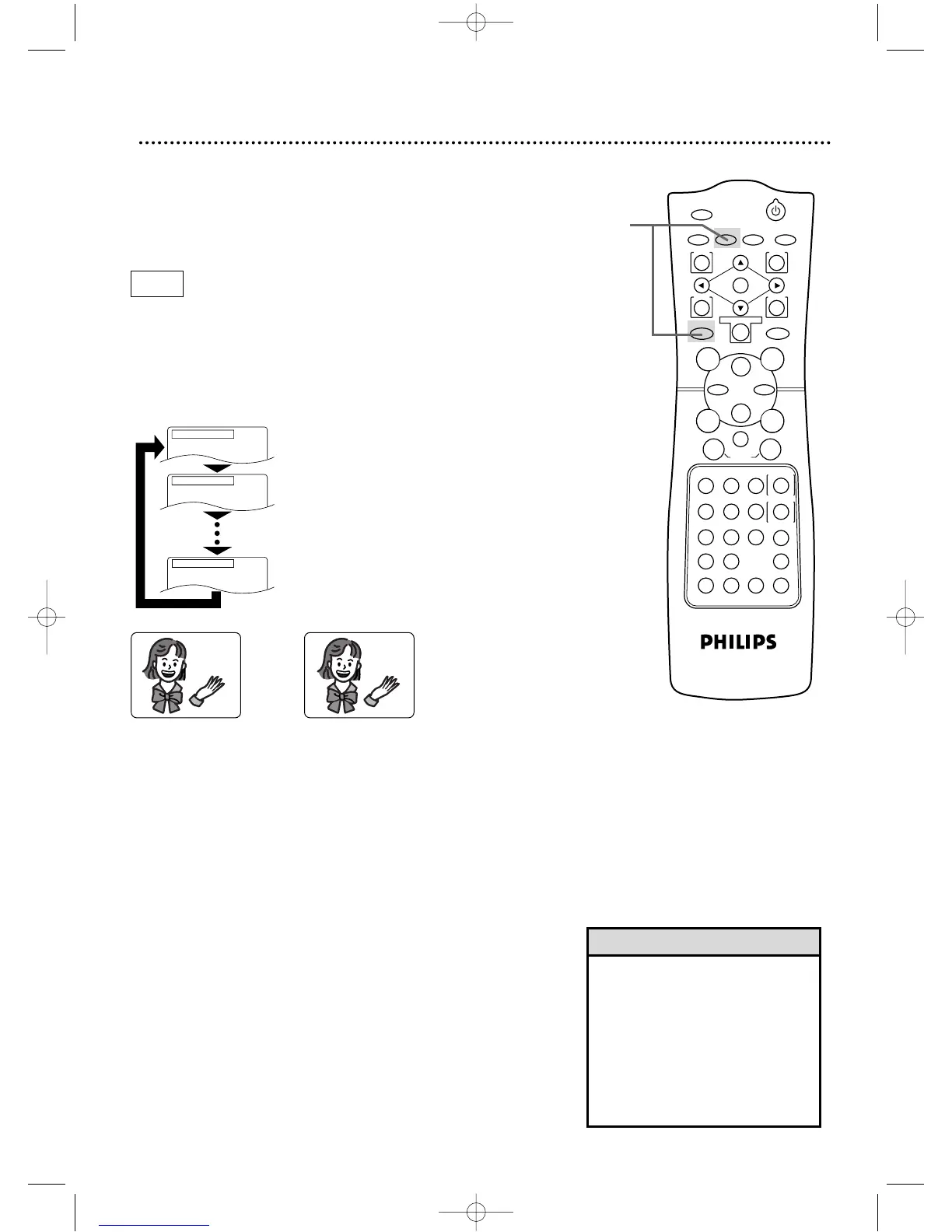
Press the DVD button,then press the AUDIO button dur-
ing playback so the audio display appears in the top left
corner of the TV screen.Press the AUDIO button repeatedly
until you select your desired language.
Press the AUDIO button.
Press the AUDIO button again.
Press the AUDIO button repeatedly to see
and hear all the available languages.The num-
ber of available languages appears at the right
of the audio display. In this example,eight lan-
guages are available ( /8).
DV910(H9100).QX33 01.8.9 10:27 AM Page 64



 To Next Page