3
Press the Play B button to return to normal playback.
• The sound will be muted when
playback is paused and during
slow motion playback.
• You can not play the DVD in
reverse slow motion.
Helpful Hints
DVD
Slow Motion 55
3
2
1
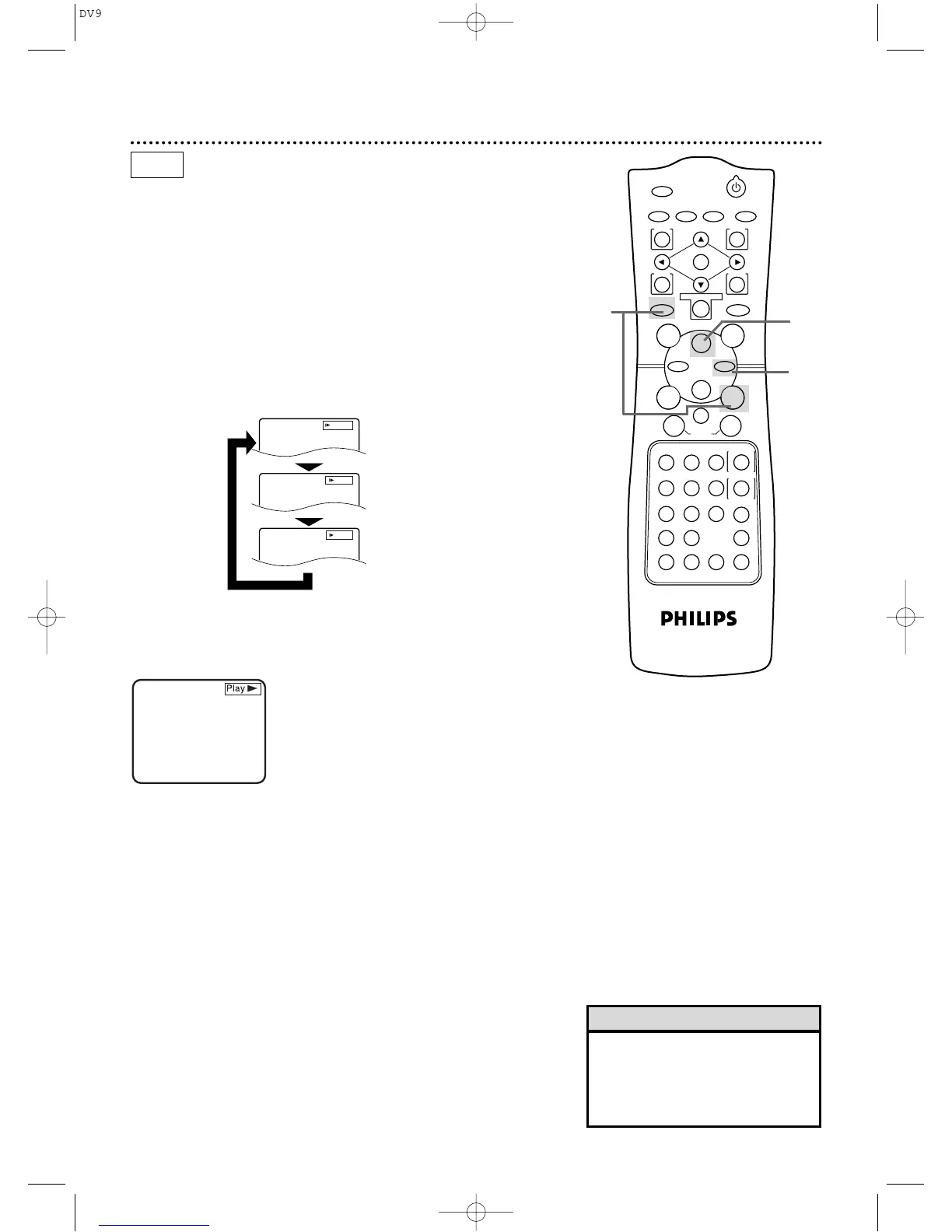
Press the DVD button,then press the Pause k button
during playback.
2
Press the Fast Forward g button. Slow motion playback
will begin.
Press the Fast Forward g button repeatedly during slow motion
playback to vary the speed of slow motion playback.You may play
the DVD at 1/16,1/8,or 1/2 the normal playback speed.
1
D
Press the Fast Forward button.
D
Press the Fast Forward button again.
D
Press the Fast Forward button again.
D
Press the Fast Forward button again.
X1/16
X1/8
X1/2



 To Next Page