D
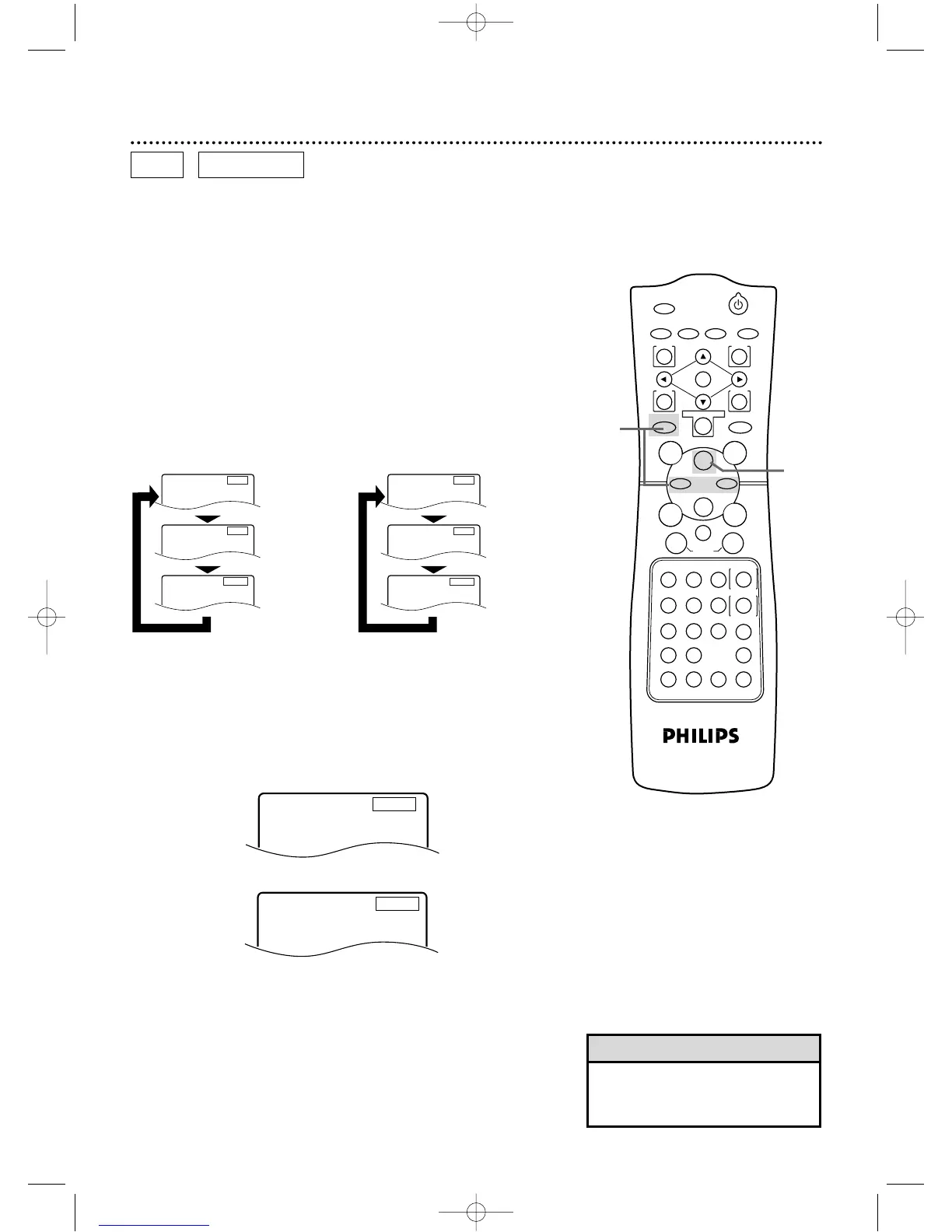
Press the Fast Forward button.
D
Press the Fast Forward button again.
D
Press the Fast Forward button again.
D
Press the Fast Forward button again.
E
X2
E
Press the Reverse button.
E
Press the Reverse button again.
E
Press the Reverse button again.
E
Press the Reverse button again.
E
X8
E
X32
D
X2
D
X8
D
X32
DVD AUDIO CD
1
2
● On an Audio CD,you may search forward or backward at 16
times the normal playback speed (hX16 or gX16).
Pressing the Fast Forward g or Rewind h button repeat-
edly will not affect the speed of the search.Sound will be inter-
mittent during searching on an Audio CD.
● Use the Fast Forward g button for a forward search.Press
the Rewind h button for a reverse search.
● Before you begin,place the DVD/VCR in DVD mode.
Press the OUTPUT SELECT button so that the red DVD
OUTPUT light appears on the front of the DVD/VCR.
1
During playback, press the DVD button, then press the
Fast Forward g button or the Rewind h button on
the remote control.
● On a DVD,pressing the Fast Forward g or Rewind h but-
ton repeatedly will forward or reverse the picture at twice, eight
times,or 32 times the normal playback speed.Sound will be
muted during searching.
● Use the Fast Forward g button for a forward search.Press
the Rewind h button for a reverse search.
• To see the search speed on the TV
screen,On Screen Info must be On.
Details are on pages 74-75.
Helpful Hint
DV910(H9100).QX33 01.8.9 10:27 AM Page 54



 To Next Page