Audio Settings (cont’d) 73
5
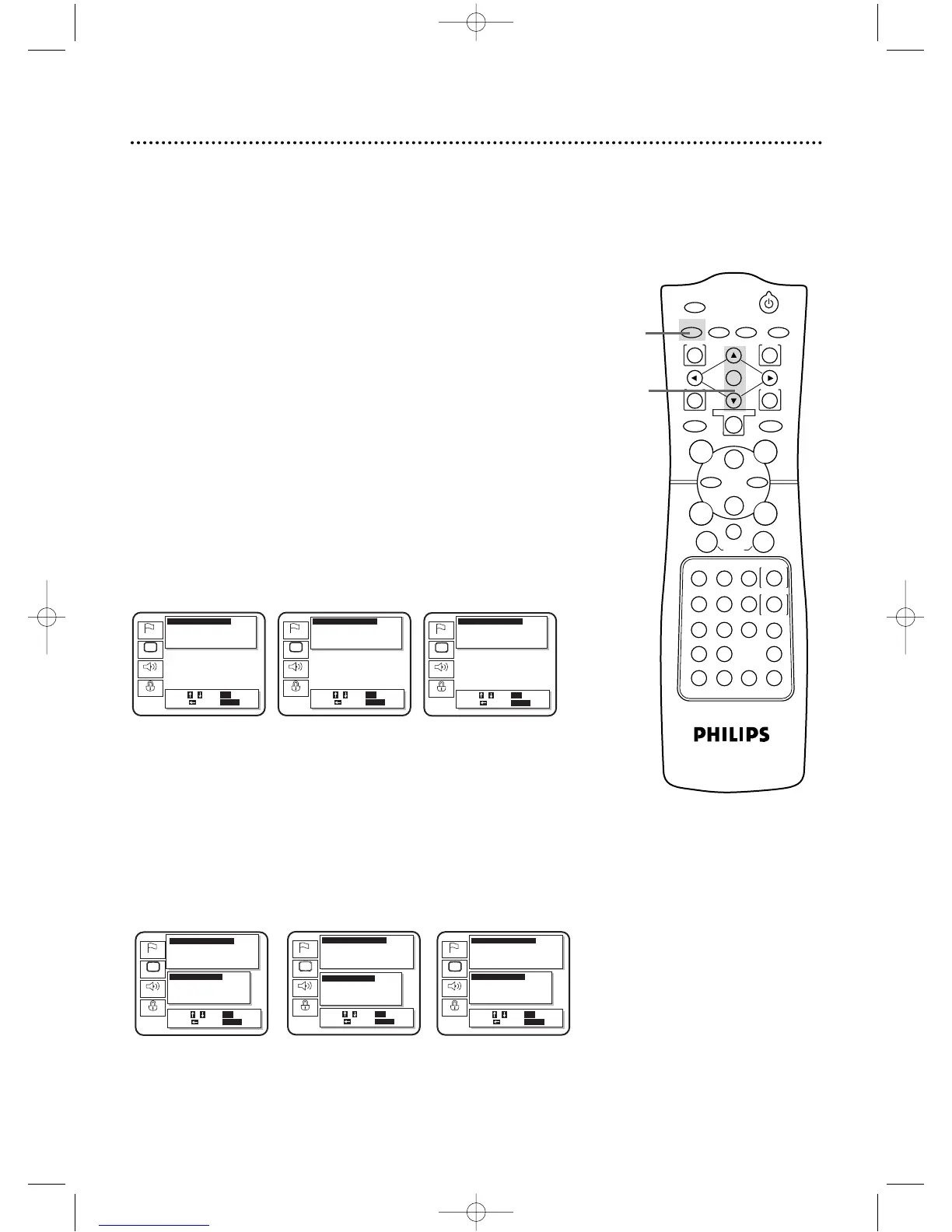
When you select Digital Audio Out at steps 3-4, the Dolby Digital,
DTS,and MPEG settings will be at the bottom of the screen.
To change the Dolby Digital,DTS, or MPEG settings, press
the Arrow
oopp
buttons to select the desired item,then
press the OK button repeatedly to set the item to On or
Off.
6
4,5
6
Press the SETUP button to clear the screen.
Dolby Digital DTS MPEG
4
If you selected Dynamic Range, Down Mix Mode, or
Down Sampling, press the OK button repeatedly to
adjust the setting of these items.When you are finished,
go to step 6.
If you selected Digital Audio Out, press the OK button,
then go to step 5.
● Dynamic Range: Press the OK button repeatedly to turn
Dynamic Range On or Off.This compresses the range of sound
volume by suppressing loud sound and raising the volume of
low sound.However, Dolby Digital 5.1 Channel sound is com-
pressed automatically, even if “Dynamic Range” is “Off.”
● Down Mix Mode:Press the OK button repeatedly to select
Stereo or Dolby Surround. Choose Dolby Surround if the
DVD/VCR is connected to audio equipment that is Dolby
Surround (Pro Logic) compatible.Choose Stereo if the
DVD/VCR is connected to other audio equipment.
● Down Sampling:Press the OK button repeatedly to select 48
kHz or 96 kHz.Select 96 kHz if the Disc was recorded in PCM
96 kHz.Otherwise, select 48 kHz.
DV910(H9100).QX33 01.8.9 10:28 AM Page 73



 To Next Page