Parental Controls Password 67
3
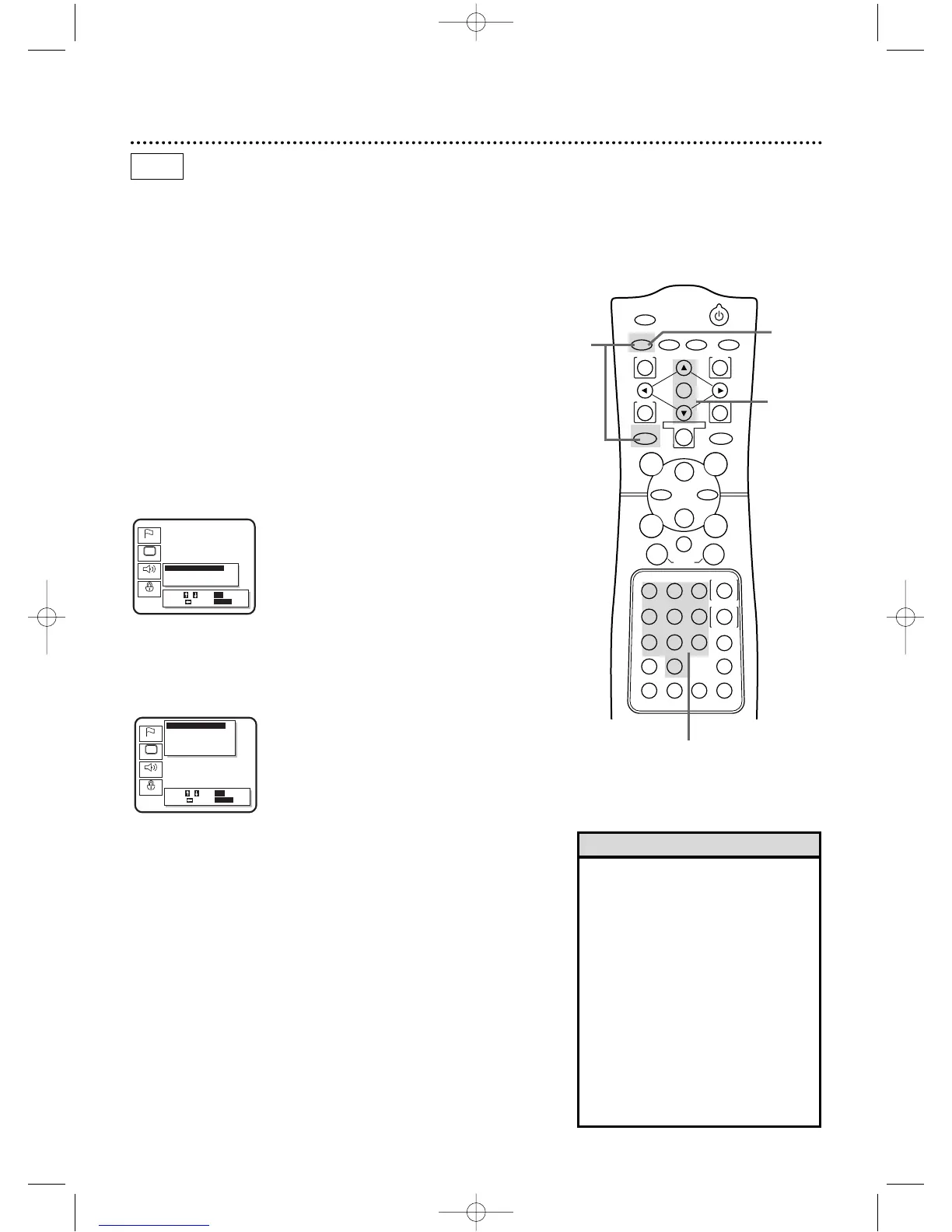
Press the Number buttons to enter a 4-digit password.The
Parental Controls screen will appear.When doing this the first time,
enter any four digits.That will be the password until you change it.
2,4
3,5,6
4
Press the Arrow
oo pp
buttons to select CHANGE.Then,
press the OK button.
5
Press the Number buttons to enter your old password.
6
Press the Number buttons to enter a new 4-digit password.
The Parental Controls screen will reappear,with Parental Level
selected.
7
Press the SETUP button to remove the menu.
Parental Controls limits viewing of Discs that exceed the limits you
set.Either playback will stop or you will have to enter a password
before viewing.This feature will not limit viewing if the Disc maker
did not code the Disc.So,make sure your Discs play according to
your settings before you allow children access to the DVD/VCR.
Follow the steps below to change your Parental Controls password.
● Before you begin,place the DVD/VCR in DVD mode.
Press the OUTPUT SELECT button so that the red DVD
OUTPUT light appears on the front of the DVD/VCR.
1
While playback is stopped, press the DVD button, then press
the SETUP button.The setup screen will appear.
2
Press the Arrow
oopp
buttons to select Parental.Then, press
the OK button.The Setup/Parental Password menu will appear.
1
• Write down the password in case you
forget it.
• If you forget the password,you can
restore the DVD Player’s original set-
tings.Remove the Disc from the
DVD/VCR.Press the DVD button,then
press Number buttons 1,2,3,4,then
press the DISPLAY/STATUS/EXIT but-
ton.Information about the DVD Player
will appear on the TV.Press the OK
button.This restores the original set-
tings of the DVD Player.You need to
reset your DVD settings.This has no
effect on the VCR settings of the
DVD/VCR.
Helpful Hints
7
DVD
DV910(H9100).QX33 01.8.9 10:27 AM Page 67



 To Next Page