74 Display Settings
2
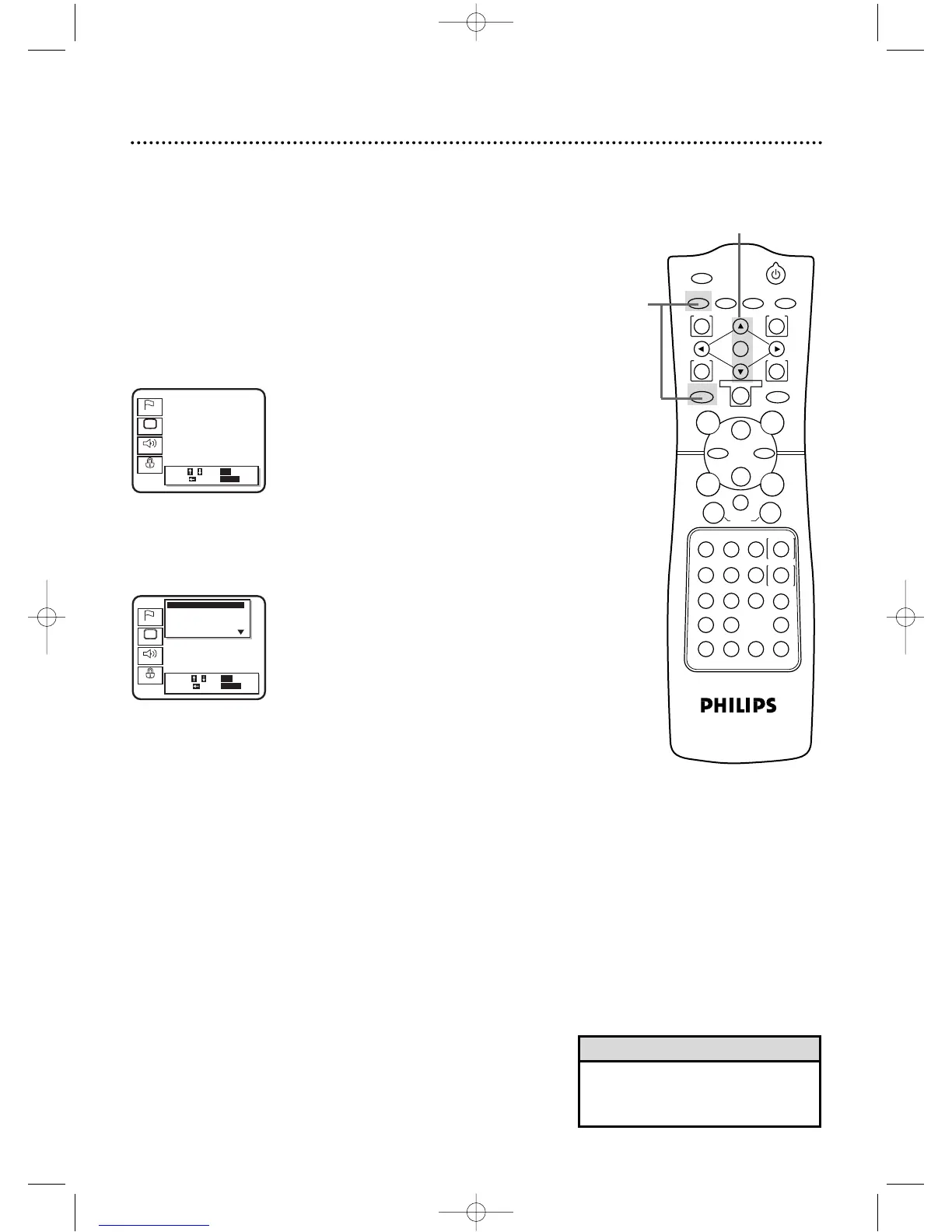
Press the Arrow
oopp
buttons to select Display.
Then,press the OK button.
2,3
You can change certain aspects of the DVD Player’s Display
Screens,on-screen messages,and the display panel on the front of
the DVD/VCR.You also can change the Aspect Ratio.To change
such settings,follow these steps.
● Before you begin, place the DVD/VCR in DVD mode.
Press the OUTPUT SELECT button so that the red DVD
OUTPUT light appears on the front of the DVD/VCR.
1
When playback is stopped, press the DVD button, then
press the SETUP button.The setup screen will appear.
1
• Selecting a different TV Aspect set-
ting will only be effective if it is avail-
able on the Disc.
Helpful Hint
3
Press the Arrow
oopp
buttons to select an item:TV Aspect,
On Screen Info,Panel Display,Angle Icon,Background
Color,or Auto Power Off.
DV910(H9100).QX33 01.8.9 10:28 AM Page 74



 To Next Page