Time Search 43
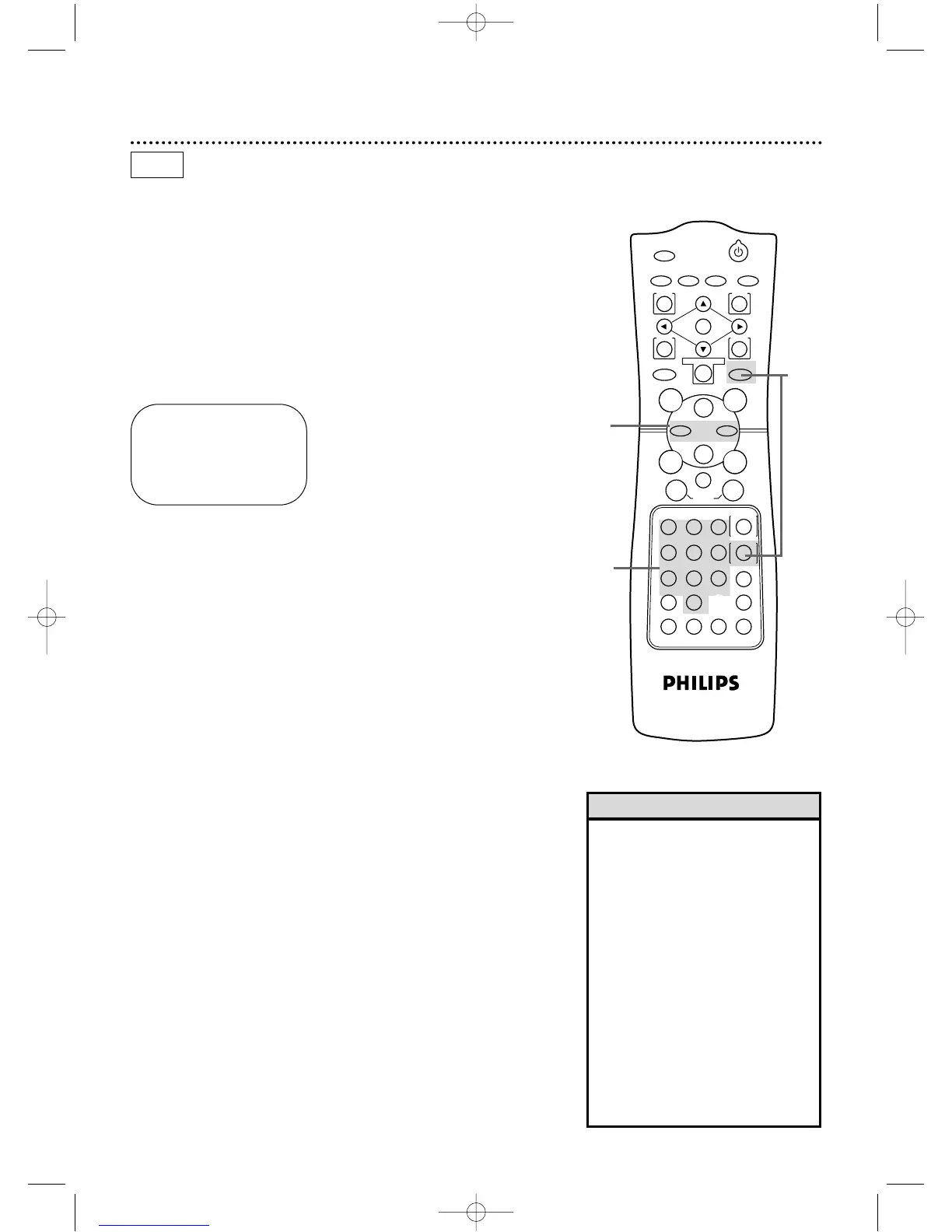
Follow the steps below to program the DVD/VCR to search for-
ward or backward on a tape a specific length of time.There must
be a tape in the DVD/VCR.
● Before you begin,place the DVD/VCR in VCR mode.Press the
OUTPUT SELECT button so that the green VCR OUTPUT light
appears on the front of the DVD/VCR.Press the VCR/TV button
so that the VCR/TV light appears on the front of the DVD/VCR.
1
Press the VCR button, then press the SEARCH
MODE/TIME SEARCH button.
2
Within 10 seconds, use the Number buttons to enter the
desired length of time you want to skip forward or back-
ward. For example, for 1 hour, 25 minutes,press Number buttons
1,2, 5.Or,for five minutes, press Number buttons 0, 0,5.
3
Within 10 seconds, press the Fast Forward g button or
the Rewind h button.The DVD/VCR will skip over the spec-
ified length of time, then begin playback.
• If you want to search for more than
59 minutes,you must enter the
length of time in hours and minutes.
For example,to search forward 70
minutes,press 1,1,0 at step 2.
• You can not do a Time Search while
recording.
• To remove the Time Search display,
press the SEARCH MODE/TIME
SEARCH button again.
• To cancel a Time Search that is in
progress,press the Stop C button.
• If the end of the tape is reached
during a Time Search,the Time
Search will be cancelled.The
DVD/VCR may rewind the tape.
Details are on page 45.
Helpful Hints
TIME SEARCH
0:00
ENTER SEARCH TIME
3
2
VCR
1
DV910(H9100).QX33 01.8.9 10:26 AM Page 43



 To Next Page