EasyManua.ls Logo

Philips DV910VHS98 - Zoom Playback

Philips DV910VHS98
88 pages
Print Icon
To Next Page IconTo Next Page
To Previous Page IconTo Previous Page
Loading...
• Zooming is not possible when you
access the DVD Player’s display
screen.Details are on page 69.
To see Zoom [On] or Zoom [Off] on
the TV screen,On Screen Info must
be On.Details are on pages 74-75.
Helpful Hints
DVD
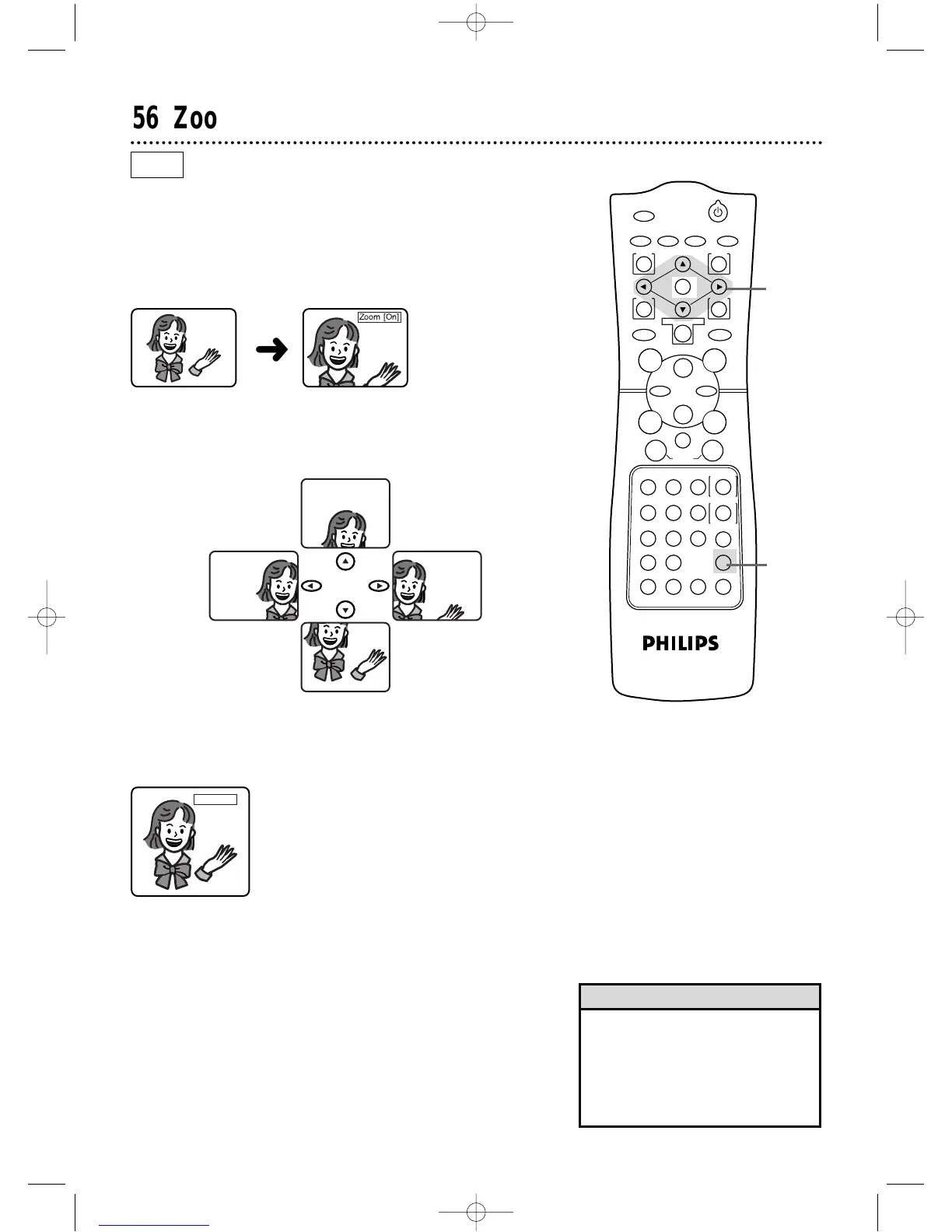
You can enlarge the DVD picture during playback.The picture will
be four times larger than normal.
1
Press the ZOOM button during playback. The enlarged pic-
ture will continue to play.
2
Press the Arrow buttons ops B to move the zoomed
image left, right,up,and down.
3
To return the picture to its normal size, press the ZOOM
button again.

Zoom
[O
n
]
56 Zoom Playback
Zoom
[O
ff
]
POWER
MARKER
TIMER SET VCR/TV MEMORY SPEED
REC
/OTR
OUTPUT SELECT
3
4
5
6
7
8
9
ZOOM
TIME SEARCH
SLOW
STATUS/EXIT
SEARCH MODE
DISPLAY
0
+
10
2
1
VCRDVD
E
B
OK
D
H/
LK
/G
C
CLEAR
REPEAT
SETUP
MENU TITLE
RETURN
MODE
SKIP/CHANNEL CHANNEL/SKIP
A-B
AUDIO
ANGLESUBTITLE
F
2
1,3
DV910(H9100).QX33 01.8.9 10:27 AM Page 56

Table of Contents

Related product manuals