58 Title/Chapter Playback
DVD
Starting Playback at a Specific Title/Chapter
● Before you begin,place the DVD/VCR in DVD mode.
Press the OUTPUT SELECT button so that the red DVD OUT-
PUT light appears on the front of the DVD/VCR.
1
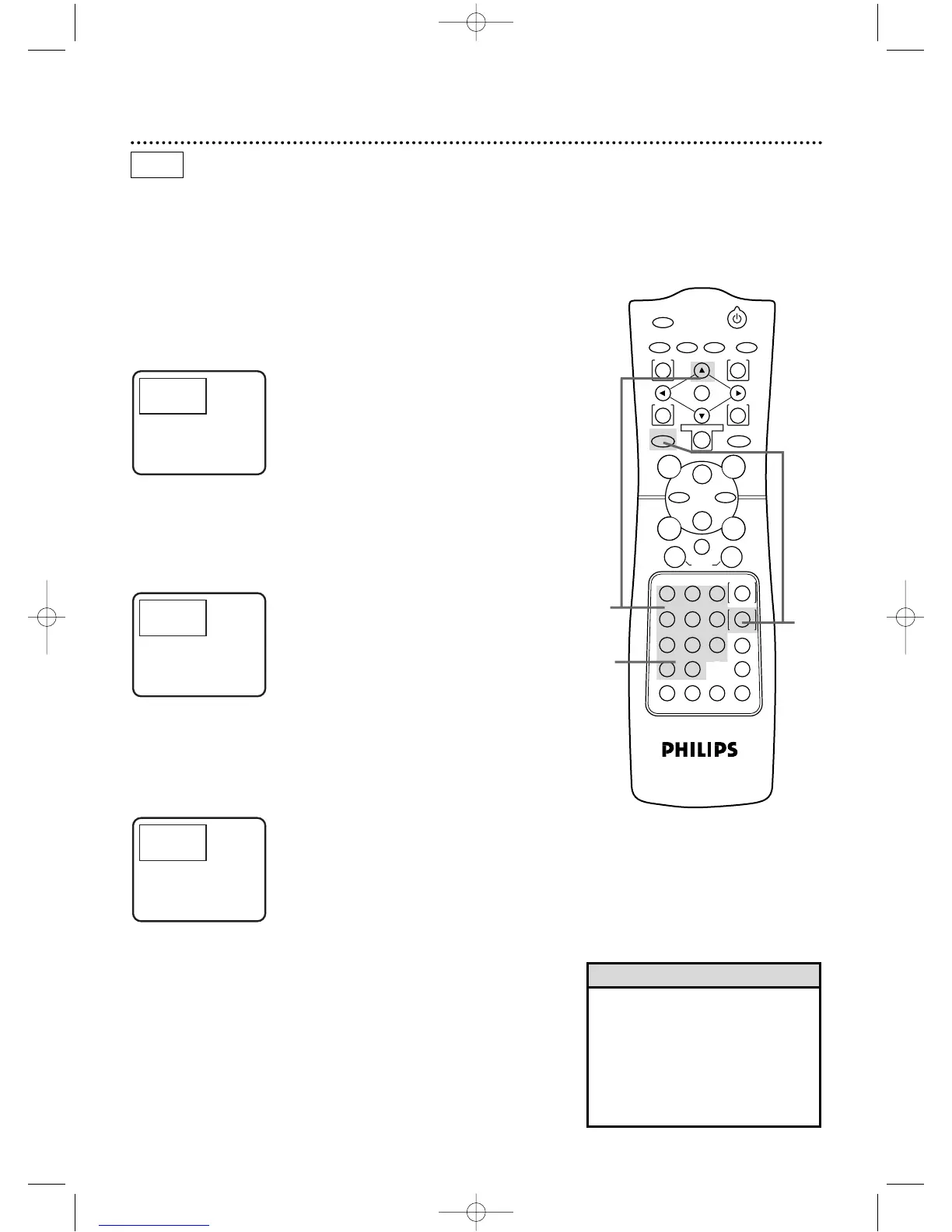
With a DVD in the DVD/VCR, press the DVD button,then
press the SEARCH MODE button so that the Title/Chapter
Search display appears on the TV screen.
• Title/Chapter playback is not avail-
able with some DVDs.
• During DVD playback,press the
SKIP buttons to go to the next chap-
ter,return to the beginning of the
current chapter,or go to a previous
chapter.
Helpful Hints
2
To select the Title, press the Arrow
oo
button to select
the Title space, then press the Number buttons to enter
the Title number. The bar will move to Chapter automatically.
3
To select the Chapter, press the Number buttons to enter
the Chapter number. The DVD/VCR will begin playback at the
selected Chapter.



 To Next Page