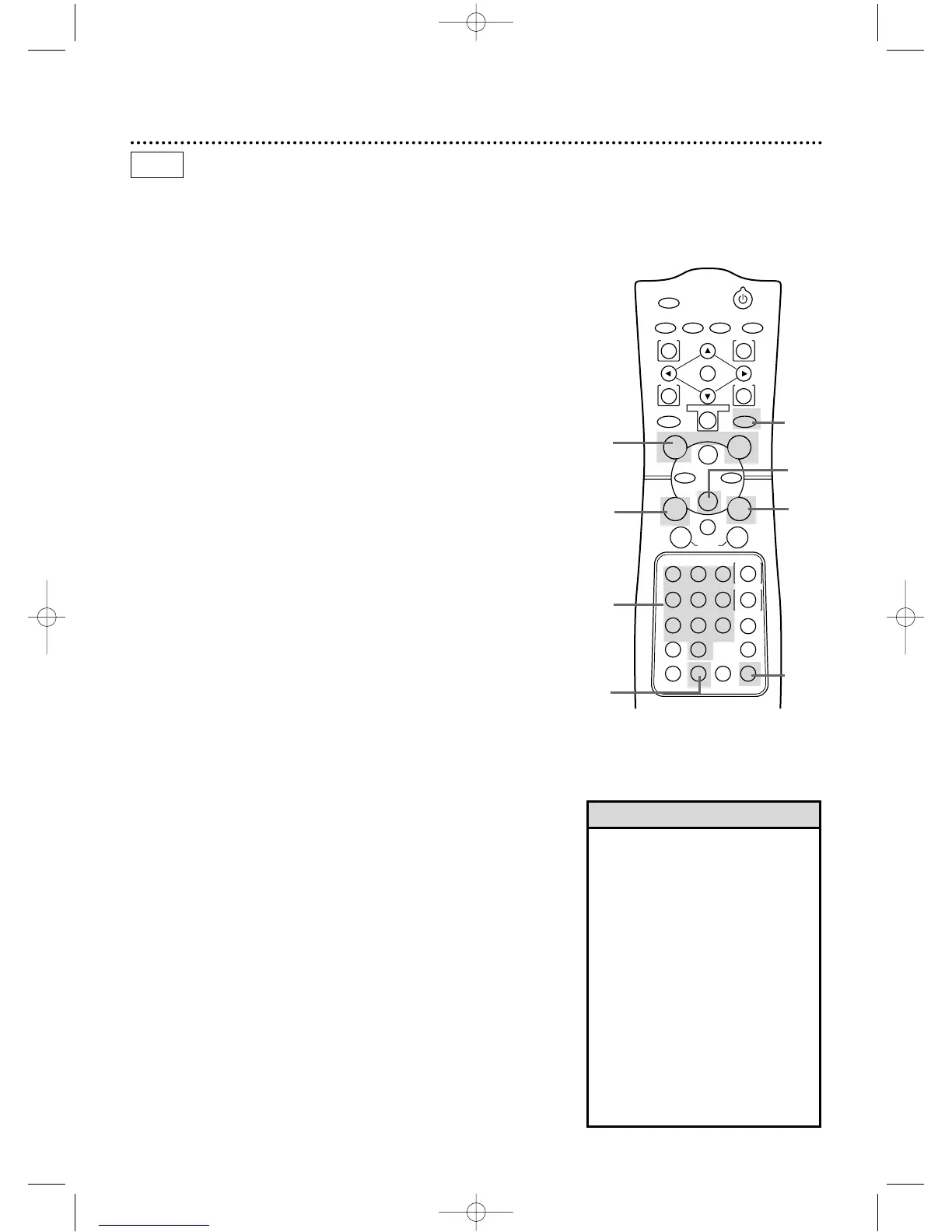
Read and follow the steps below to record a television program
onto a video cassette tape. Before you begin,make sure the
DVD/VCR is in VCR mode. Press the OUTPUT SELECT button so
that the green VCR OUTPUT light appears on the front of the
DVD/VCR.
1
Turn on the TV and set it to channel 3 or 4,whichever chan-
nel the CH3/CH4 switch on the back of the DVD/VCR is set to.
Or,if you connected the DVD/VCR to the TV using audio and
video cables,select the correct audio and video in channel at the
TV.Details are on page 12.
Recording on a Video Cassette Tape 33
2
Insert a tape with its record tab intact into the cassette
compartment of the DVD/VCR.If tape playback begins,press
the Stop C button.
3
If the VCR/TV light appears on the front of the DVD/VCR,go to
step 4.If the VCR/TV light does not appear, press the VCR
button, then press the VCR/TV button once.
• If you press the REC(ord)/OTR but-
ton when there is not a tape in the
DVD/VCR,NOCASSETTE will flash
on the screen.
• If you press the REC(ord)/OTR but-
ton while a tape without a record
tab is in the DVD/VCR,the
DVD/VCR will eject the tape and
PROTECTEDCASSETTECANNOT
RECORD will flash on the screen.
• Other recording options are on
pages 34-40.
• You can change the tape speed dur-
ing a recording,but some distortion
will appear on the tape.
• The DVD/VCR will record in a preset
volume.
Helpful Hints
4
Press the SPEED button until the desired tape speed
appears briefly on the screen. (Details about tape speed are on
page 38.)
5
Use the CHANNEL o/p buttons or the Number buttons
to select the TV channel to be recorded.
6
Press the REC(ord)/OTR button once to start recording.The
REC(ord)/OTR light will appear on the front of the DVD/VCR.
7
To pause the recording, press the Pause k button once.
The REC(ord)/OTR light will flash.To resume recording,press
the REC(ord)/OTR button or press the Pause k button
again.The REC(ord)/OTR light will come on again.
8
To stop recording, press the Stop C button.
1
Turn on the TV.
2
Insert a tape in the
DVD/VCR.
4
5
8
5
3
VCR
7
3
6
DV910(H9100).QX33 01.8.9 10:26 AM Page 33



 To Next Page