• Automatic Channel Setup
• Automatic Head Cleaner
• Automatic Tracking Adjustment
• Blue Background
• Daylight-Savings Time
• Hi-Fi Stereo Sound System
• High Quality (HQ) System
• MTS (Multi-Channel Television
Sound) System
• 19 micron head
• On-Screen Displays in English or
Spanish
• One-Touch Recording
• Real-Time Counter
• Repeat Play
• S-VHS Quasi Play Back (SQPB)
• Special Effects Playback:Forward
and Reverse Searching;Still;Slow
Motion
• Time Search
• Timer Recording
Introduction 5
Welcome!
This DVD/VCR combines a Digital Video Disc (DVD) Player and a Hi-Fi Video Cassette Recorder (VCR) into
one unit,letting you play DVDs,Audio Compact Discs (Audio CDs),and video cassette tapes on one piece of
equipment.The DVD Player provides better picture quality,clearer sound,and endless playback features available
on DVDs.Watch a director’s cut of a movie,listen to the producer’s comments,or play your favorite scene over
and over again.The possibilities are limited only by your choices and the materials on the DVD.
When playing Audio CDs,determine the order in which you want to hear the songs,or play the Disc repeated-
ly - all while seeing the status of the CD on your television.
We hope you enjoy this DVD/VCR and learn to use all of its features.To get the most out of the DVD/VCR,
read this owner’s manual carefully.It will describe how you can access all the features listed below.
Features
When referring to this manual,remember...
Indicates the feature is available on video cassette tapes when the DVD/VCR is in VCR mode.
Indicates the feature is available on some Digital Video Discs when the DVD/VCR is in DVD mode.
Indicates the feature is available on some Audio CDs when the DVD/VCR is in DVD mode.
Disc Menus...
Some explanations in this manual describe the Disc menus.These menus are set by the movie producers or the
music industry;the menus will vary among Discs.All Discs do not have menus.However,if the Disc has a menu,
access the Disc menu by pressing the DVD button,then pressing the MENU button on the remote control.
Details are on page 51.
DVD Player Setup Menu...
Some instructions explain how to use the DVD Player’s Setup menu to set up features of the DVD player or the
Disc.Access the DVD Player menu by pressing the SETUP button on the remote control when playback is
stopped.Even if a feature is set up in the DVD Player’s menu,it may not be available if the current Disc does not
include that feature.
Available Disc Features...
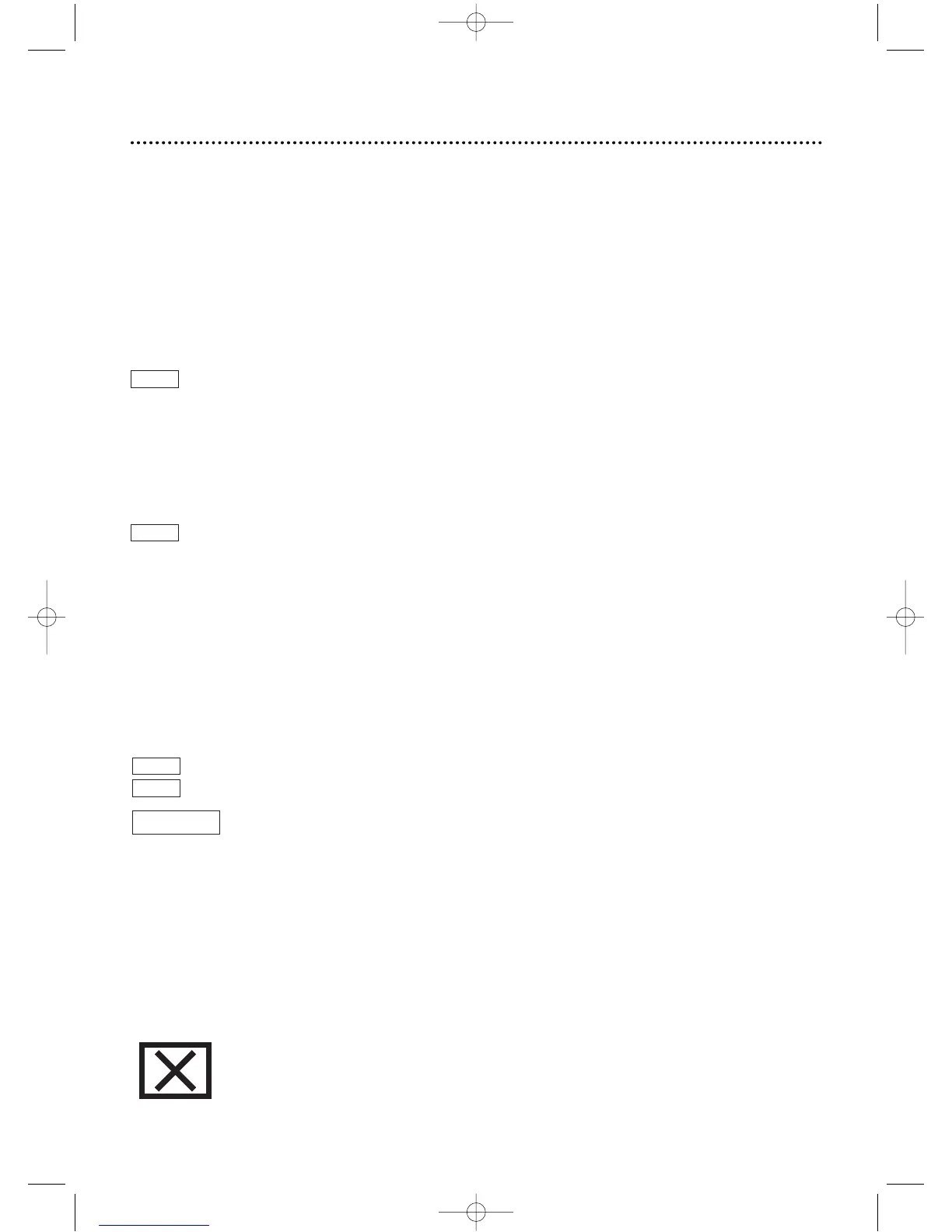
All features described in this manual are not available on every DVD or Audio CD.If the feature
is not available on the Disc, you cannot use the DVD/VCR to make it available.The “No feature”
symbol (“X”) will appear in the top right corner of the TV screen if you try to access a feature
that is not currently available.
AUDIO CD
DVD
VCR
VCR
DVD
• A-B Repeat
• Audio Language choices*
• Automatic Detection of Disc
type (Audio CD or DVD)
• Bit Rate display
• Camera Angle *
• Display Panel with Dimmer
• Dolby Digital Sound
• DTS (Digital Theater System)
• Dynamic Range Control
• Markers
• Parental Lock*
• Paused/Fast/Slow/Step-by-Step
Playback
• Program Playback (Audio CD)
• Random Playback (Audio CD)
• Repeat (Chapter,Title,Track,
Disc)
• Screen Saver
• SRS TruSurround
• Subtitles*
• Time Search
• Title/Chapter Search
• Track Search
• Zoom Playback
* If available on the Disc
DV910(H9100).QX33 01.8.9 10:26 AM Page 5



 To Next Page