Random Playback 63
You may play the Tracks of an Audio CD in Random order instead
of the order in which they are recorded (1,2,3...).To set up
Random Playback,follow these steps.
● Before you begin, place the DVD/VCR in DVD mode.
Press the OUTPUT SELECT button so that the red DVD OUT-
PUT light appears on the front of the DVD/VCR.
1
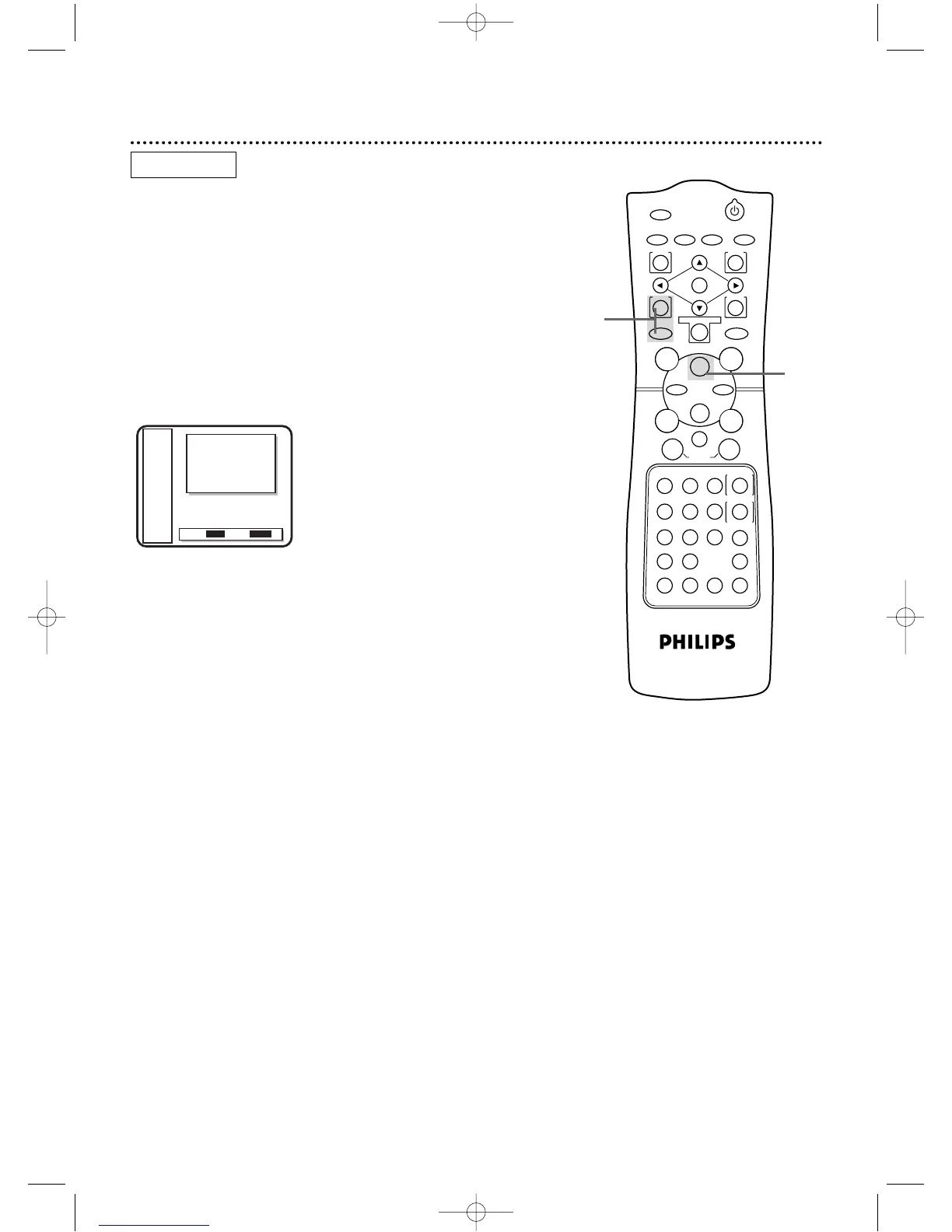
While playback is stopped, press the DVD button, then
press the MODE button twice so that the RANDOM
screen appears.
2
While the RANDOM screen appears, press the Play B
button.The Tracks will play in random order.After all the Tracks
on the disc have played once, playback will stop.
2
AUDIO CD
1



 To Next Page