• To enjoy Dolby Digital Surround or
DTS Surround sound,you must
connect the DVD/VCR to a Dolby
Digital or DTS decoder.Details are
on page 14.
• MPEG sound is not available if the
DVD/VCR is connected to audio
equipment that is not MPEG
sound compatible.
Helpful Hints
72 Audio Settings
2
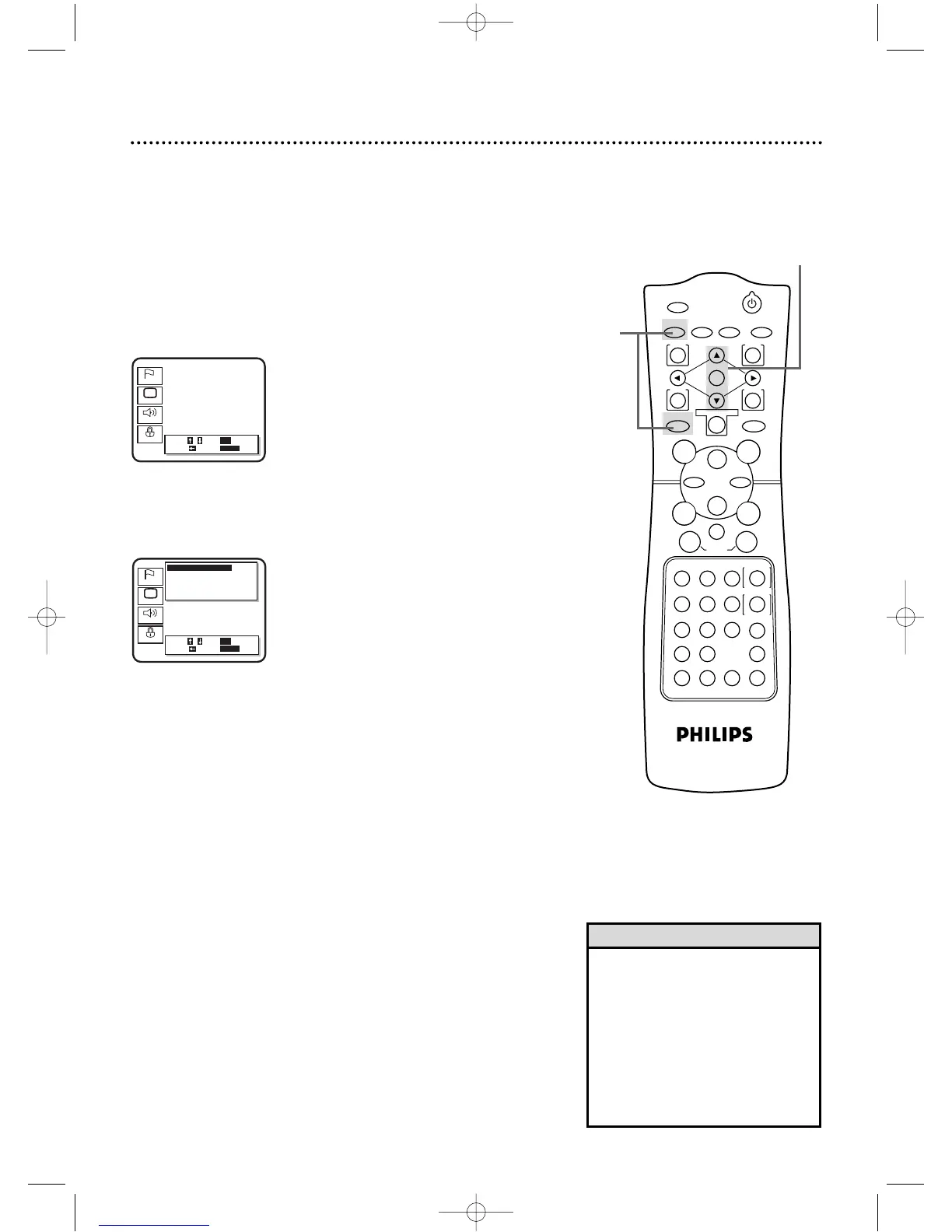
Press the Arrow
oopp
buttons to select Audio.Then, press
the OK button.
3
Press the Arrow
oopp
buttons to select an item: Digital
Audio Out, Dynamic Range, Down Mix Mode or Down
Sampling.
2-3
Choose the appropriate Audio Settings for your equipment.These
settings only affect the playback of the DVD Player of the
DVD/VCR.
● Before you begin,place the DVD/VCR in DVD mode.
Press the OUTPUT SELECT button so that the red DVD
OUTPUT light appears on the front of the DVD/VCR.
1
While playback is stopped, press the DVD button, then
press the SETUP button.The setup screen will appear.
1



 To Next Page