Language Settings (cont’d) 77
4
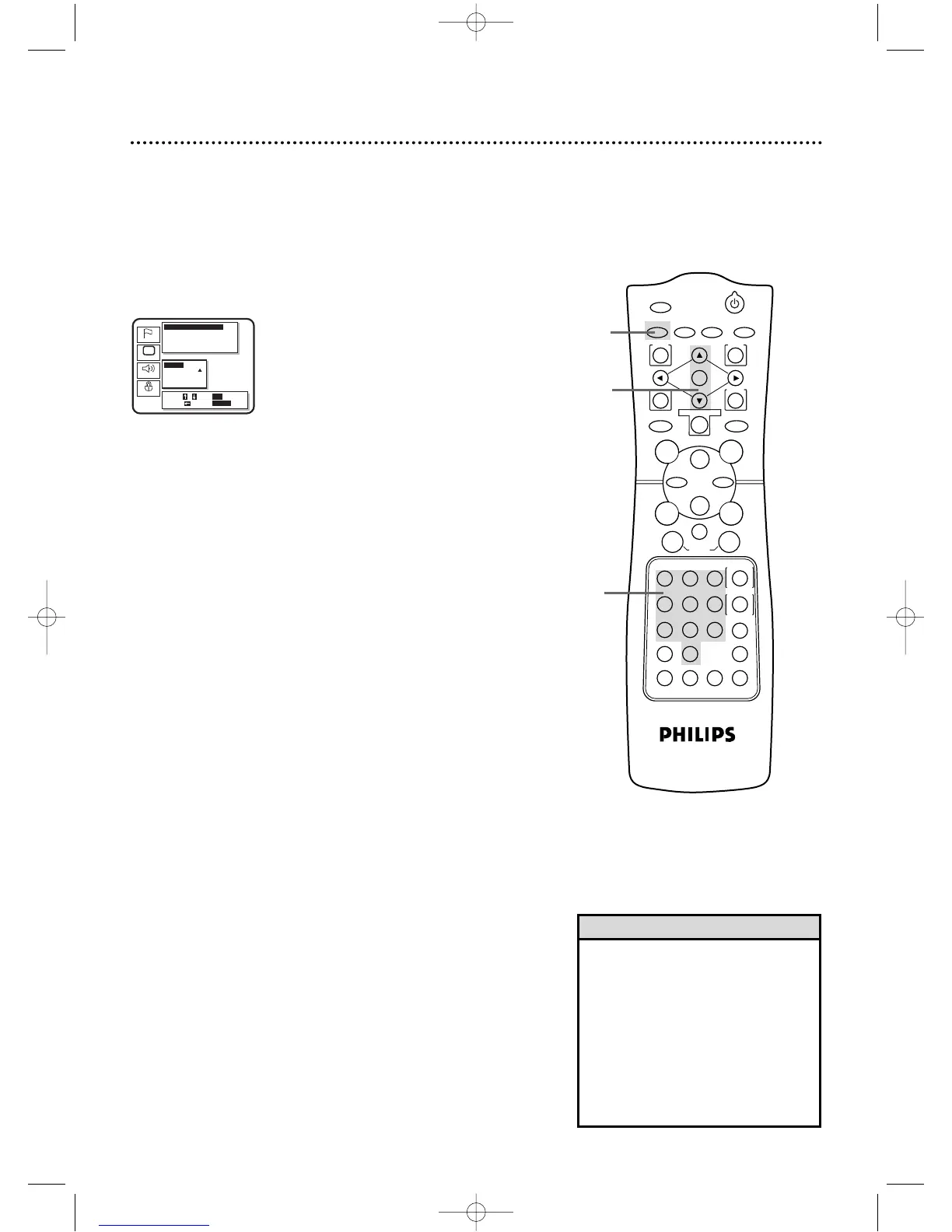
Press the Arrow
oopp
buttons to select a setting, then
press the OK button.
● If you select Other at the Audio,Subtitle, or Disc Menu screen,
press four Number buttons to enter the country code you
desire,then press the RETURN button.Refer to the list on page
78.You can only select other languages if the language is available
on the Disc.
5
Press the SETUP button to clear the screen.
4
5
• If the automatic settings for Audio
and Subtitle are the same language,
the subtitles will not be shown.
• Optional language settings for Audio,
Subtitle,and Disc Menu are not avail-
able with some discs.Use the AUDIO
and SUBTITLE buttons on the remote
control instead to select different lan-
guages for the audio and subtitles.
Details are on pages 64-65.
Helpful Hints
DV910(H9100).QX33 01.8.9 10:28 AM Page 77



 To Next Page