20
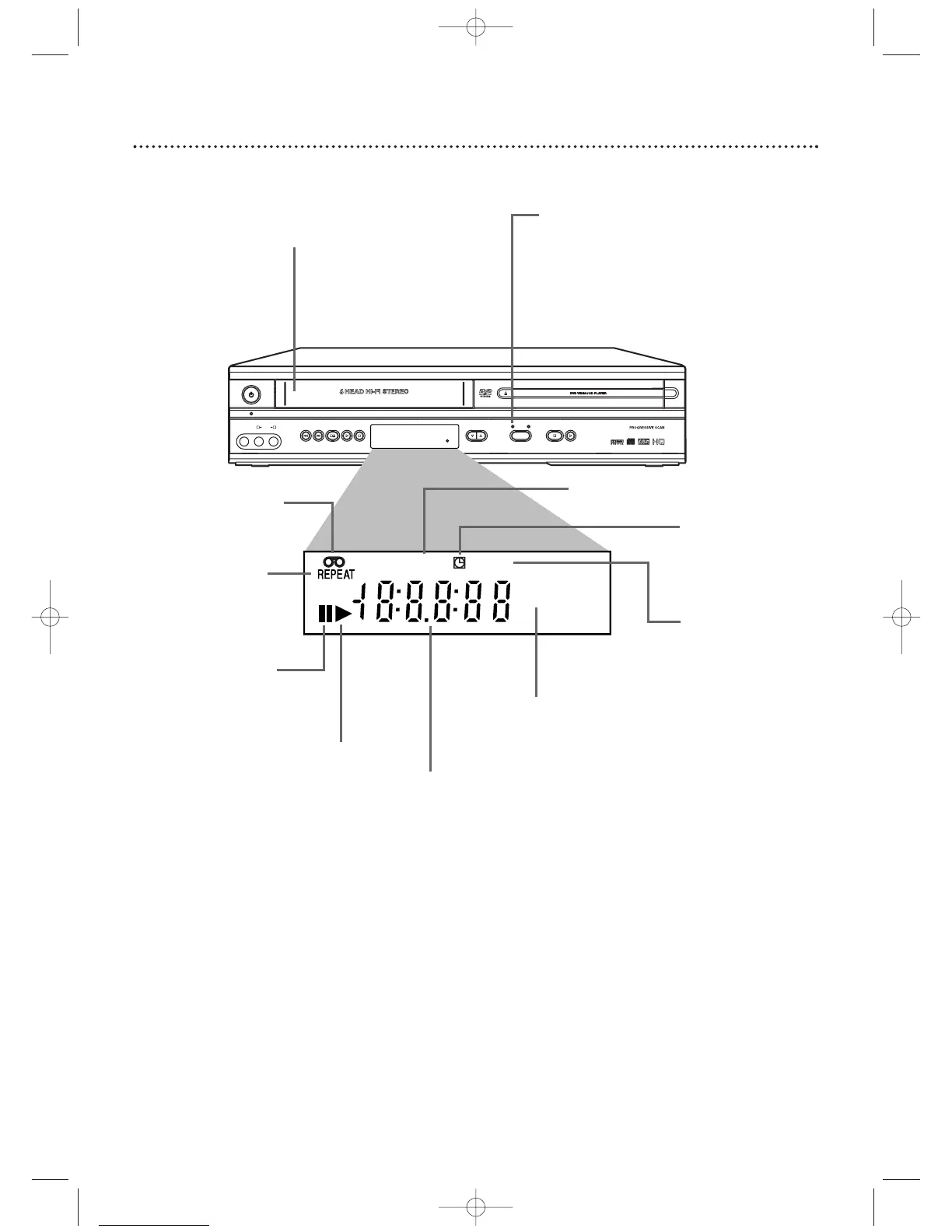
Display Panel (VCR)
Cassette Compartment
Insert a video cassette here.
VCR light
This light appears when the DVD/VCR is
in VCR mode.You can only watch
videotapes or access VCR features and TV
channels when the VCR light is on.
To make the VCR light come on, press
VCR on the remote control or SOURCE
on the front of the DVD/VCR.
Indicates a tape
is in the
DVD/VCR.
Indicates VCR position
Appears if
Repeat Play
is active
Appears if tape
play is paused or
during slow
motion tape play
Appears during
tape play
Appears when a timer
recording or an OTR
has been set
Appears during
recording; flashes when
recording is paused
Indicates current time is P.M.
There is no A.M. indication.
Indicates the elapsed playing time of a
tape; also displays a channel number,
tape speed, remaining time for an
OTR, or the current time












 To Next Page