30
VCR Status Displays
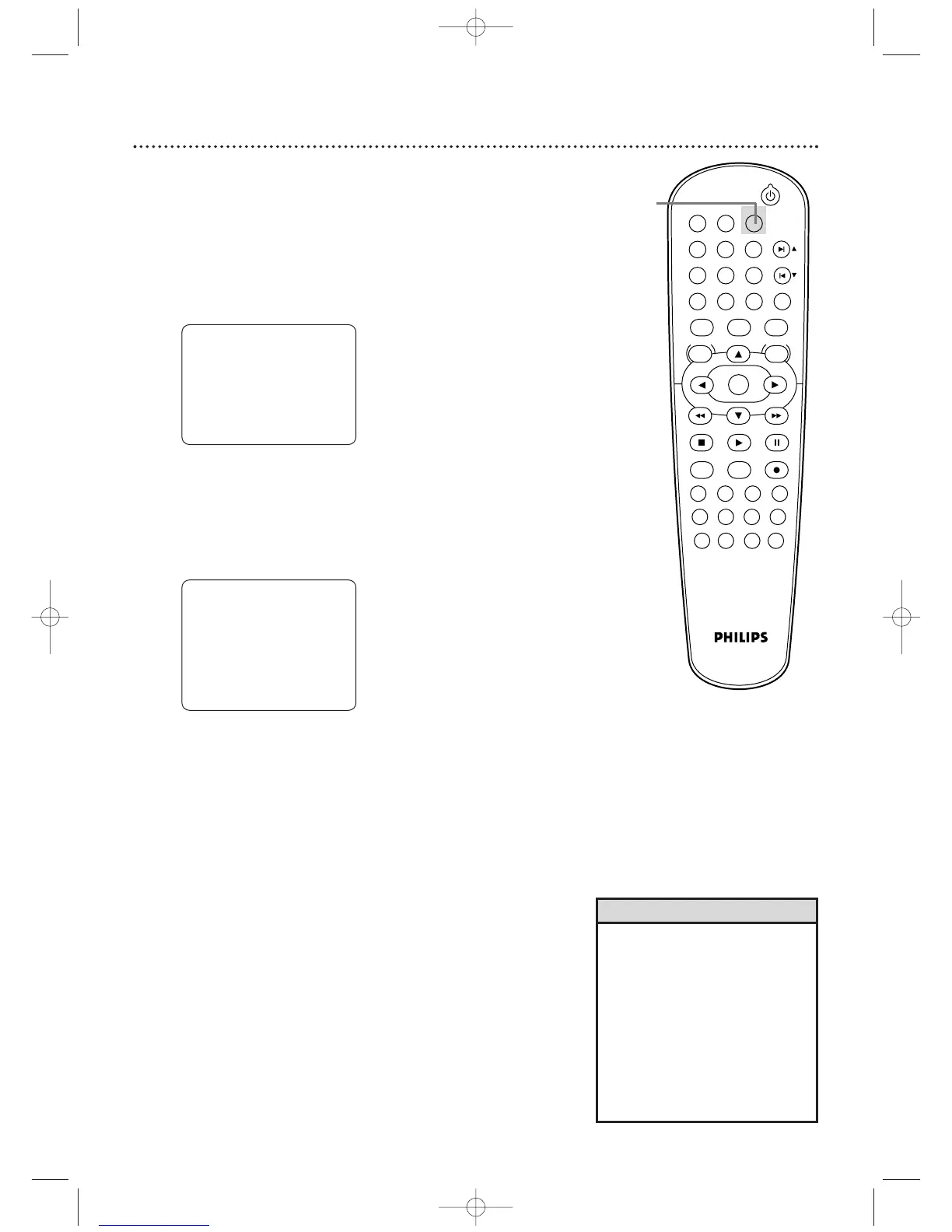
You may access status displays by pressing DISPLAY.The displays
may include the current time, channel, and other information.
1
Press DISPLAY. The COUNT display will appear for five
seconds.After five seconds, only the real-time tape counter
will appear.This counter shows you the elapsed playing
time of the tape (from the point at which the counter was
set to zero).The counter also will appear on the display
panel on the front of the DVD/VCR.
2
Press DISPLAY again. The CLOCK display will appear
for five seconds.After five seconds, only the time will
appear (the clock must be set). (If you are watching TV, the
channel number and the availability of stereo or second
audio will also appear.) The time also will appear on the
display panel on the front of the DVD/VCR.
3
Press DISPLAY again to remove all the displays.
• If the channel you select has no
broadcast, the screen will be solid
blue.
• You cannot access a status
display when viewing a still
picture, during slow motion, or
during forward and reverse
searching.
• Channel numbers appear on the
screen for a few seconds each
time you change channels.
Helpful Hints
STOP
SLP 0:
12:34 HIFI
STOP 5:40 PM
CH 02
STEREO
SAP
SLP












 To Next Page