60
Random Playback
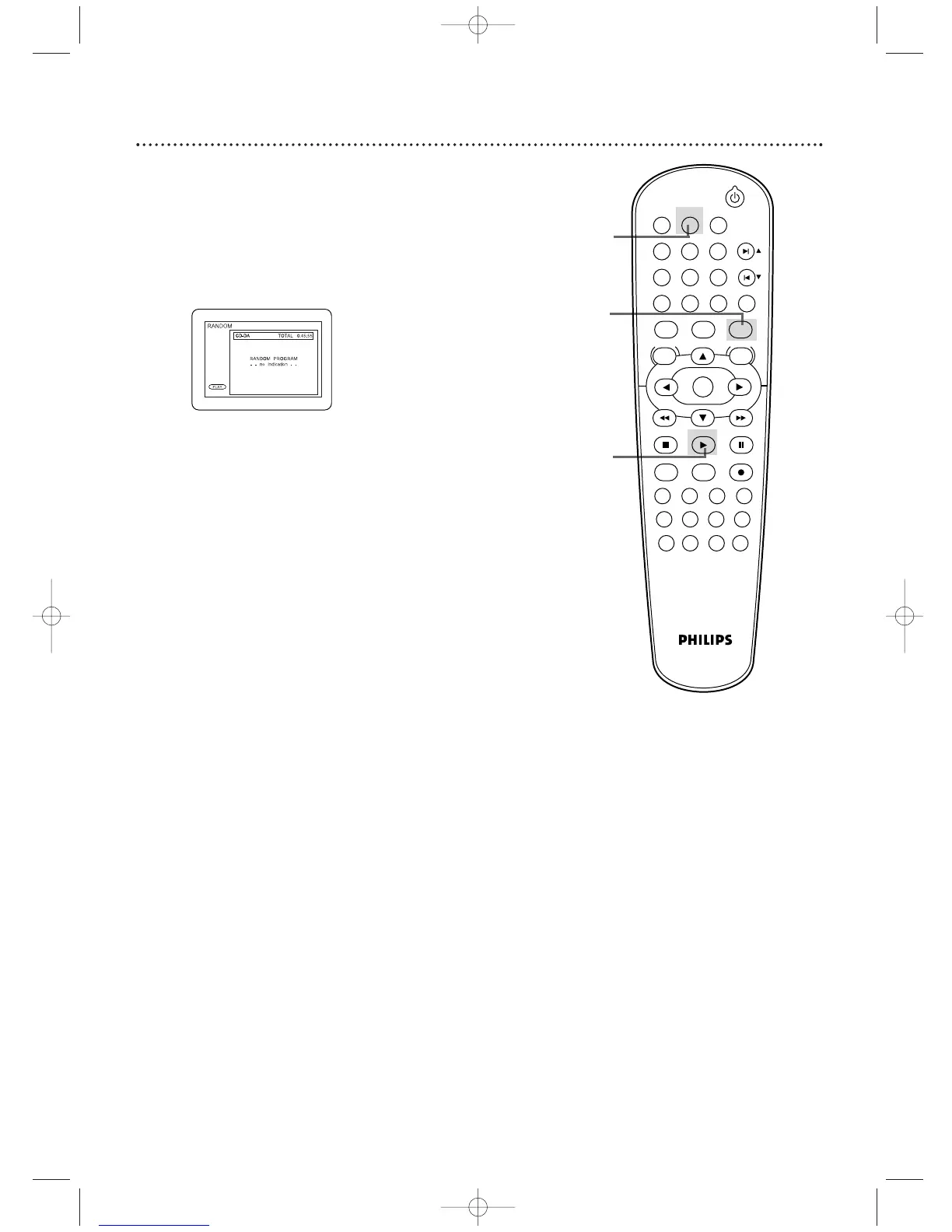
You may play Audio CD, JPEG, or MP3 Tracks in Random order
instead of the order in which they are recorded (1,2,3...).
1
Press DVD to put the DVD/VCR in DVD mode. The
DVD light will appear.
2
While play is stopped, press MODE twice so the
RANDOM screen appears.
3
While the RANDOM screen appears, press
PLAY B. The Tracks will play in random order.After all
the Tracks play once, play will stop.
Example: Audio CD
1
2
3












 To Next Page