32
Recording One Channel/Watching Another
• If you use a Cable Box or Satellite
Receiver, you may not be able to
watch one channel while recording
another. See pages 8-9 for details.
Helpful Hint
3
4
Select the channel you
want to watch at the TV.
Reselect channel 03, 04,
or Video In at the TV.
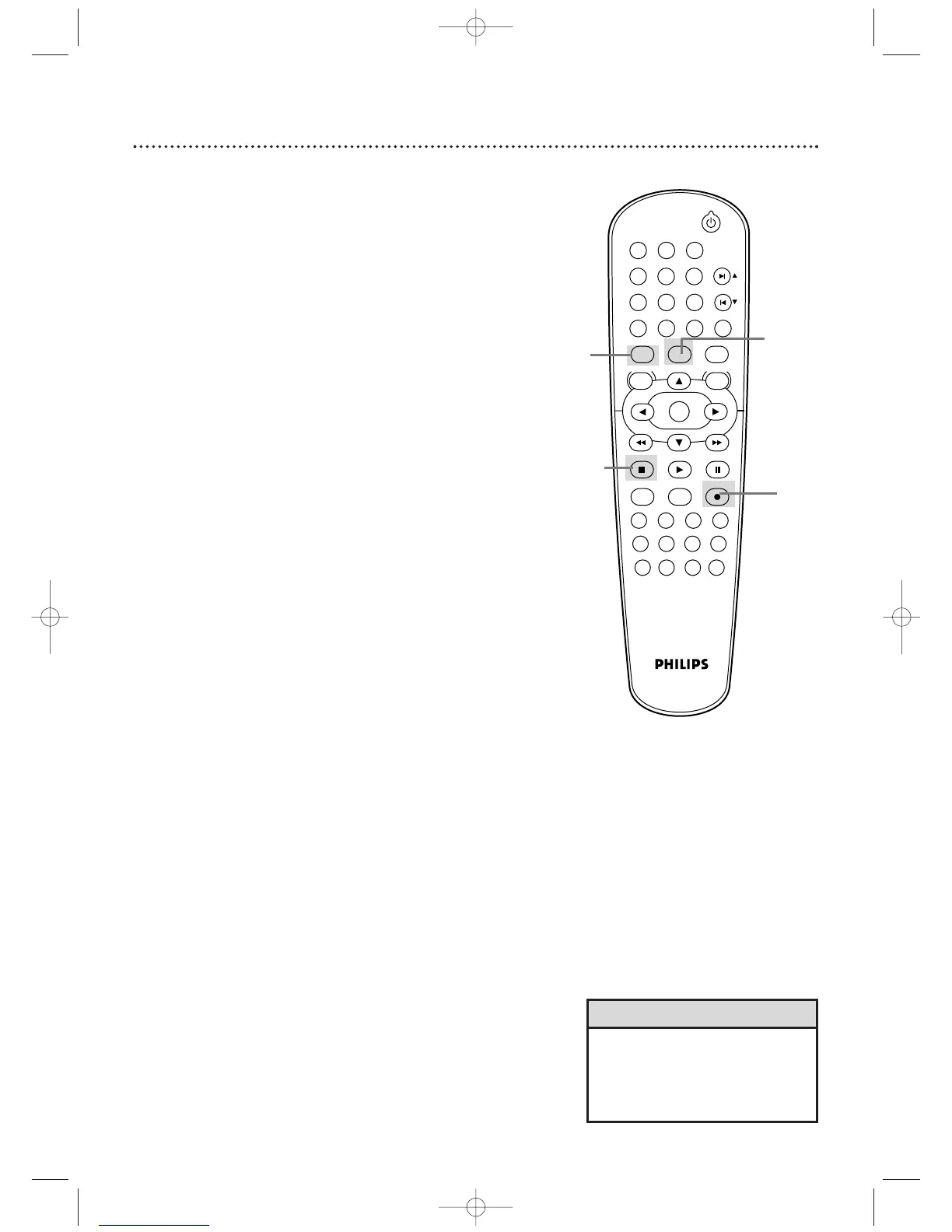
1
Press VCR, then press RECORD I to record the
current TV channel. Details are on page 31.
2
Press VCR/TV once to put the DVD/VCR in TV
position. The VCR light will disappear from the
DVD/VCR’s display panel.
3
Use the TV remote control to select the channel
you want to watch at the TV.
4
To r eturn to the channel being recorded, use the TV
remote control to return to channel 03 or 04 at the
TV. Details are on page 7. Or, if you connected the
DVD/VCR to the TV using audio and video cables, return
to the TV’s correct Video In channel. Details are on page 10.
5
Press VCR/TV on the DVD/VCR remote control to
put the DVD/VCR in VCR position.
(The VCR light will
appear in the DVD/VCR’s display panel again.) The channel
being recorded will appear on the TV screen.
6
Press STOP C to stop the recording.
1
2,5
6
1












 To Next Page