38
DVD to Videotape Duplication
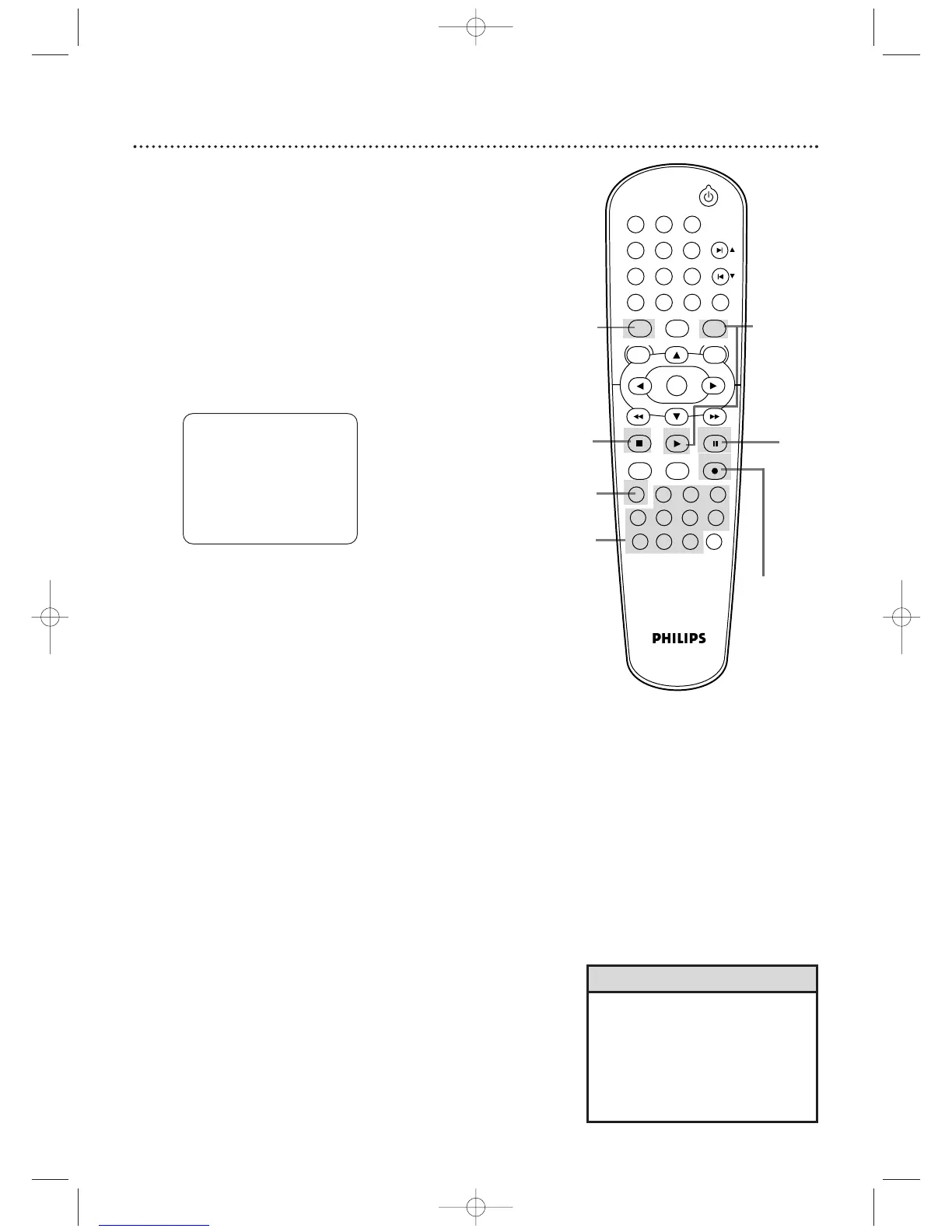
Follow the steps below to copy a DVD to a videotape. This will
be possible only if the DVD is not copy protected.
Before you begin:
● Put a videotape in the cassette compartment. Make sure the
tape’s record tab is intact and the tape is long enough to record
the DVD.
● Put the DVD you want to copy in the disc tray.
● Press VCR so the VCR light appears on the front of the
DVD/VCR.
●
Turn on the TV and set it to channel 3, 4, or its Video
Input.
1
Point the remote control at the DVD/VCR. Press
Number buttons 0, 0, 3. “DISC” will appear on the TV
screen.
2
Press SPEED until the desired tape speed (SP or
SLP) appears briefly on the screen. Details about tape
speed are on page 71.
3
Press RECORD
I
to start recording. ‘REC’ will appear
on the display panel.
4
Press DVD. Press
PLAY B
to play the disc.
5
To pause the recording, press VCR, then press PAUSE
k
once. REC will flash. To r esume recording, press
RECORD
I
or press PAUSE
k
again. REC reappear.
6
To stop recording, press VCR, then press STOP
C
.
DISC
3,5
6
1
5
2
4
5,6
• A timer recording is not possible
during DVD to videotape
duplication.
•You cannot copy a DVD to a
videotape if you are using
Progressive Scan. Details are on
page 11.
Helpful Hints












 To Next Page