42
Special Effects Playback
● Before you begin, press VCR so the VCR light appears on the
front of the DVD/VCR.
Forward and Reverse Searching (SP/LP/SLP)
1
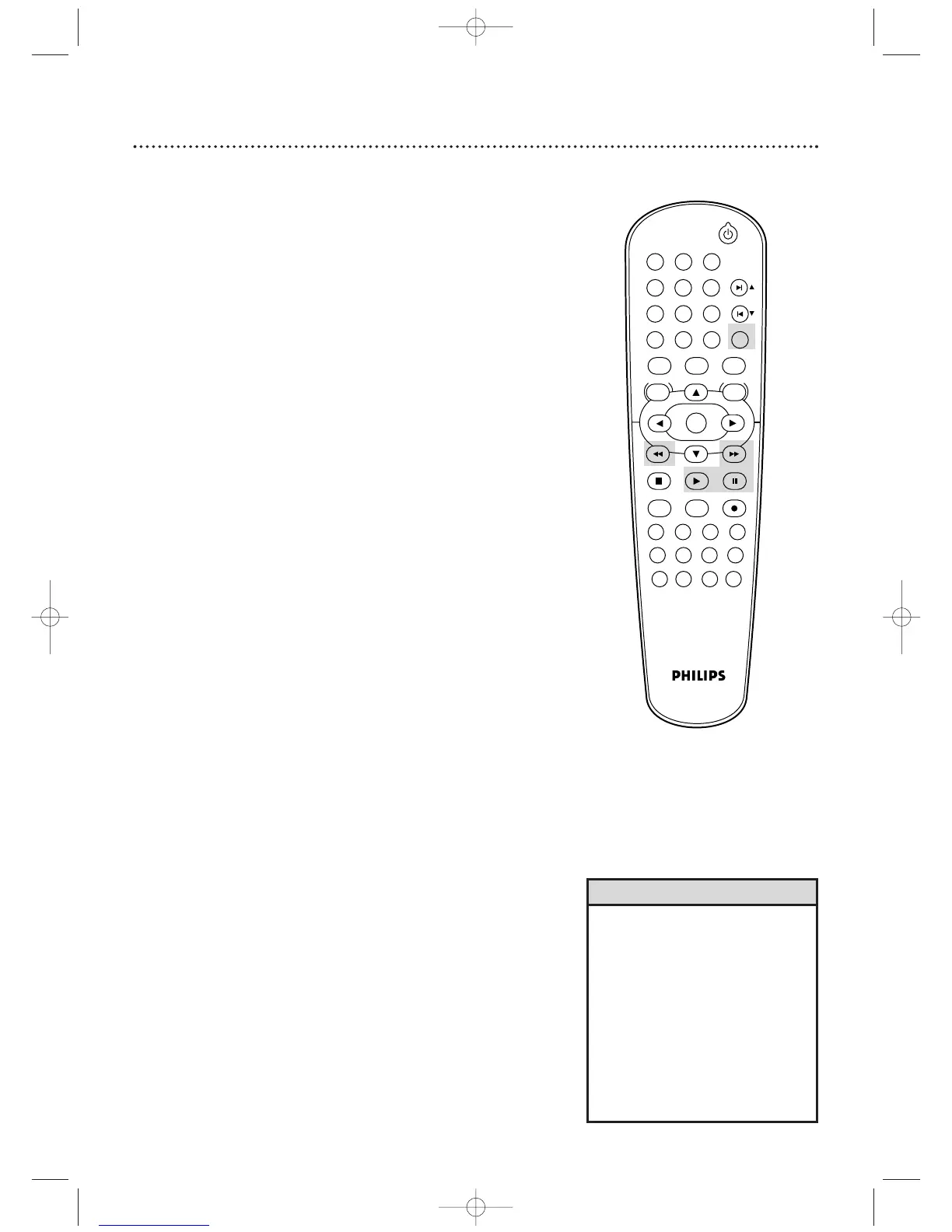
During tape playback, press and release g or h.
A fast forward or reverse picture search will begin.
2
To r eturn to playback, press PLAY B.
Super High Speed Searching (LP/SLP)
1
During tape playback, press g or h, then press
again. The search speed will increase. Repeatedly pressing
g or h will switch between regular and high speed
searching.
2
To r eturn to normal playback, press PLAY B.
Viewing a Still Picture
1
During tape playback, press PAUSE k. A still picture
will appear on the screen.
2
To advance the still picture one frame at a time,
press PAUSE k repeatedly.
3
To r elease the still picture and return to playback,
press PLAY B.
Viewing a Slow Motion Picture
1
During tape playback, press SLOW. The tape will play
in slow motion.
2
To r eturn to normal playback, press PLAY B.
• Slow and Still modes will switch to
Stop mode after five minutes to
protect the DVD/VCR and the
tape from damage.
• SP/LP/SLP means this feature will
work with tapes recorded in
Standard Play, Long Play, or Super
Long Play. LP/SLP means this
feature will work with tapes
recorded in Long Play or Super
Long Play.Tape speed details are
on page 71.
Helpful Hints












 To Next Page