52
Repeat, A-B Repeat
• Repeat play and A-B Repeat are
not available with all Discs.
• The entire A-B Repeat section must
be within a single Title or Track. If
you do not enter Point B before the
end of the Track or Title is reached,
the end of the Track or Title will
become Point B automatically.
• Point B must be later on the Disc
than Point A.
Helpful Hints
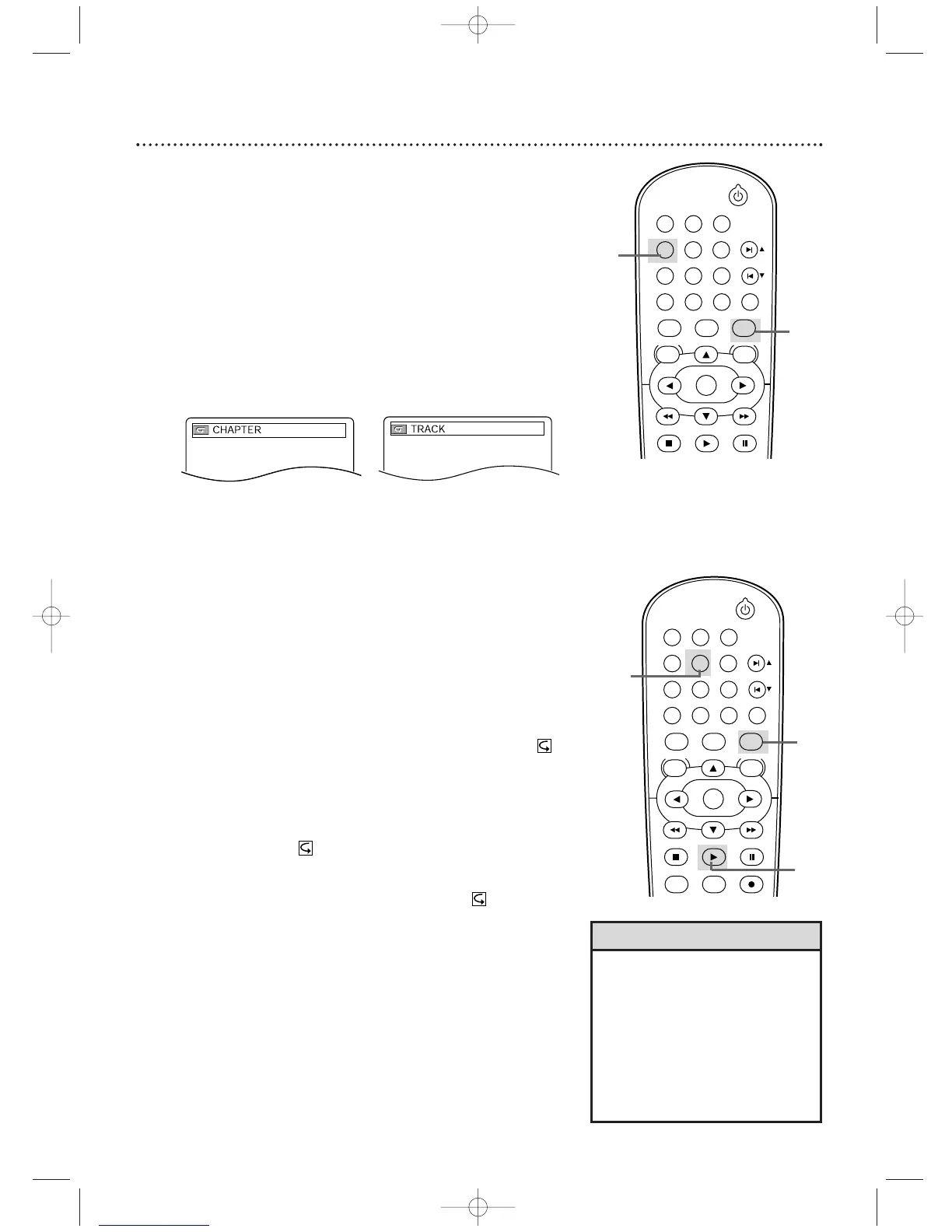
Repeat
1
Press DVD to put the DVD/VCR in DVD mode.
2
During DVD, Audio CD, or Video CD (without PBC)
play, press REPEAT until the repeat mode you want
appears on the TV.
On a DVD, select CHAPTER,TITLE, or OFF. On an Audio
CD and Video CD (without PBC), select TRACK,ALL (all
Tracks on the Disc), or OFF.With MP3 or JPEG files, select
TRACK, GROUP (all Tracks in the current folder), or ALL.
Selecting a new Track, Chapter, or Title will cancel repeat
play.
A-B Repeat
Follow these steps to play a section of a DVD, Audio CD, or Video
CD repeatedly.
1
Press DVD.
2
Press PLAY B to play the Disc to the point at
which you want repeated play to begin.
3
Press A-B REPEAT to set the starting point (A).
A - will appear on the TV screen.
4
Play or fast forward the Disc to the point at which
you want repeated play to end, then press A-B
REPEAT again. A-B will appear on the TV.The
section will begin to play repeatedly.
5
To cancel A-B Repeat, press A-B REPEAT. OFF will
appear on the TV screen. Regular play will resume.
Example: Repeat a
DVD Chapter
Example: Repeat an
Audio CD or
Video CD Track












 To Next Page