70
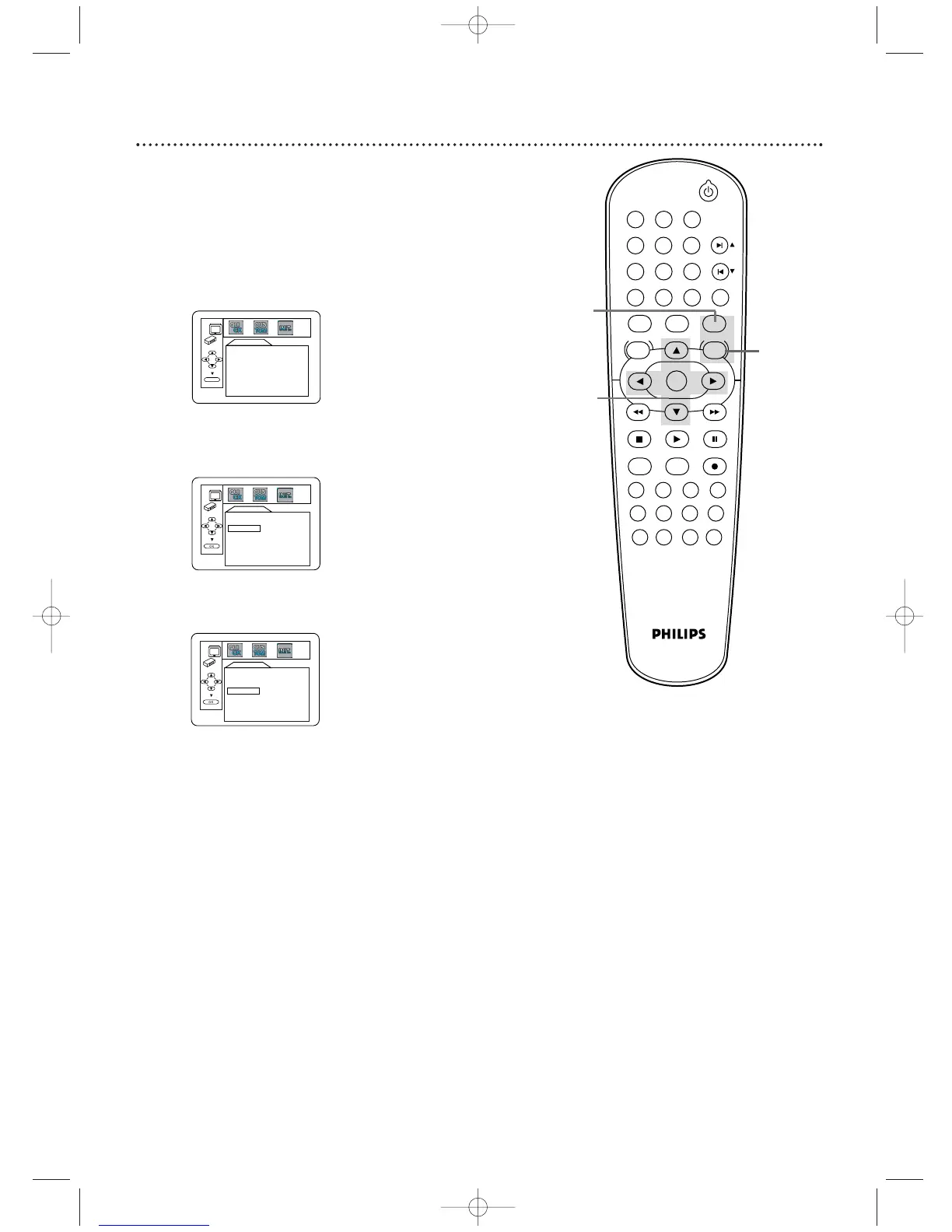
Initializing
5
Press SYSTEM/MENU to remove the menu.
3
Press s or B to select INIT. (INITIALIZE) at
the top of the menu, then press OK.
2,5
3-4
STANDBY-ON
PLAY
DVDVCR VCR/TV
OK
MENU MENU
DISC/VCR
RETURN TITLE
A-B
CLEAR/RESET SLOW
SUBTITLE ZOOM
ANGLE
REPEAT REPEAT
AUDIO
SEARCH MODE
DISPLAY
SKIP / CH
SYSTEM
PAUSESTOP
MARKER RECORDTIMER SET
SPEED
1 2 3
7
6
5
4
8
9
0
+10
4
Press
oo
or
pp
to select YES.Then, press OK twice. To
cancel, select NO instead.
INITIALIZE
Initialize?
NO
YES
INITIALIZE
Initialize?
NO
YES
Initializing
Use INITIALIZE to return all the DVD Player’s Setup menu items
(except for PARENTAL) to their default settings.
1
Press DVD to put the DVD/VCR in DVD mode.
2
While play is stopped, press SYSTEM/MENU. The
QUICK SETUP screen appears.
QUICK SETUP
PLAYER MENU ENGLISH
TV ASPECT
4:3 LETTER BOX
DOLBY DIGITAL ON
OK
H9622MD(EN)47_78.qx4 04.4.8 5:04 PM Page 71












 To Next Page